What Is Product Photography?
Product photography has traditionally been one of the most expensive and time-consuming aspects of running an e-commerce business or marketing campaign. Professional photo shoots require studio space, expensive lighting equipment, skilled photographers, and countless hours of editing. The Product Photography AI tool on Luxoret changes this equation entirely by leveraging artificial intelligence to generate professional-quality product shots, mockups, and e-commerce imagery in minutes.
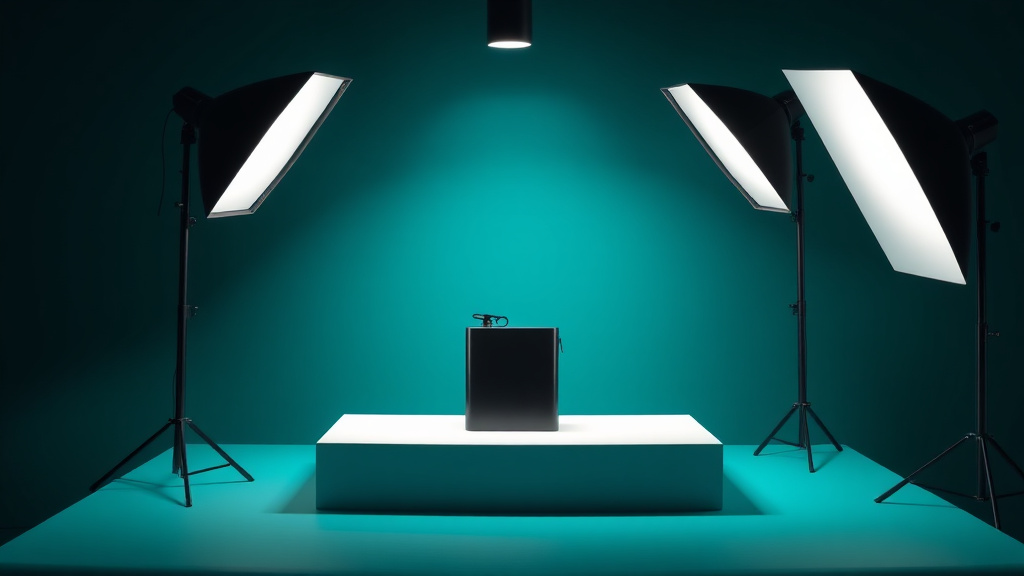
This powerful tool is designed for entrepreneurs, marketers, content creators, small business owners, and anyone who needs high-quality product visuals without the traditional overhead. Whether you're launching a new product line, updating your online store, creating marketing materials, or building a portfolio, this AI-powered solution delivers studio-quality results that rival traditional photography. The tool intelligently applies professional lighting techniques, creates realistic shadows and reflections, and can place your products in various contextual settings.
What makes this tool particularly valuable is its accessibility. Try Product Photography free on Luxoret and experience how AI democratizes professional product imagery. No photography experience required, no expensive equipment needed, and no lengthy learning curve—just professional results in minutes.
Key Features
- Studio-Quality Lighting: Automatically applies professional lighting setups including key lights, fill lights, and rim lighting to make products look their absolute best with proper highlights and shadows
- Multiple Background Options: Generate product shots on white backgrounds for e-commerce platforms, lifestyle backgrounds for social media, or custom environments that match your brand aesthetic
- Realistic Mockup Generation: Create product mockups showing your items in real-world contexts—on desks, in hands, on shelves, or in use—to help customers visualize ownership
- Shadow and Reflection Control: Add natural-looking shadows and reflections that ground products realistically, creating depth and professional polish that flat images lack
- Batch Processing Capabilities: Generate multiple variations of the same product with different angles, lighting setups, or backgrounds to create comprehensive product galleries
- E-Commerce Optimization: Outputs are automatically formatted for popular e-commerce platforms with proper dimensions, resolution, and file sizes for fast loading
- Style Consistency: Maintain visual consistency across your entire product catalog with AI that learns and applies your preferred aesthetic across all images
How to Use Product Photography: Step-by-Step
Best Use Cases
E-Commerce Store Owners: Create consistent, professional product catalogs for Shopify, Amazon, Etsy, or your own online store. Generate the clean white-background images required by most marketplaces, plus lifestyle shots for your product pages that increase conversion rates by helping customers visualize products in use.
Social Media Marketers: Produce scroll-stopping product imagery for Instagram, Facebook, Pinterest, and TikTok. Generate multiple variations of the same product in different settings to keep your content feed fresh and engaging without the cost of repeated photo shoots.
Small Business Entrepreneurs: Launch new products without the upfront investment in professional photography. Test different products and designs in the market with professional-looking imagery before committing to expensive photo shoots, reducing financial risk while maintaining a professional brand image.
Content Creators and Influencers: Create professional product review content and unboxing imagery that meets brand partnership standards. Generate consistent, high-quality visuals that make your content look polished and professional, increasing your appeal to potential sponsors.
Marketing Agencies: Deliver professional product photography for clients quickly and cost-effectively. Create multiple campaign variations, A/B testing options, and seasonal updates without scheduling photographers or renting studio space, improving your margins while maintaining quality.
Students and Portfolio Builders: Build impressive portfolios showcasing product photography skills without access to professional equipment. Create case studies, mock campaigns, and portfolio pieces that demonstrate your creative vision and marketing capabilities to potential employers.
Pro Tips for Better Results
Start with the Best Input Possible: While the AI works wonders, better input photos yield better results. Use natural daylight, avoid harsh shadows on your initial photo, and ensure your product is in focus. A clear smartphone photo in good lighting will produce more impressive results than a blurry, poorly-lit image.
Experiment with Multiple Backgrounds: Don't settle for the first background option. Generate several versions of the same product in different settings—white background for Amazon, lifestyle setting for Instagram, and contextual environment for your website. Different platforms and audiences respond better to different presentation styles.
Maintain Consistent Lighting Across Your Catalog: If you're creating a product line, use the same lighting settings across all items to maintain visual consistency. This professional touch makes your brand appear more cohesive and trustworthy, especially important for e-commerce success.
Use Contextual Mockups to Tell a Story: Instead of just showing products floating on backgrounds, use the mockup features to show products in realistic use scenarios. A coffee mug on a desk with morning light, a phone case on an actual phone, or jewelry being worn all help customers imagine owning and using your product.
Create Seasonal Variations: Generate different versions of your product photography for different seasons, holidays, or campaigns. The AI makes it easy to create Valentine's Day versions, summer lifestyle shots, or holiday gift presentations without reshooting everything from scratch.
Frequently Asked Questions
Is Product Photography free to use?
Yes! Product Photography is available as part of Luxoret's free AI tool suite. You can access the tool and generate professional product images without any upfront cost. This makes professional-quality product photography accessible to everyone, from solo entrepreneurs to established businesses.
What file formats does it support?
The tool accepts common image formats including JPG, PNG, and WebP for uploads. Generated product photos can be downloaded in high-resolution JPG or PNG formats, optimized for both web use and print applications. The output resolution is suitable for e-commerce platforms, social media, and marketing materials.
Can I use the generated images commercially?
Yes, images created with the Product Photography tool can be used for commercial purposes including e-commerce listings, marketing campaigns, advertisements, and social media promotion. You retain full rights to use the generated product photos for your business needs.
How realistic do the lighting and shadows look?
The AI uses advanced rendering techniques to create photorealistic lighting, shadows, and reflections. The tool analyzes your product's shape, material properties, and chosen environment to calculate physically accurate lighting interactions. The results are indistinguishable from professional studio photography for most applications.
Can I create product photos with specific brand colors?
Yes, you can customize the background colors, lighting temperature, and environmental elements to match your brand guidelines. This ensures visual consistency across your product catalog and maintains your brand identity throughout all product imagery.
What types of products work best with this tool?
The tool works excellently with physical products of all types—electronics, clothing, jewelry, cosmetics, food items, home goods, and more. It handles both small items like watches and larger products like furniture. The AI adapts its lighting and composition techniques based on the product type for optimal results.
How long does it take to generate a product photo?
Most product photos are generated in 30-60 seconds, depending on complexity and customization options selected. This means you can create an entire product catalog in the time it would take to set up a single traditional photo shoot.
Start Creating with Product Photography Today
Professional product photography no longer requires expensive equipment, studio space, or technical expertise. With AI-powered tools, anyone can create stunning product imagery that drives sales and builds brand credibility. Try Product Photography now — it's free and transform how you showcase your products to the world.