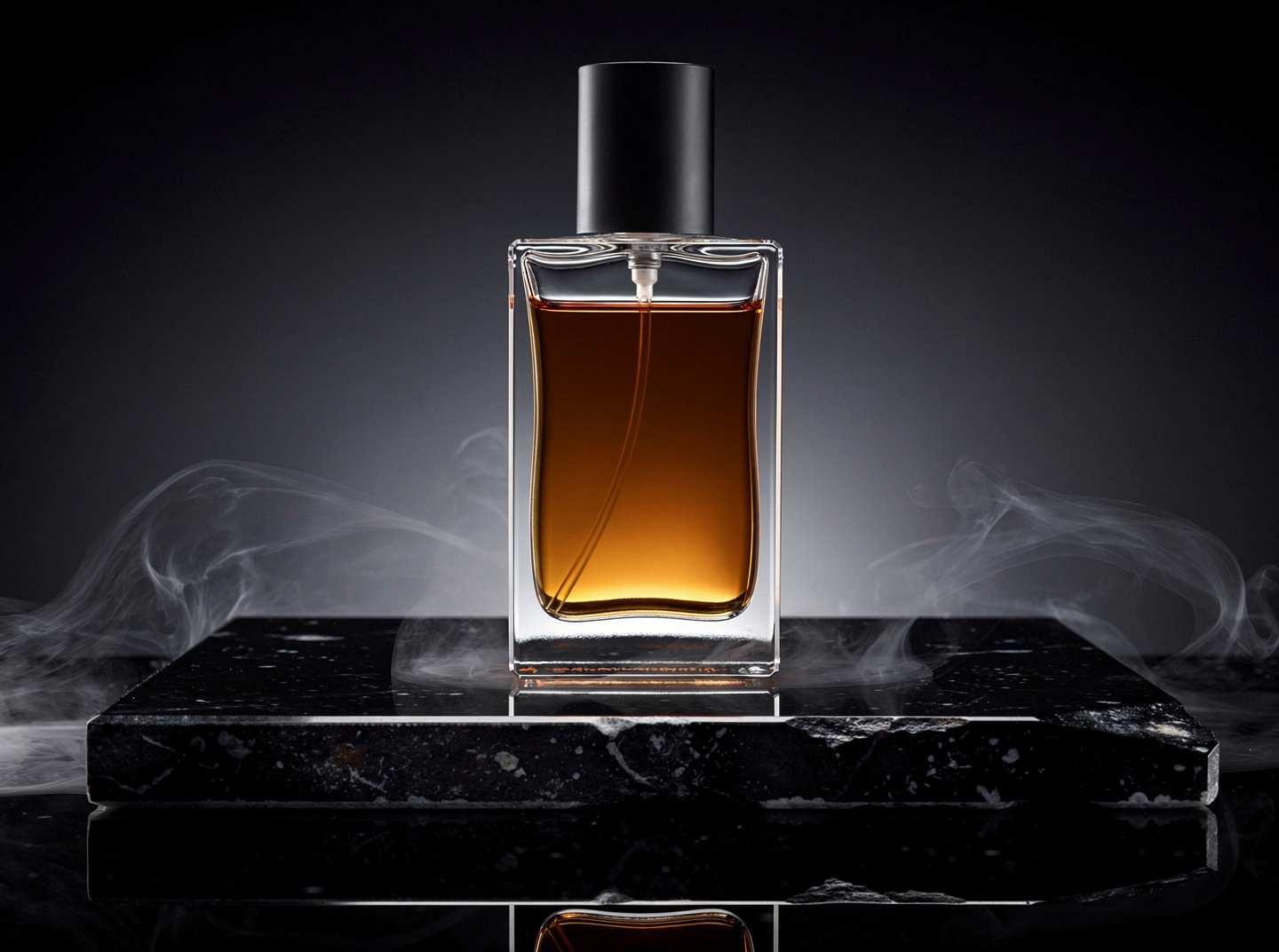
Make me a product shot of a perfume bottle on black stone, low key light, a little smoke around the base.
 Auto NEWThe right model for your prompt, picked for youFlux FastFastest and cheapest everyday modelFLUX.2 NEWSpeed optimized detailFlux 2 Pro TOPSharp detailed flagship quality
 Nano BananaLightweight generation at speedNano Banana 2 NEWPro quality at flash speedNano Banana Pro TOPBest 4K image model
 Seedream 5 NEWLogically consistent scenes
 GPT Image 2 NEW4K images with near perfect textGPT Image 1.5True color precision rendering
 Grok Imagine NEWVersatile image styles by xAI
 Recraft 4.1Photorealistic and expressive
 IdeogramStrong typography and posters
 Z-ImageInstant lifelike portraitsFace IDIdentity preserving portraits
 Kling O3 Pro BESTTop Kling flagship, premium motion with end framesKling 3 ProReliable all rounder with start and end framesKling 3 Turbo FASTQuick Kling renders at a lower cost
 LTX-2 Fast FASTCheapest quick drafts, optional audioSeedance 2 Pro PROUp to 4K with sound, end frames and reference picturesSeedance 2 Fast FASTSeedance speed tier, great valueSeedance 2.5 NEWOne unbroken take up to 30 seconds, sound and reference pictures
 Sora 2 NEWOpenAI cinematic model with strong physics
 Veo 3.1 NEWGoogle flagship, crisp motion and soundVeo 3.1 LiteLighter Veo, faster and cheaperGrok Imagine NEWxAI model, stylish fast clips
 Wan 2.7Open model, solid realistic motion
 Hailuo 2.3 NEWHailuo pro tier, expressive people
 Luma DreamDreamy smooth motion and morphs
 ViduAnime and character friendly
 Pika NEWPlayful effects and snappy results
 GeminiExpressive, thirty voicesKokoroFast natural narration
 ElevenLabsRich lifelike voicesMiniMax HDHigh fidelity single voice
 Stable Audio 2.5 FASTFast beds, loops and beatsLyria 2 NEWGoogle, cleanest instrumental soundElevenLabs Music BESTA whole arrangement, best qualityCassetteCheapest quick draft
Drive the studio from the assistant you already talk to. Same account, same credits, same models.
Make a key, paste the url, and ask in your own words. Credits are charged exactly as they are on the board, and everything you make lands in My Projects.
Make a key in your dashboard, put it in place of YOUR_KEY, and paste the whole line into your assistant. That is the entire setup.
https://luxoret.com/mcp/YOUR_KEY
Swap YOUR_KEY for a key from your dashboard. Anyone holding this url can spend your credits, so keep it to yourself.
It carries your key, so treat it like a password.
In Claude desktop or on claude.ai, choose Add custom connector.
Ask for a picture and it appears in the thread, and in My Projects.
It carries your key, so treat it like a password.
Developer mode has to be on for a custom MCP server.
The Fly tools show up in the tool list of a new chat.
It carries your key, so treat it like a password.
Settings, MCP, then edit the file.
Reload the window and the tools are there.
{
  "mcpServers": {
    "luxoret-fly": { "url": "https://luxoret.com/mcp/YOUR_KEY" }
  }
}
Anywhere you already run Claude Code.
The command below stores it for this project.
Files land in your projects on Fly as well.
claude mcp add --transport http luxoret-fly https://luxoret.com/mcp/YOUR_KEY
It is plain JSON-RPC over HTTP, nothing unusual.
Or leave it in the url if the client only takes a url.
The same nine tools, with their arguments.
curl -X POST https://luxoret.com/mcp \
  -H "Authorization: Bearer YOUR_API_KEY" \
  -H "Content-Type: application/json" \
  -d '{"jsonrpc":"2.0","id":1,"method":"tools/list"}'
You write a sentence. The assistant picks the tool, the model and the settings, and the file comes back in the same answer.
Make me a product shot of a perfume bottle on black stone, low key light, a little smoke around the base.
Now a five second vertical clip, a dancer in an empty concrete loft, daylight from the tall windows, camera drifting in.
Read this over it, warm and unhurried: your load is booked, and the paperwork is already on its way.
Everything above lands in My Projects as well, so the studio and the assistant share one shelf.
fly_image
Make a picture from a prompt, any of the 14 image models.
fly_video
Make a clip, with a camera move, a start frame, or both.
fly_speech
Turn a line of text into a voice track.
fly_music
Make an instrumental bed of a given length.
fly_upscale
Make a picture larger and sharper.
fly_rembg
Cut the background out of a picture.
fly_status
Ask how a queued job is doing and get the file when it is done.
fly_projects
List what you have made, with links to the files.
fly_balance
What is left on the account, and what each step costs.
A picture usually comes back inside the same answer. A clip takes longer, so the connector hands over a job id and fly_status brings the file when it is ready.
Not validThe key was deleted, or YOUR_KEY is still sitting in the url. Make a fresh one and paste again.Asks to sign inSome clients expect an OAuth login. Use the url with the key in it, which needs no sign in at all.No tools show upReload the client after adding the server. Cursor needs the window reloaded, Claude needs the connector switched on in the chat.Not enough creditsThe account behind the key ran out. Top it up and the same key keeps working.Still stuckOpen the url in a browser. A short json greeting means the server is fine and the problem is on the client side.