
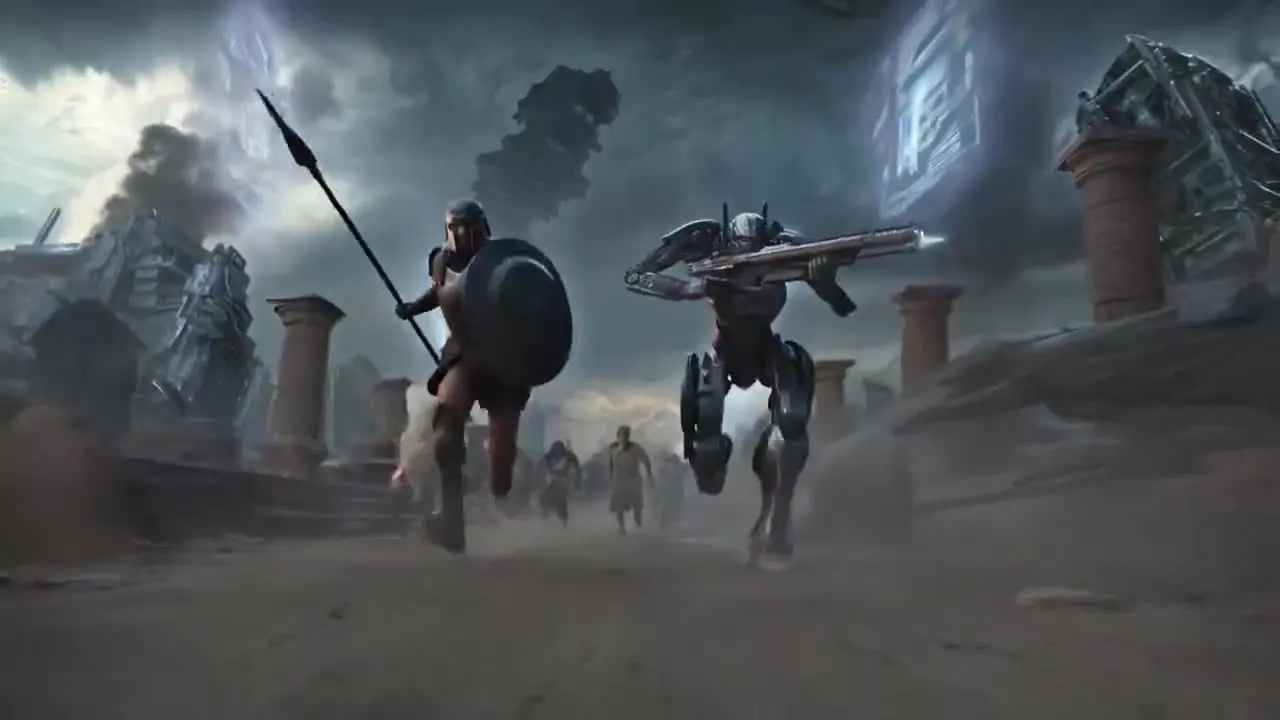
BUILT FOR REAL PRODUCTION
Two ways to run the studio without touching a menu.Drive it from your editor
The MCP server and CLI expose every tool to Claude and other agents. Ask for a campaign, get finished frames, clips and voice tracks back in your project folder.
Set up MCP →Cinema, shot by shot
Pick genre, colour, lighting and lens, then let the board hold continuity across every shot in the film. Export in one pass, no round trips.
Start a Film →ASSISTANT
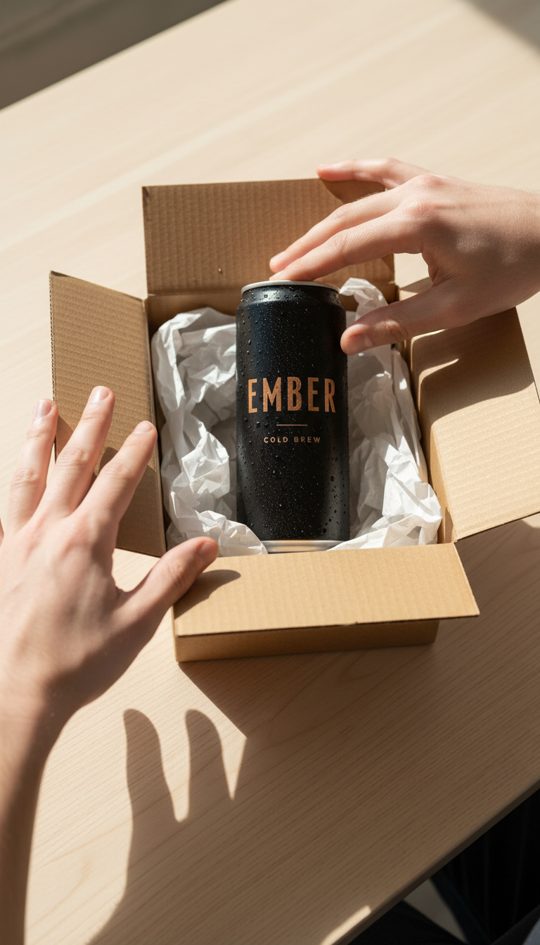
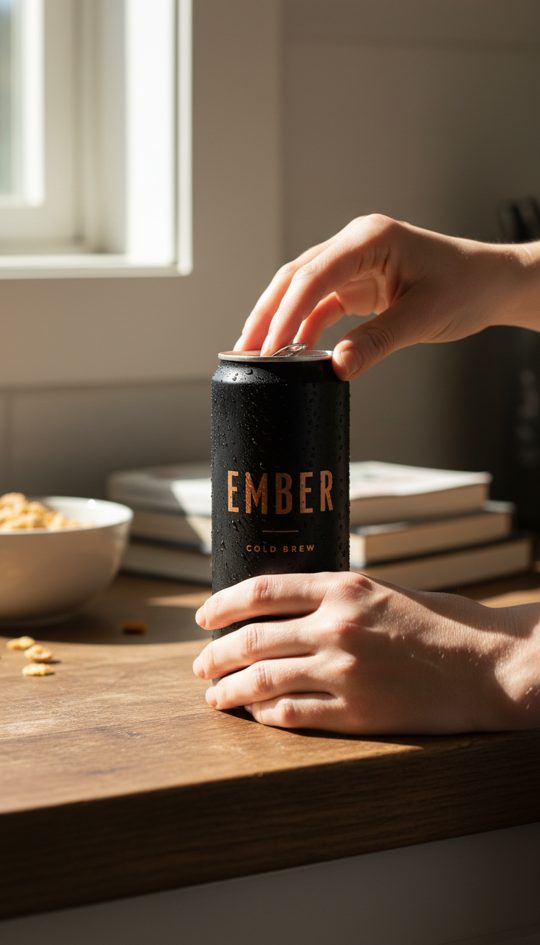
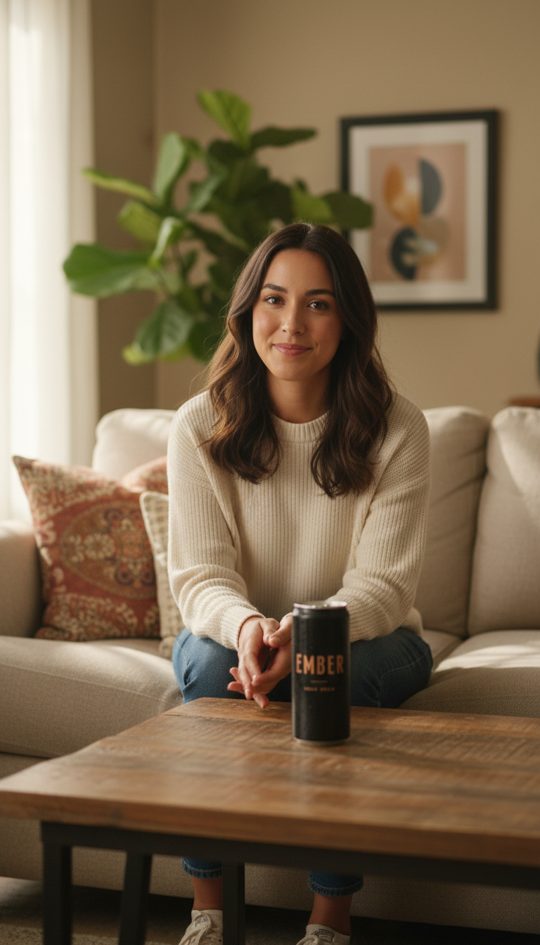
Say what you are launching. The assistant plans the campaign and runs every tool for you.- ✓Product framesNano Banana, 9:16
- ✓Creator clipKling 3 Pro, 5s
- ✓VoiceoverElevenLabs
- ✓Lip syncVoice on the face
AI MODELS
Seventeen picture models and nineteen video models behind one prompt box. Same words, pick the look you like.PROMPTA log cabin in fresh snow at sunset, a red pickup parked outside, mountains behind.
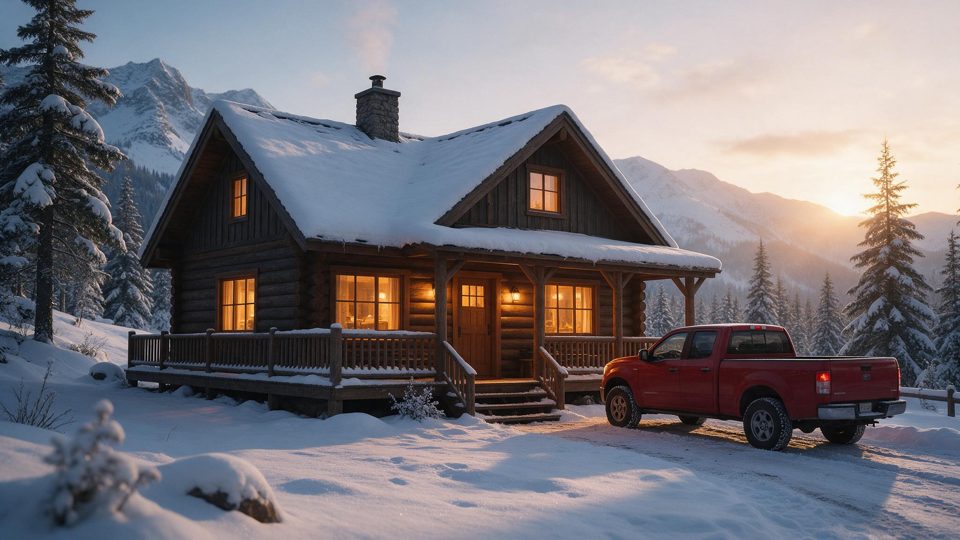
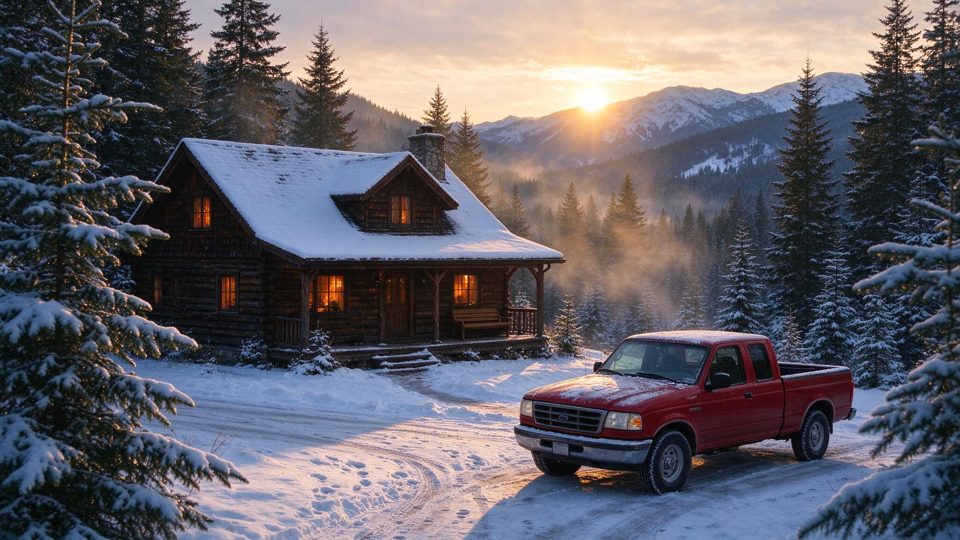
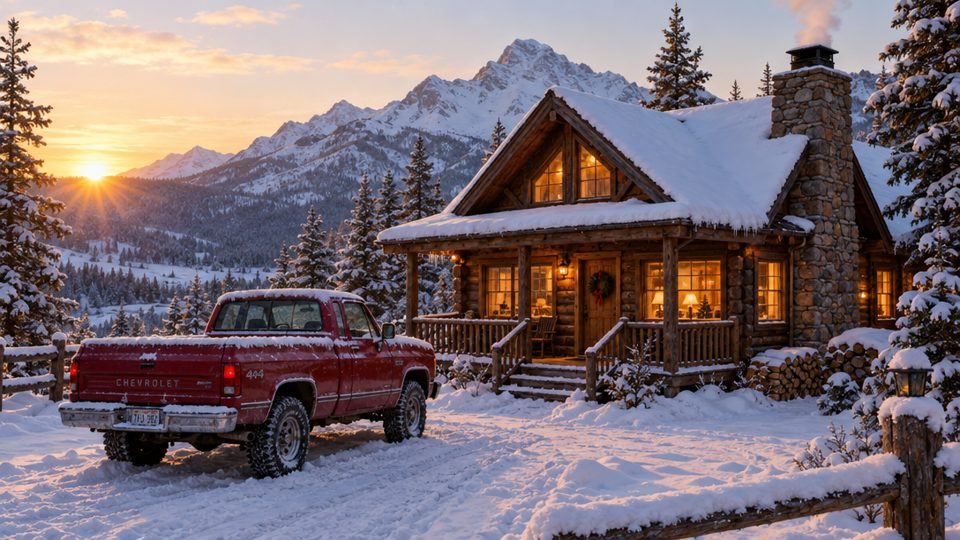
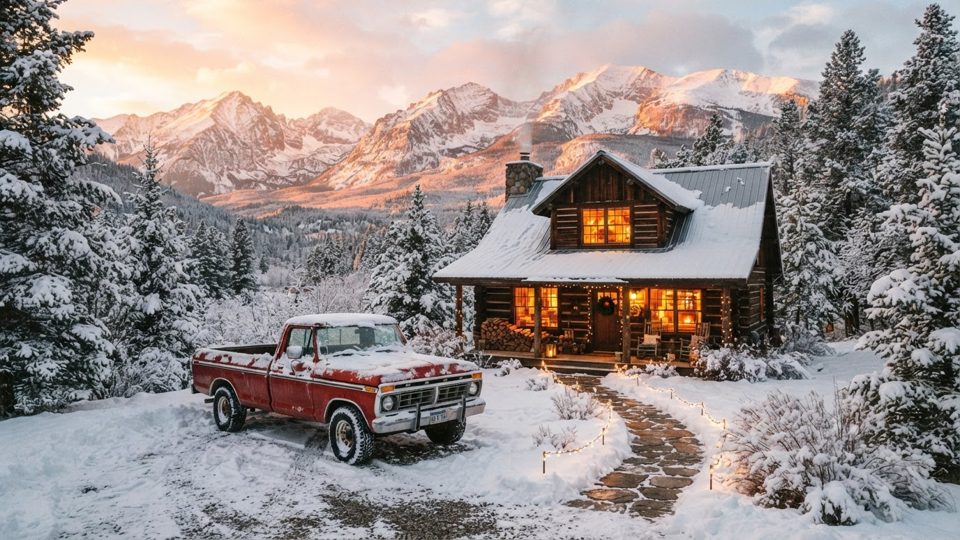
PROMPTA golden retriever runs through shallow waves at sunset, slow motion splashes.
EDIT LIKE A STUDIO
Pull a picture apart into layers, change a whole clip with one sentence, make a face speak your words, or turn your own face into a model.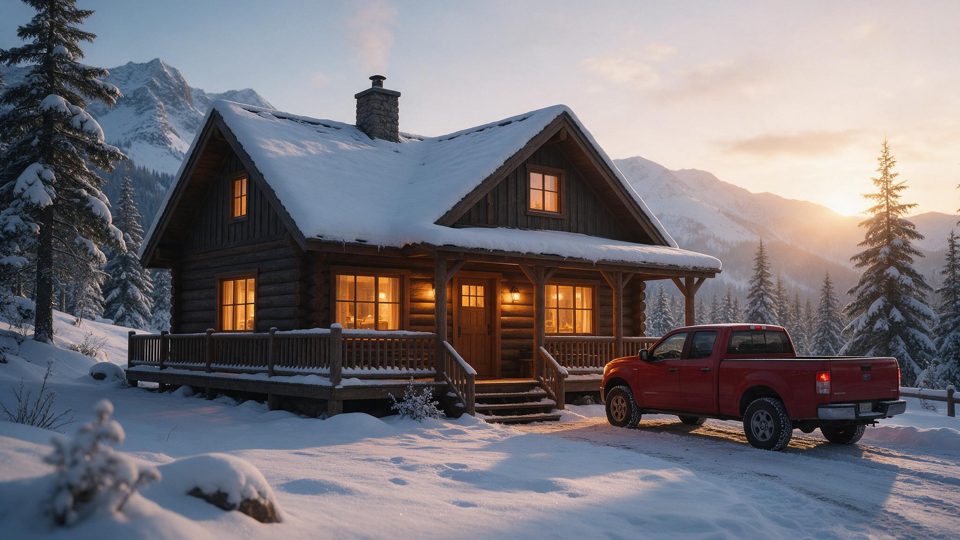
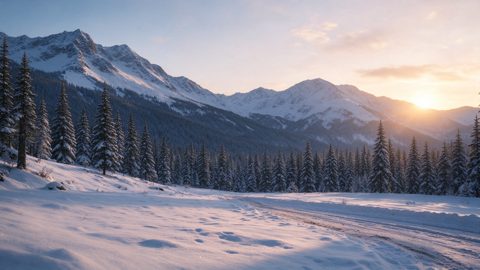
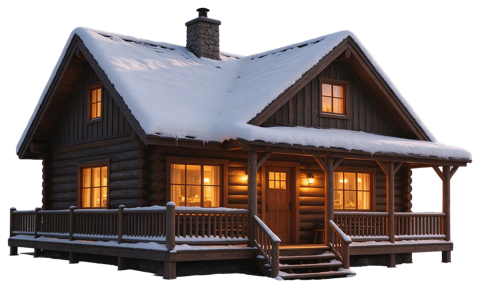
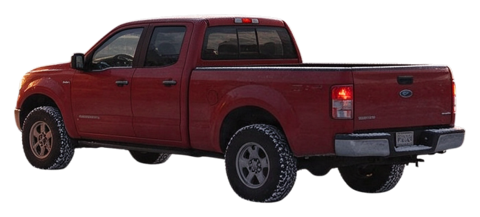
Layers
One click splits a finished picture into clean layers, each object on its own with the background filled in. Move, swap or recolour any part.
1 credit a picture Split a picture →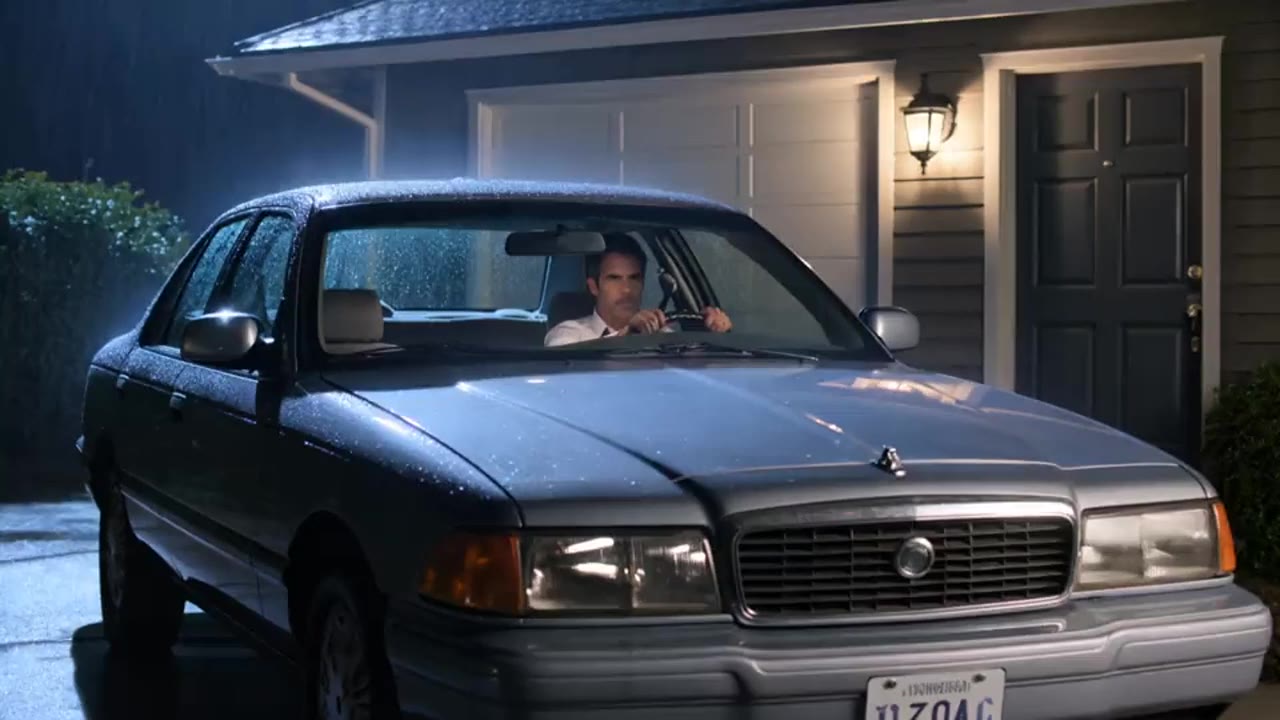
Edit Video
Say what should change and the whole clip follows: night becomes day, the car turns red, while the people and the camera move exactly as before.
24.2 credits per 5 seconds Edit a clip →Lip Sync
Drop in a face clip and a voice track. The mouth follows every word, in any language the voice speaks.
5.8 credits a clip Sync a voice →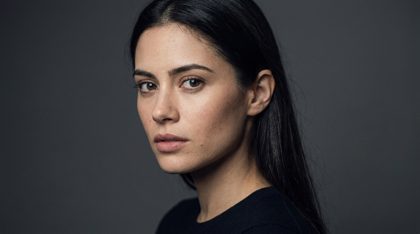
Face Model
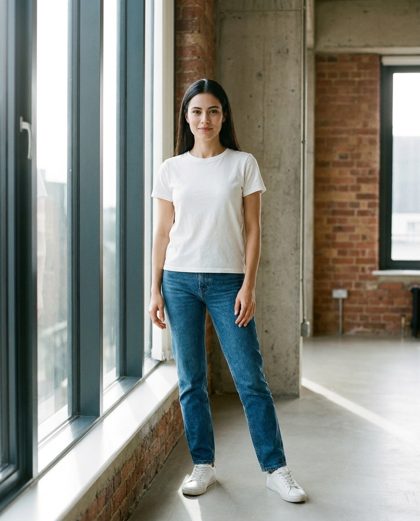
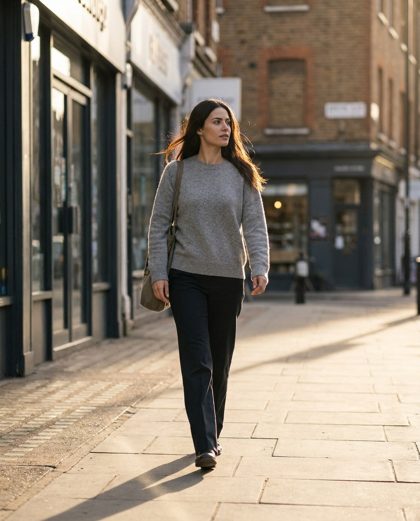
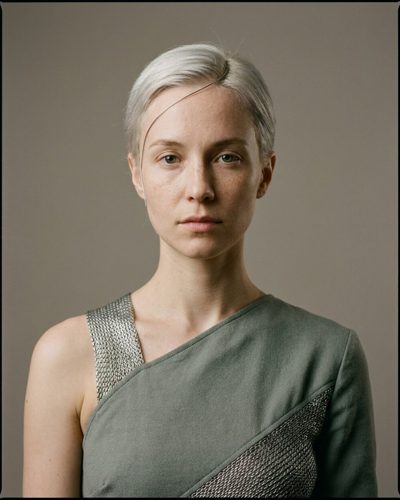
Upload a handful of your photos once. From then on every picture you ask for has your face, in any place and any outfit.
1.3 credits a picture Train your face →FROM IDEA TO FINISHED VIDEO
Type a story or a topic. The studio writes it, shoots it shot by shot and cuts it together.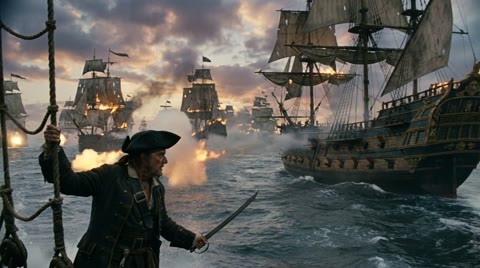
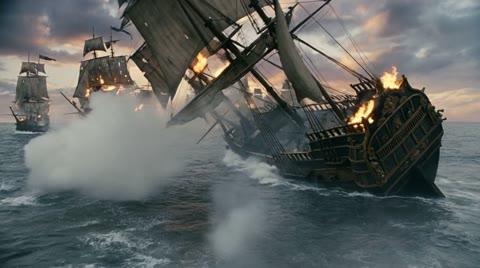
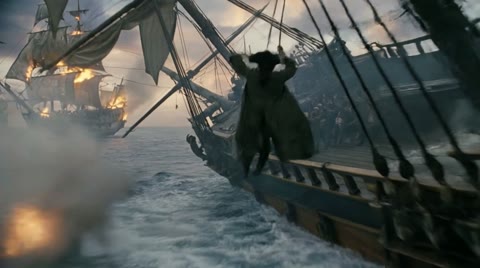
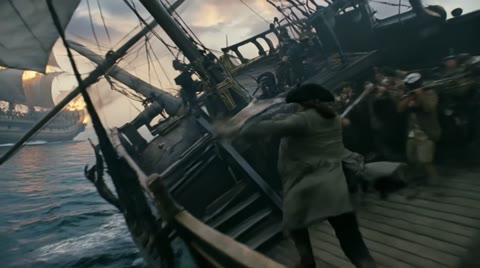

Shot List
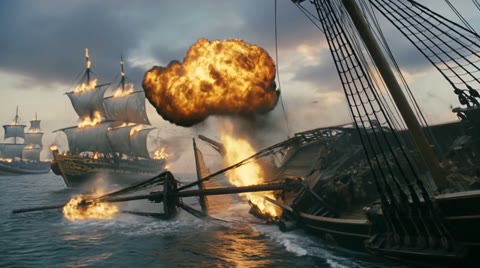
Paste a story and get a board of shots, each with its own camera, lens and length. The same faces and places carry from shot to shot.
From the film Black Tide, made here Build a shot list →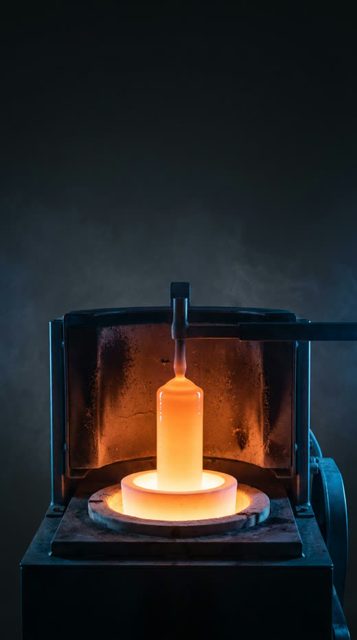
AutoTube
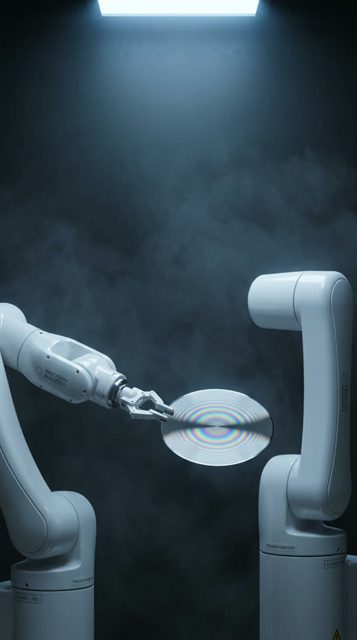
Give it a topic, like how a chip is made. It writes the script, paints every scene, animates them and reads it out as one narrated video.
Topic in, video out Make a video →Shorts
Drop your clips on the timeline, add captions and music, and export vertical cuts ready for TikTok, Reels and Shorts.
Built for vertical Cut a short →MORE IN THE STUDIO
The rest of the toolbox, one click away.
SEE WHAT THE STUDIO SHIPS
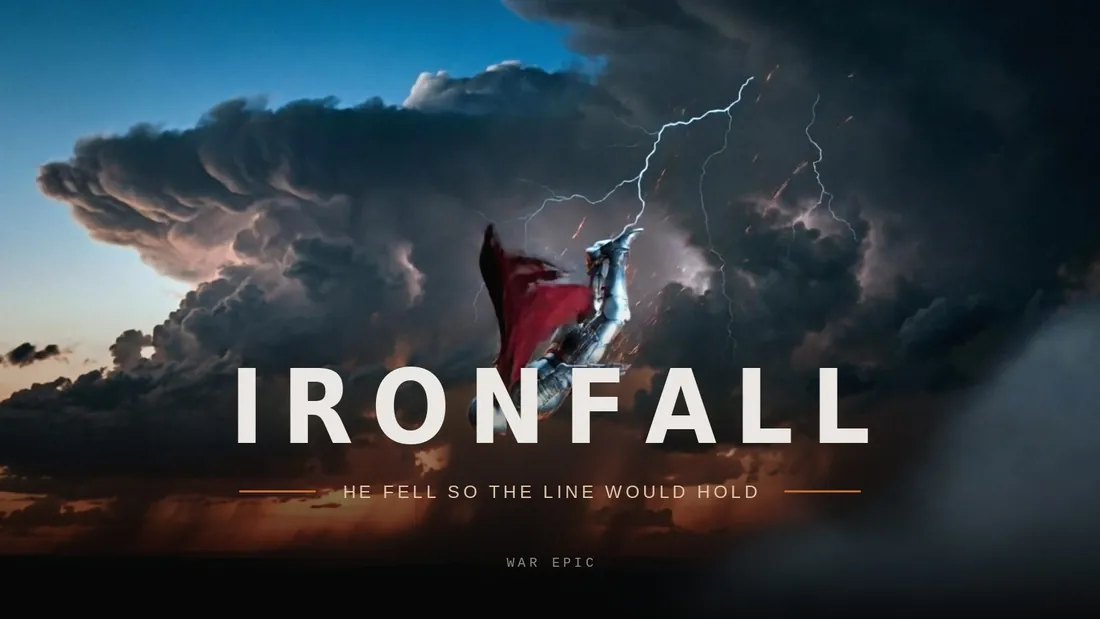
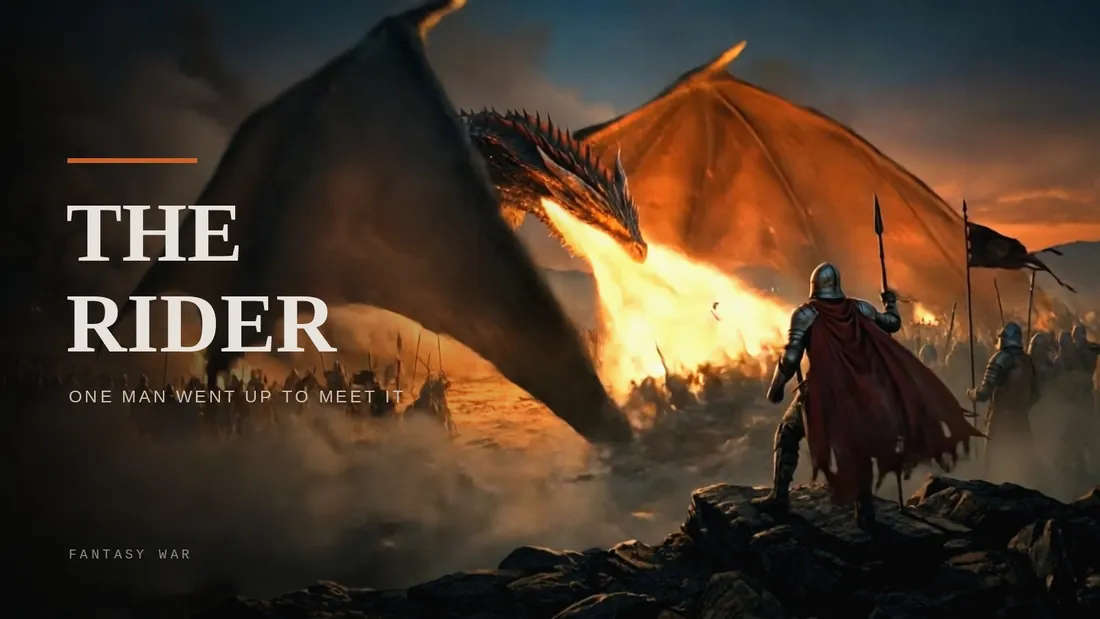
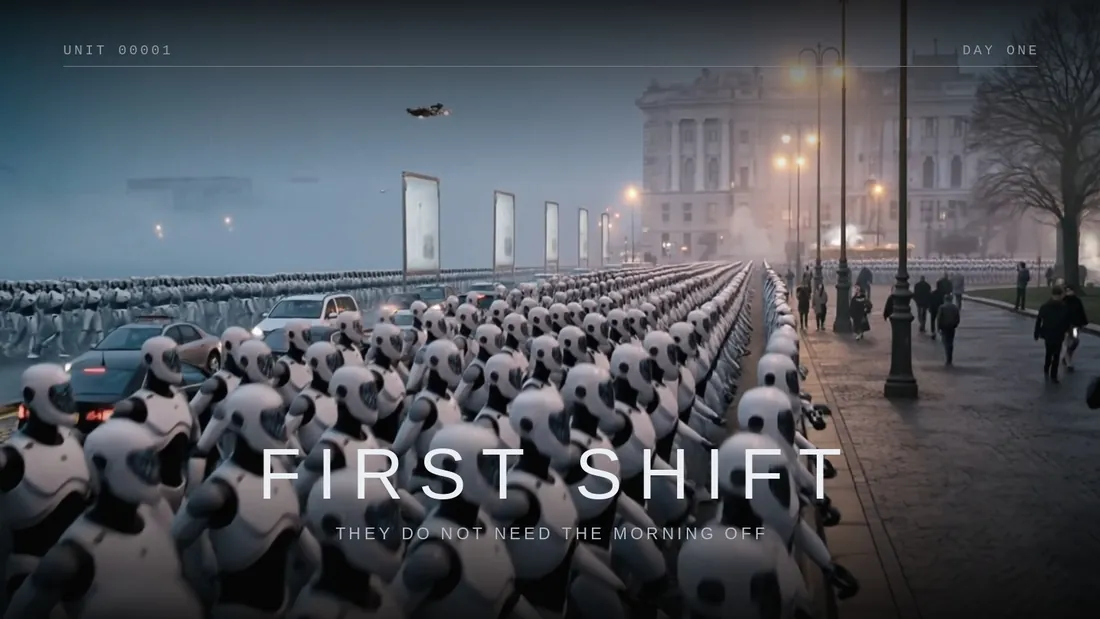
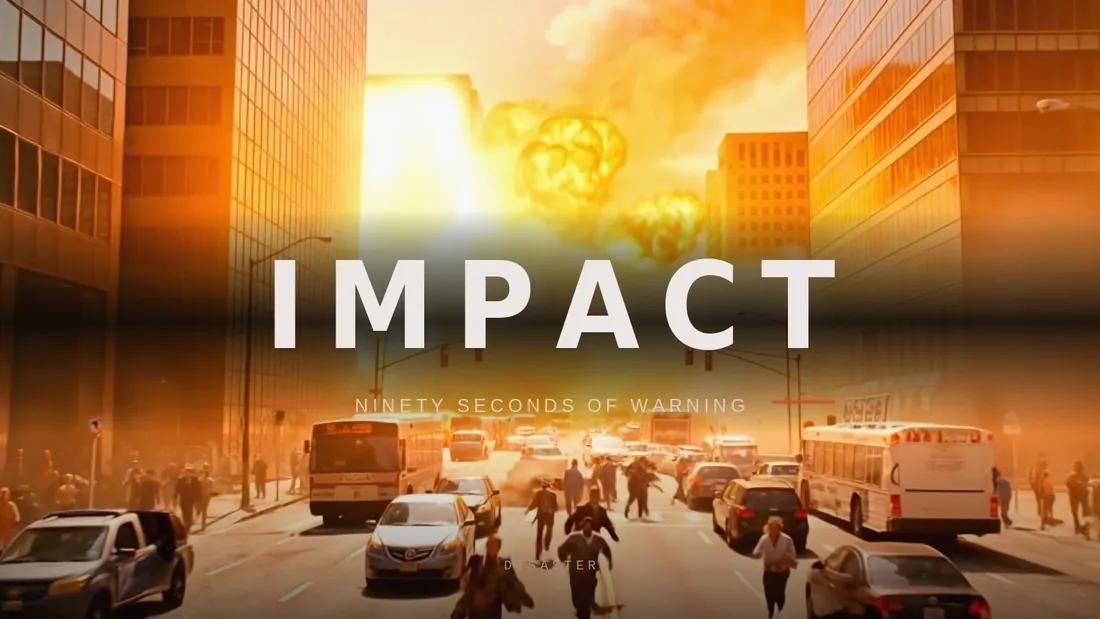
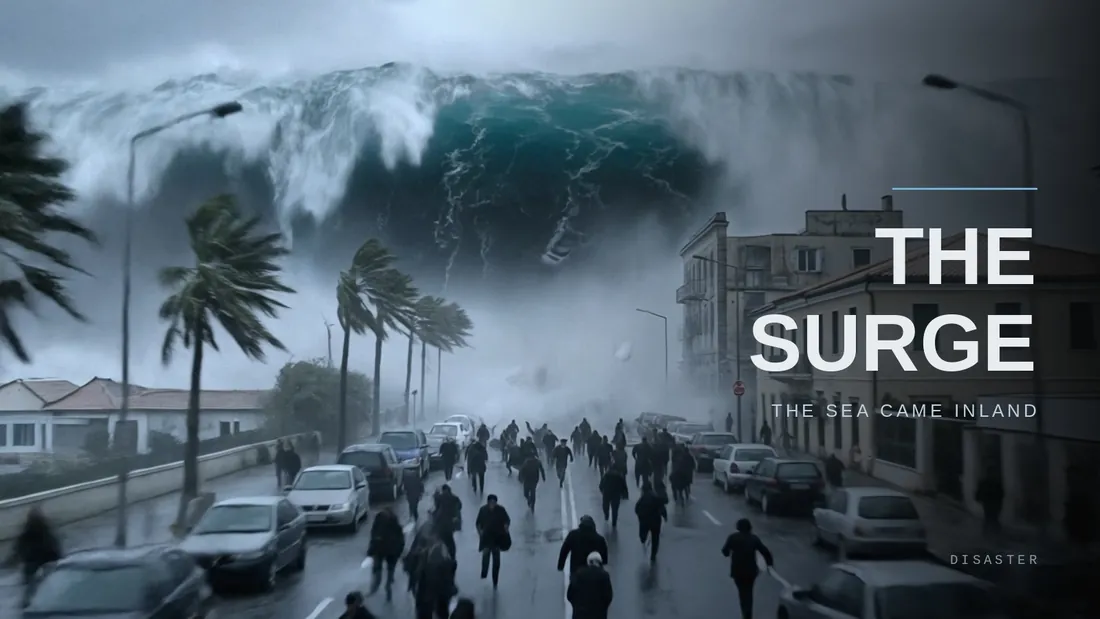
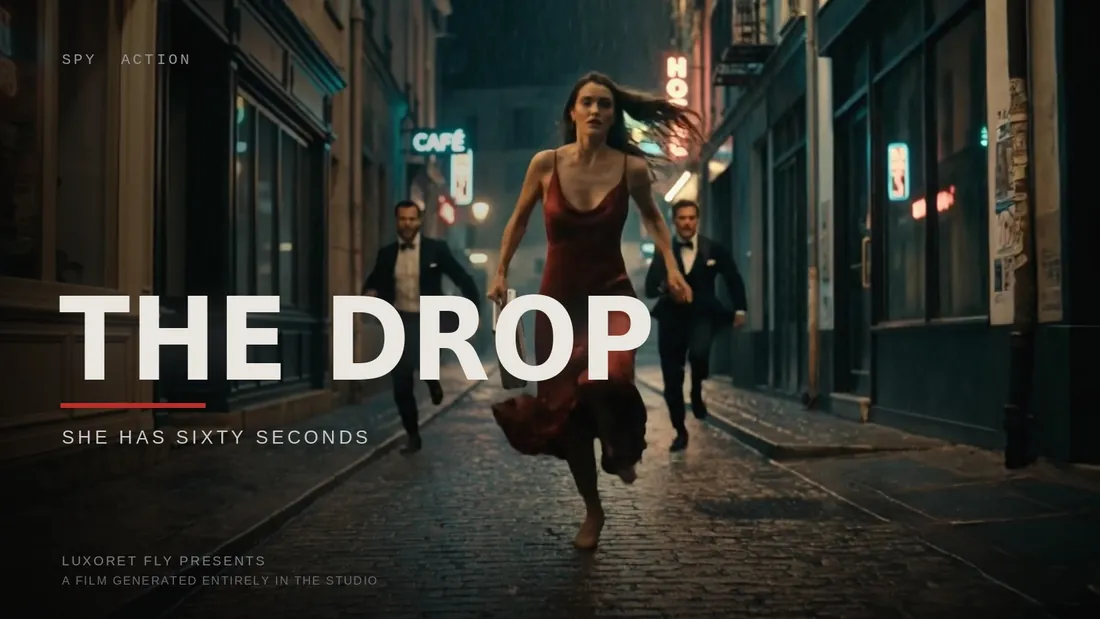
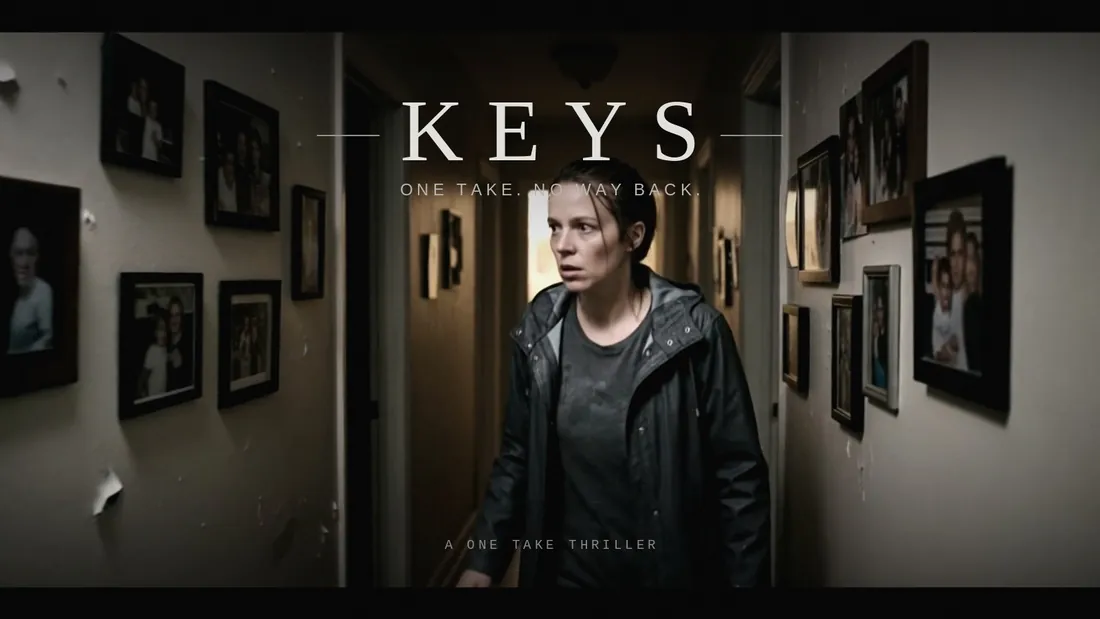
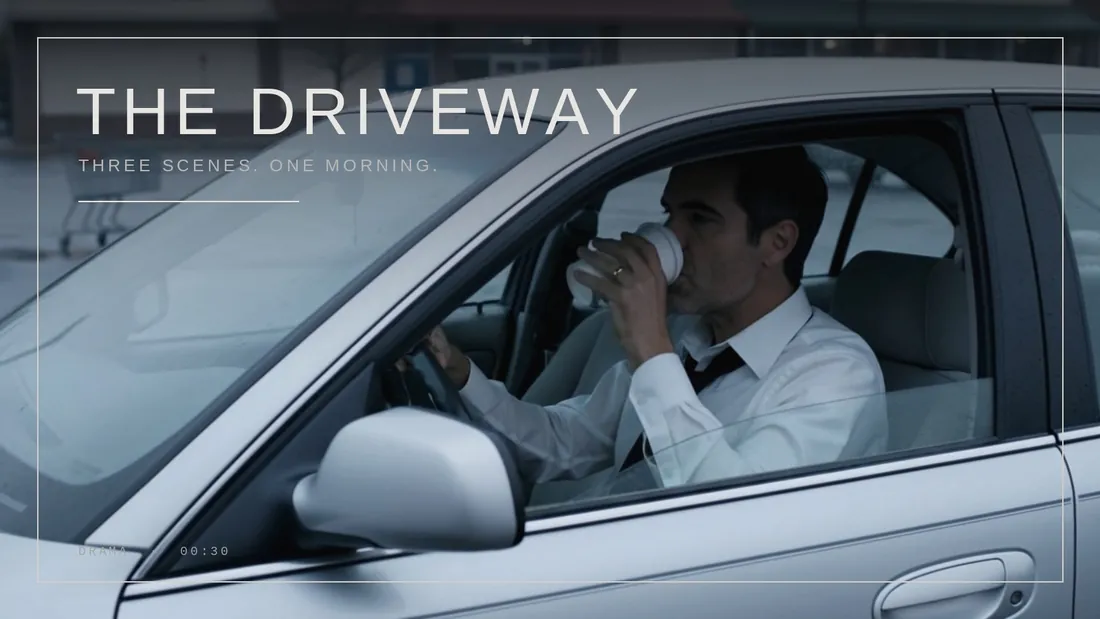
Full short films, written, shot and cut inside Luxoret Cinema.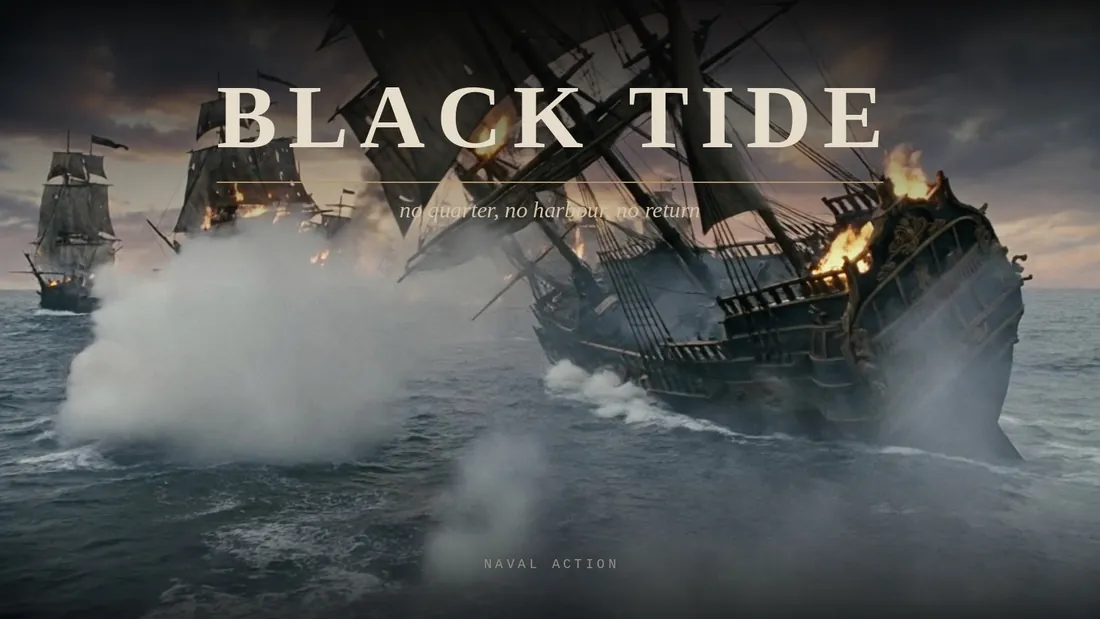
SEEDANCE 2.5
Live on Luxoret from today: thirty seconds in one unbroken run, with sound, end frames and up to fifty reference pictures. No stitching, no cuts, one take from a single prompt.
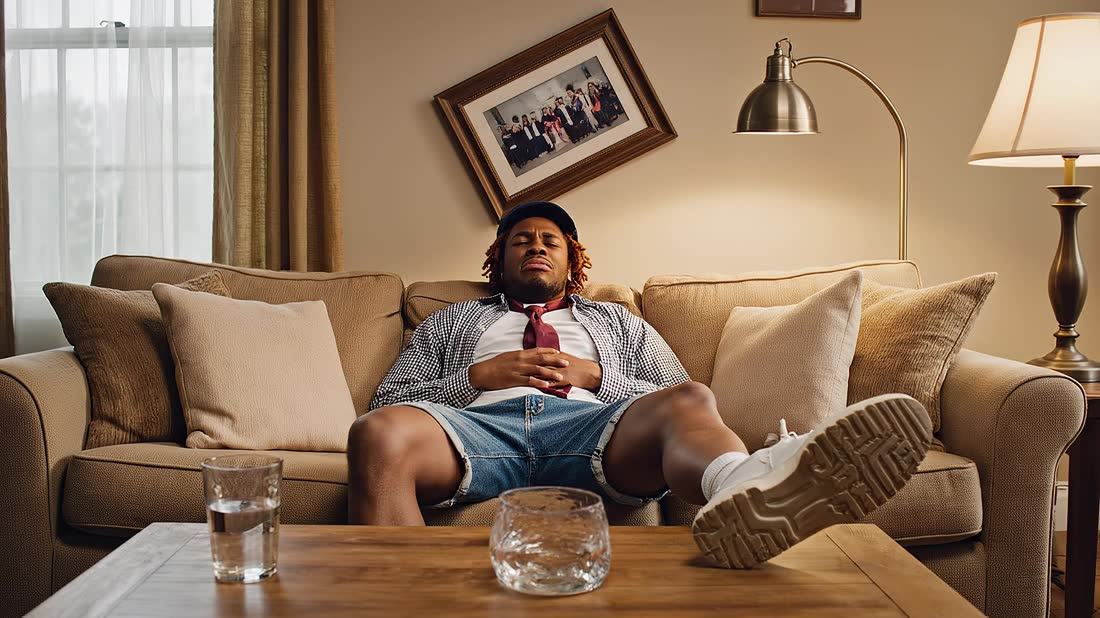
True 3840 by 2160 with sound. The clip beside this was made on it, nothing was filmed.
Try it nowCREATE VIDEO
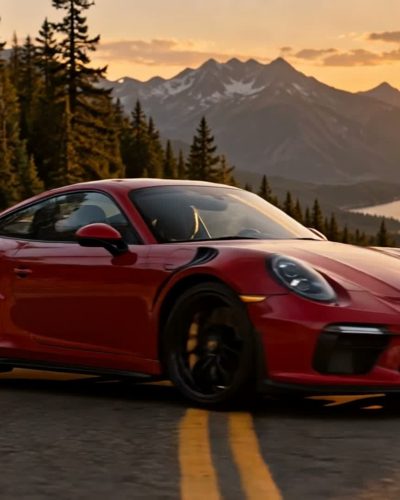
Pick a camera move or describe the motion yourself, every preset works on any picture.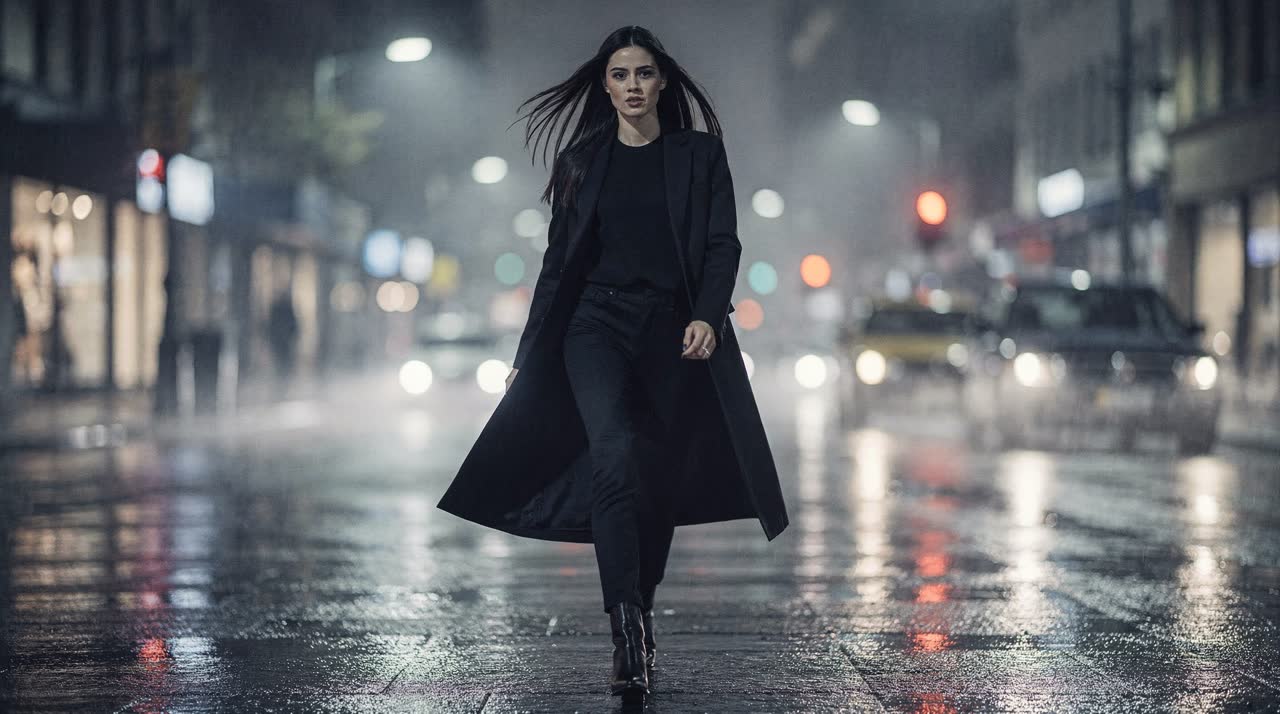
VIDEO ADS
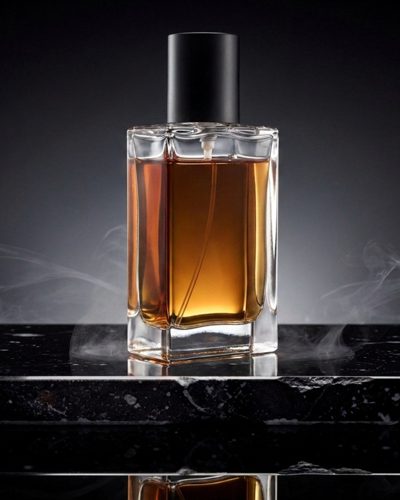
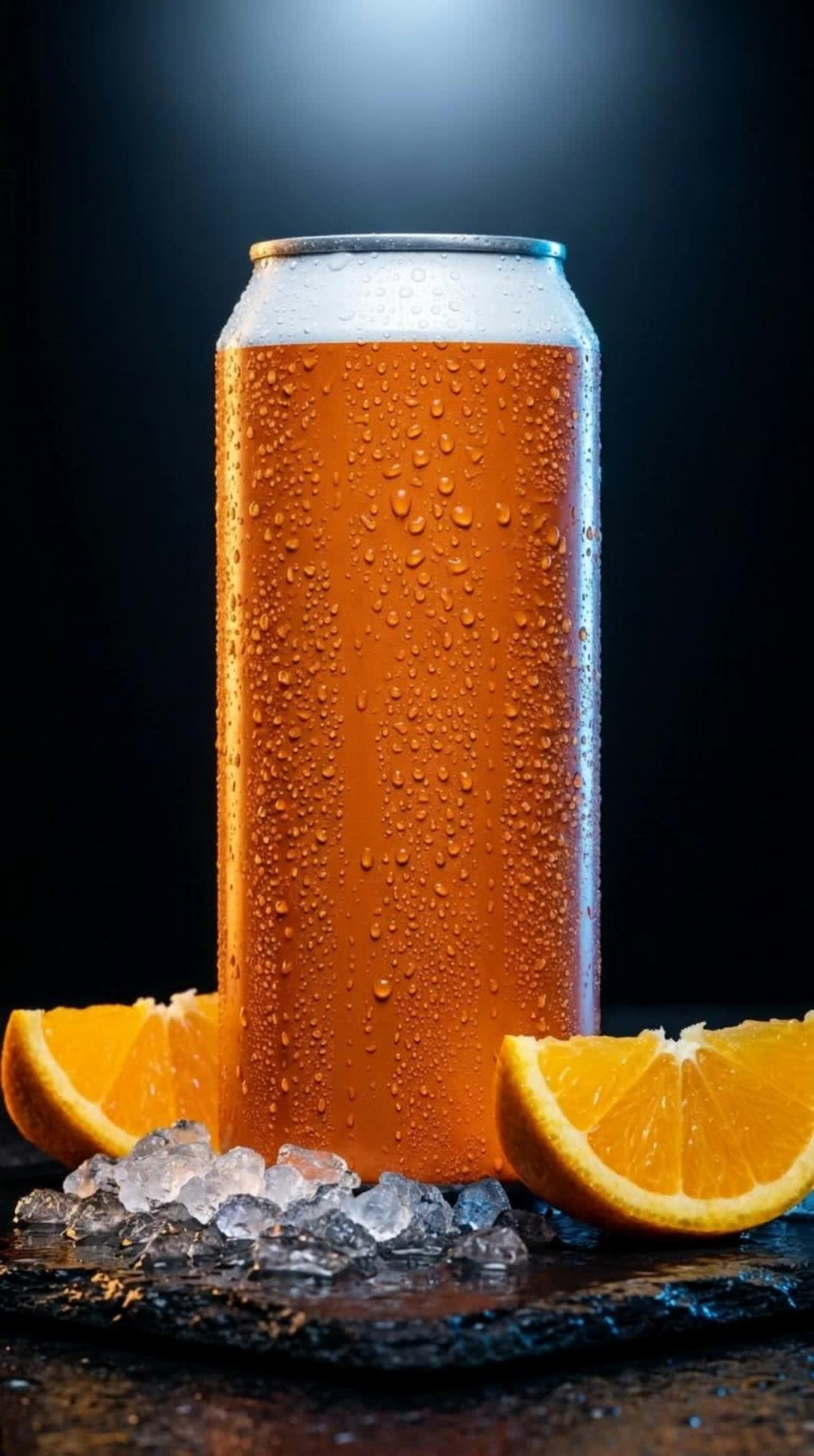
One product picture and one sentence turn into a finished commercial, sound included.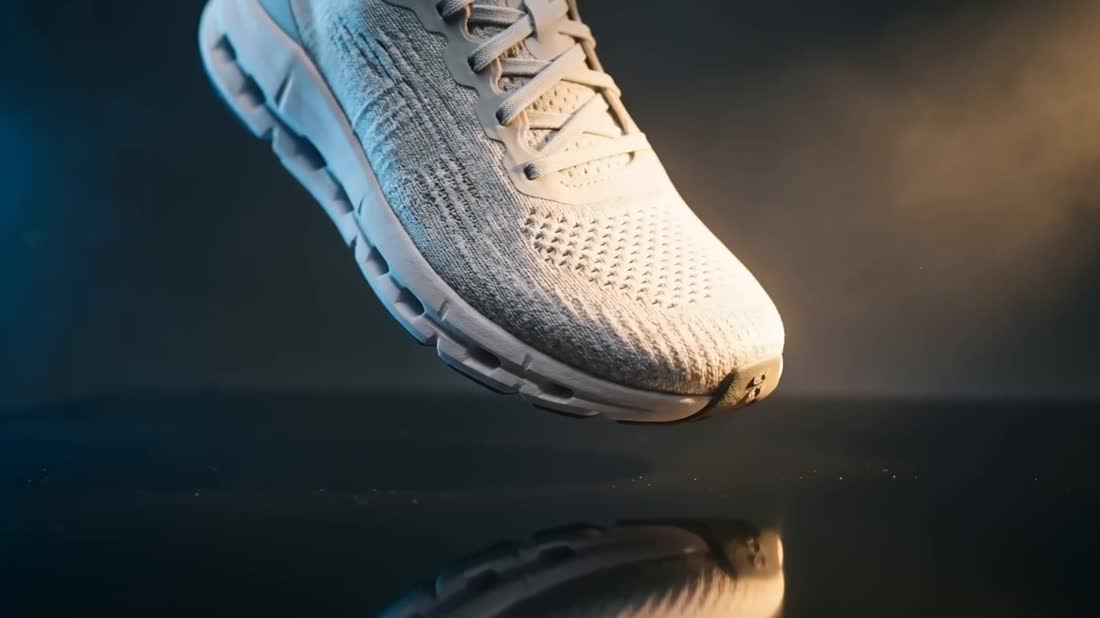
AUDIO
Voice, dubbing and music, written and rendered on the same board.CANVAS
Wire the tools together once and the whole job runs itself.Build the pipeline, not the file
Drop a prompt, a picture, a clip, a voice, then drag a line from one node into the next. The board carries the result down the chain and drops the finished file at the end. Change the prompt, run it again, everything downstream follows.
Open Canvas →MOTION CONTROL
Upload a picture and a motion clip, the picture picks up that movement.Any move, on any face
Pick a reference move from the library or drop in your own clip. The studio keeps the person, swaps the movement, and holds it shot after shot.
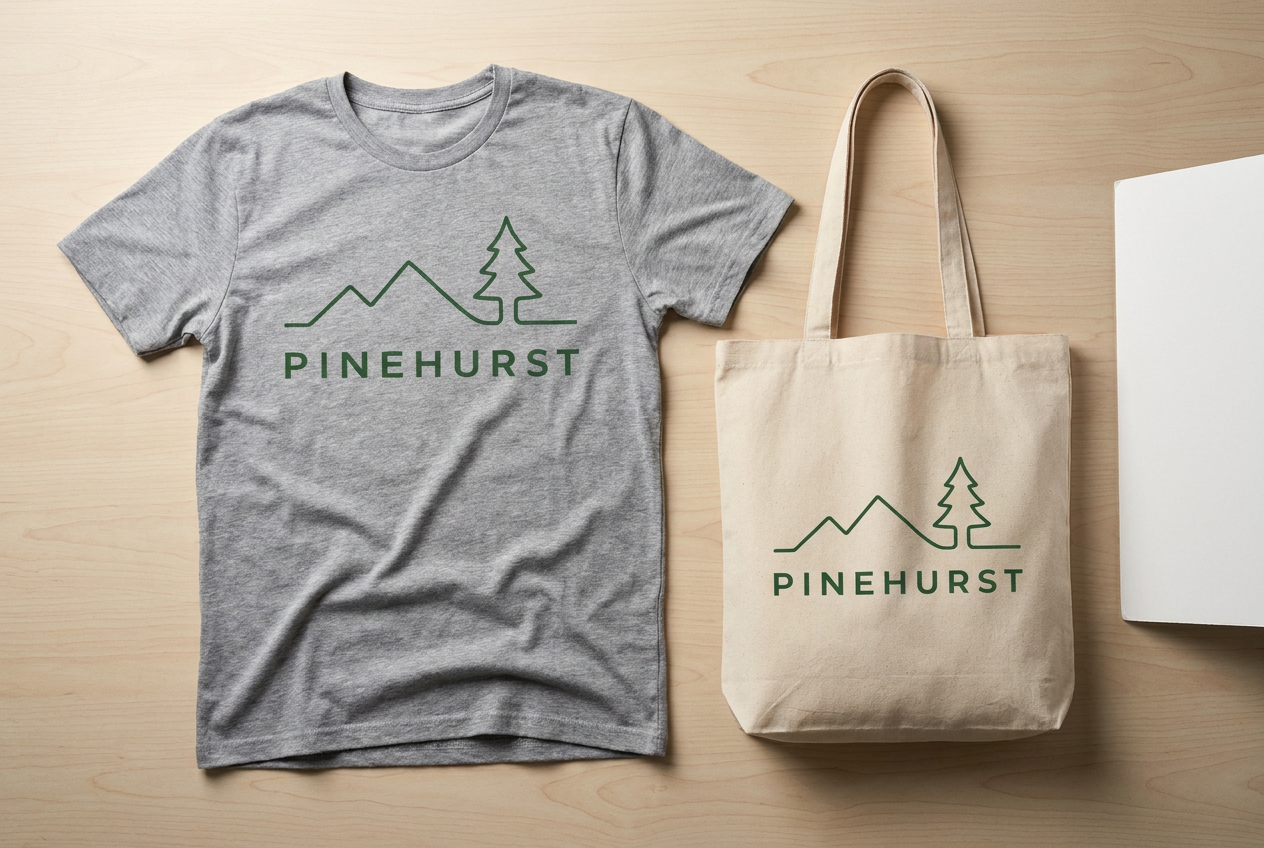
Try Motion Control →TRY IT ON
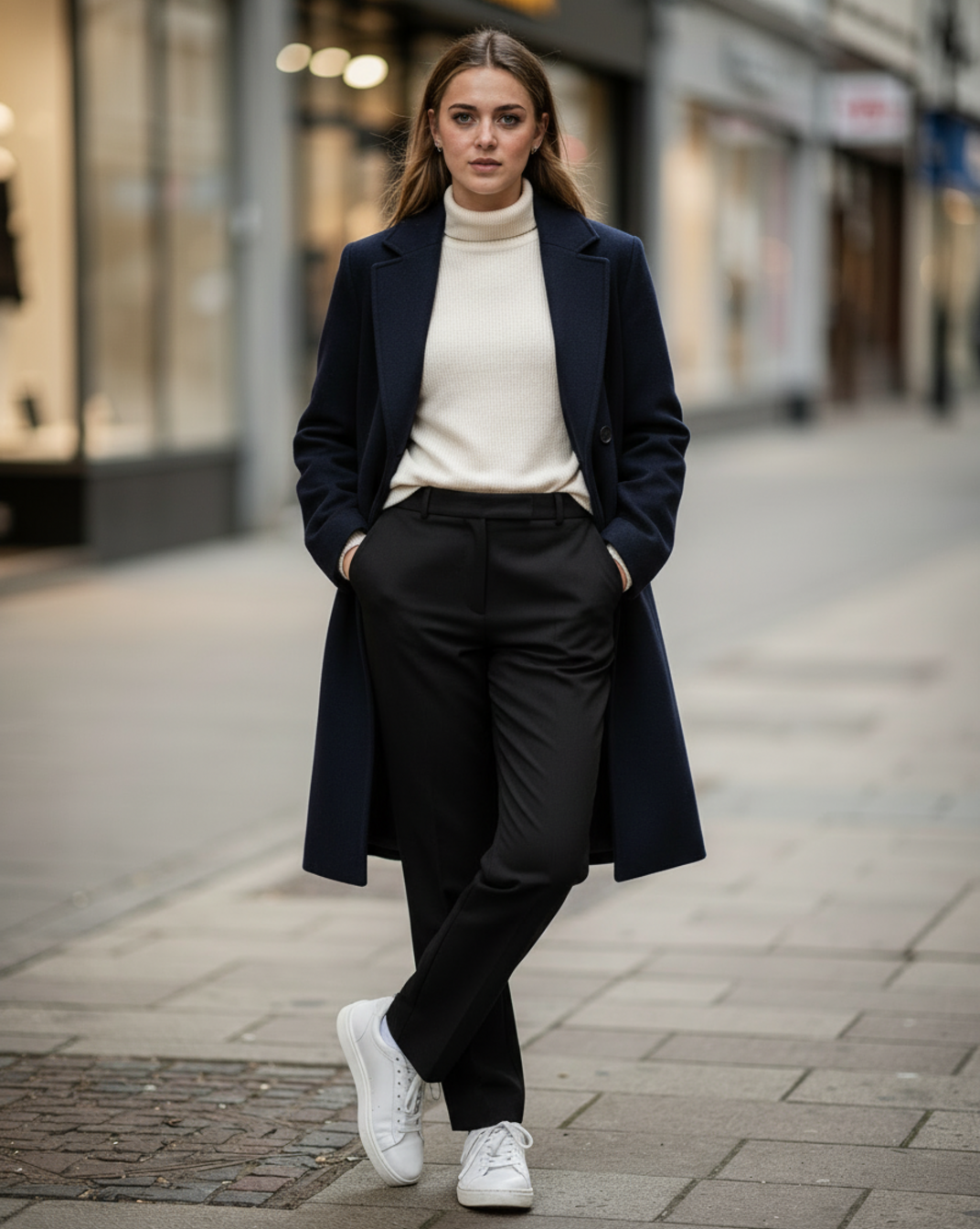
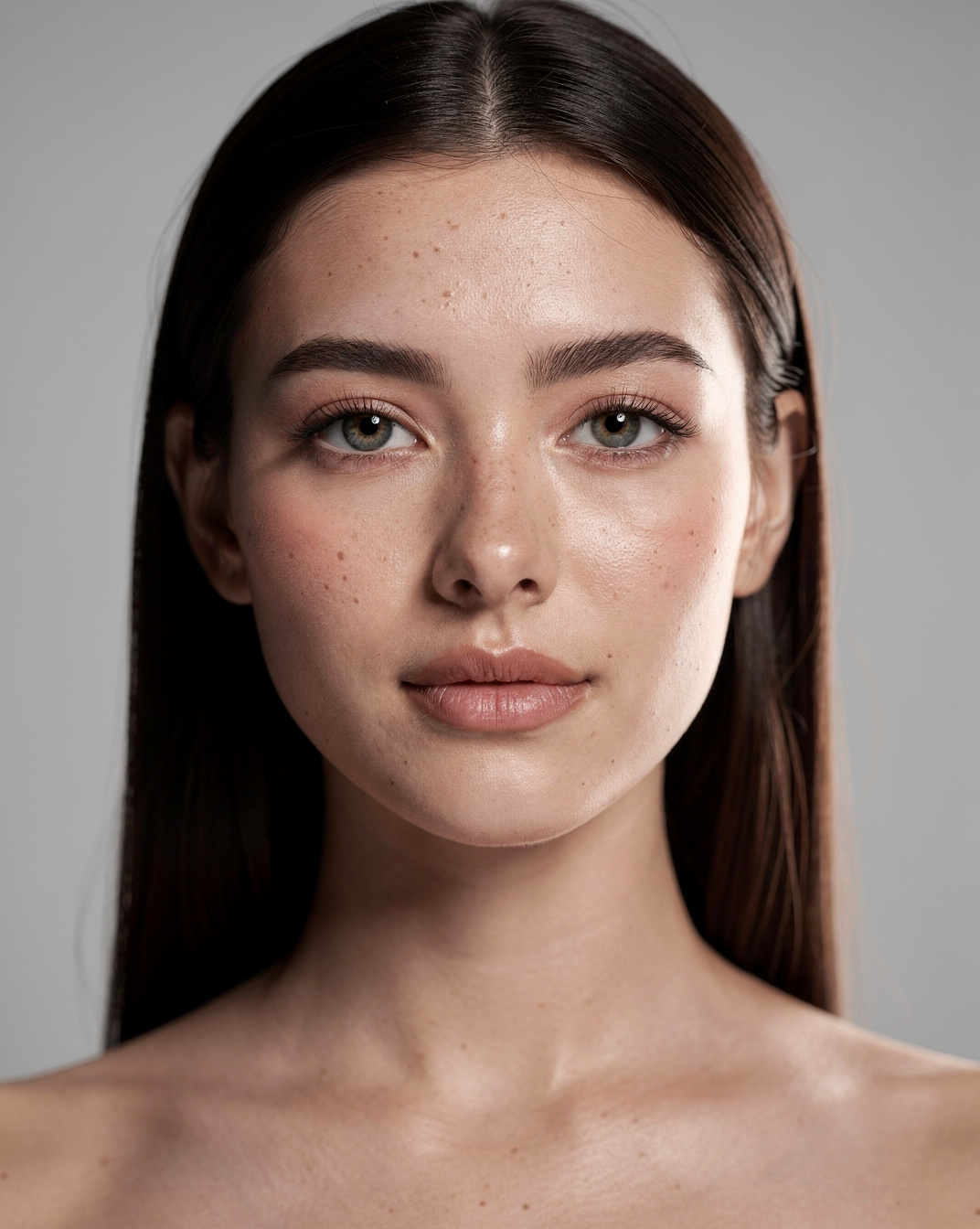
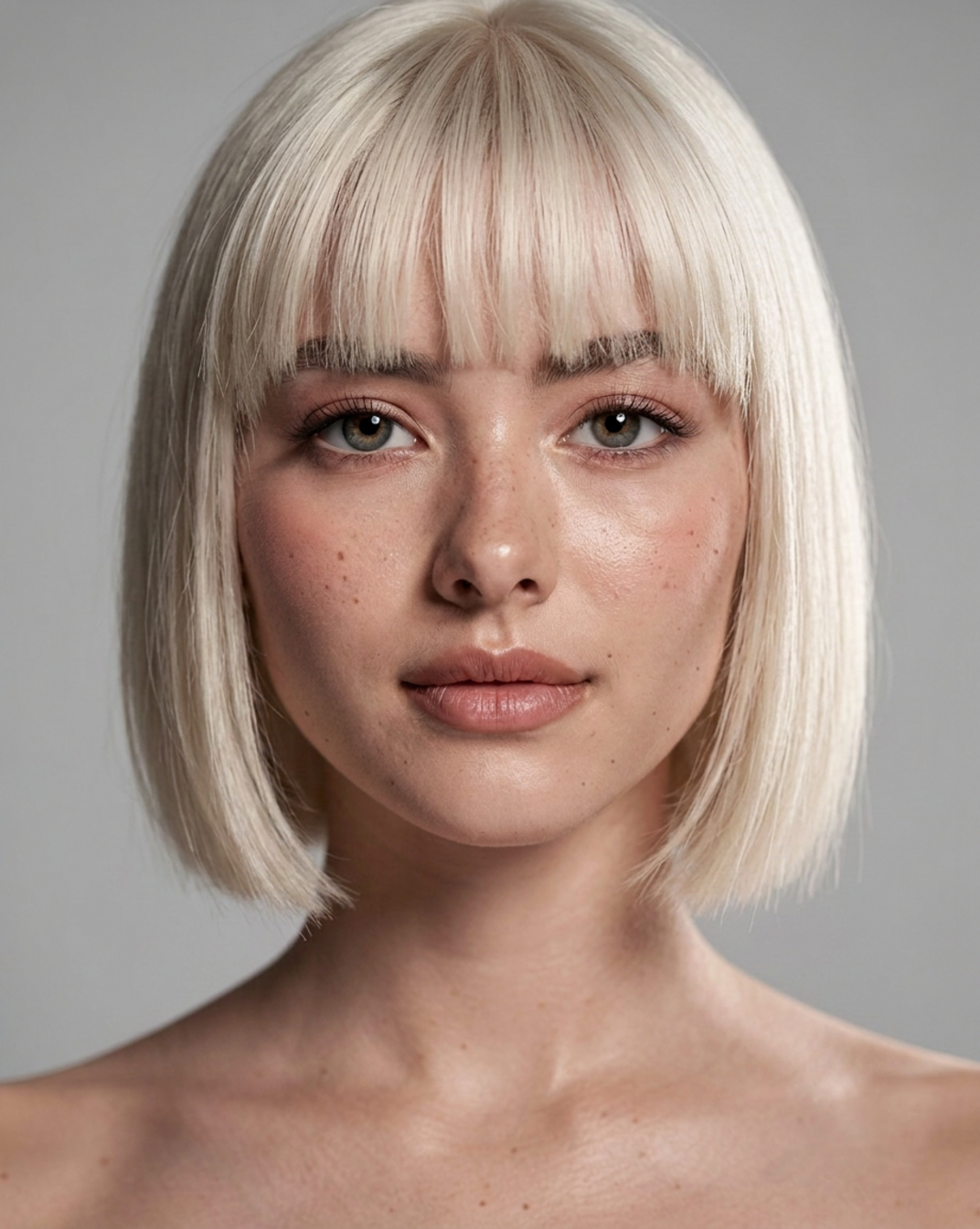
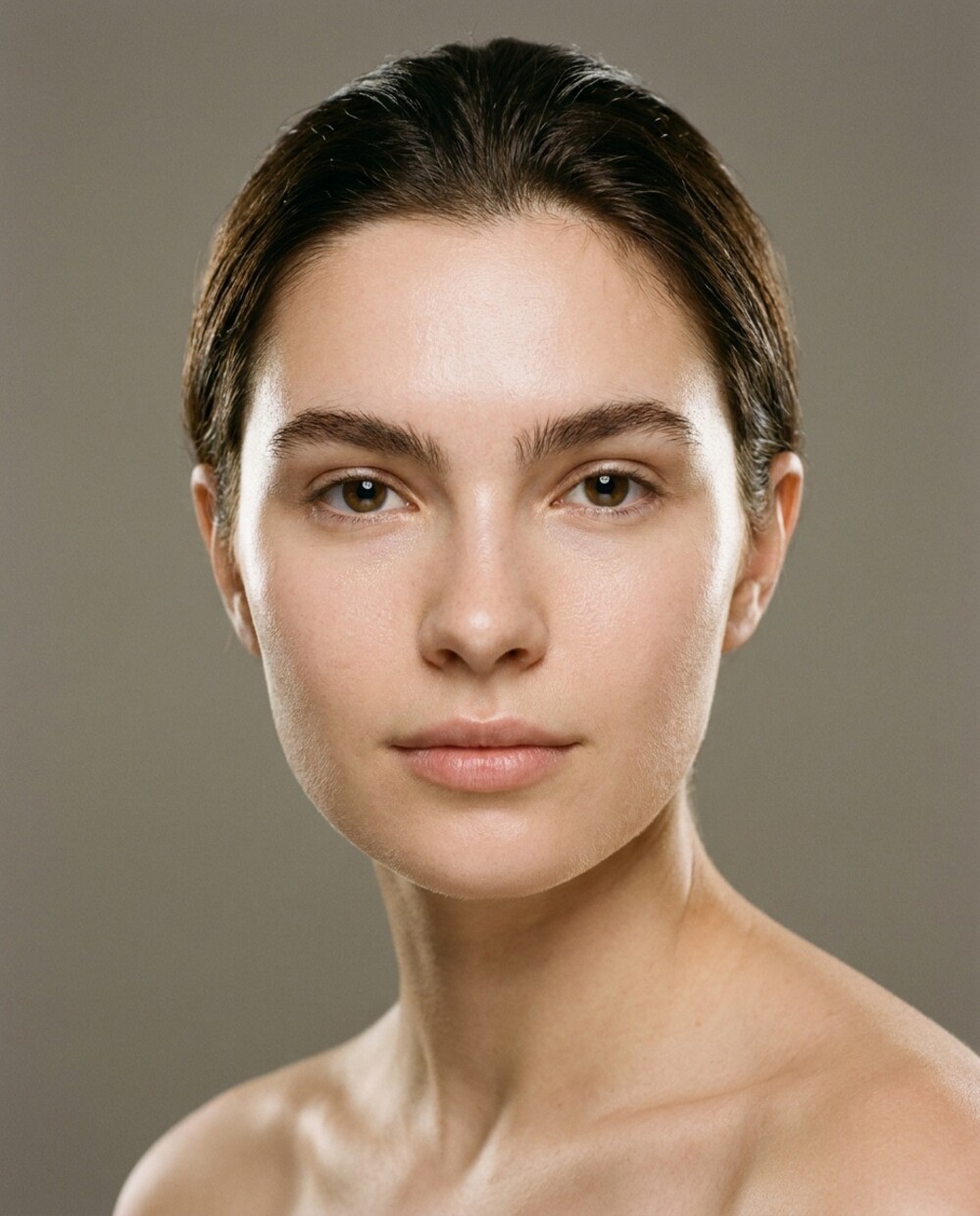
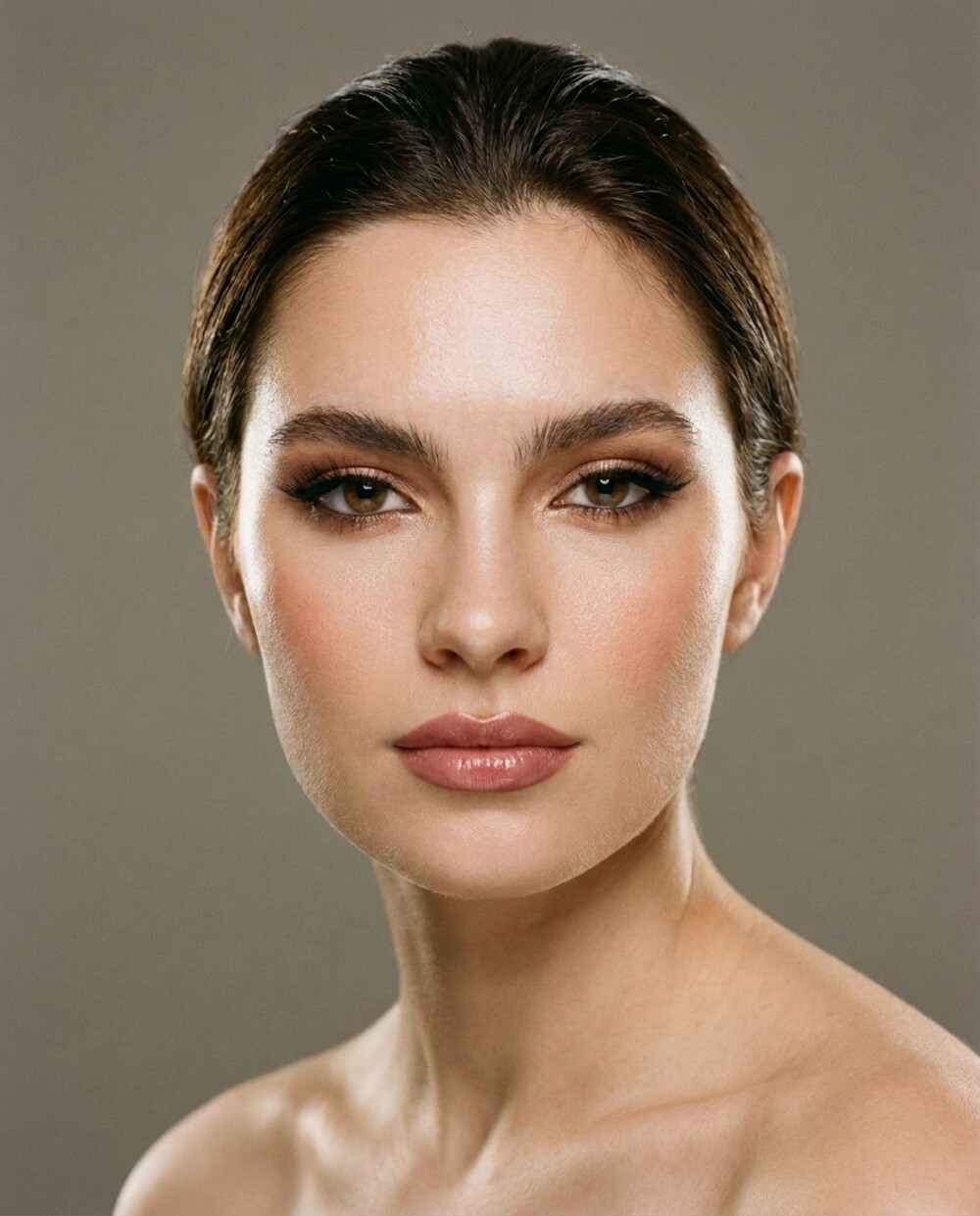
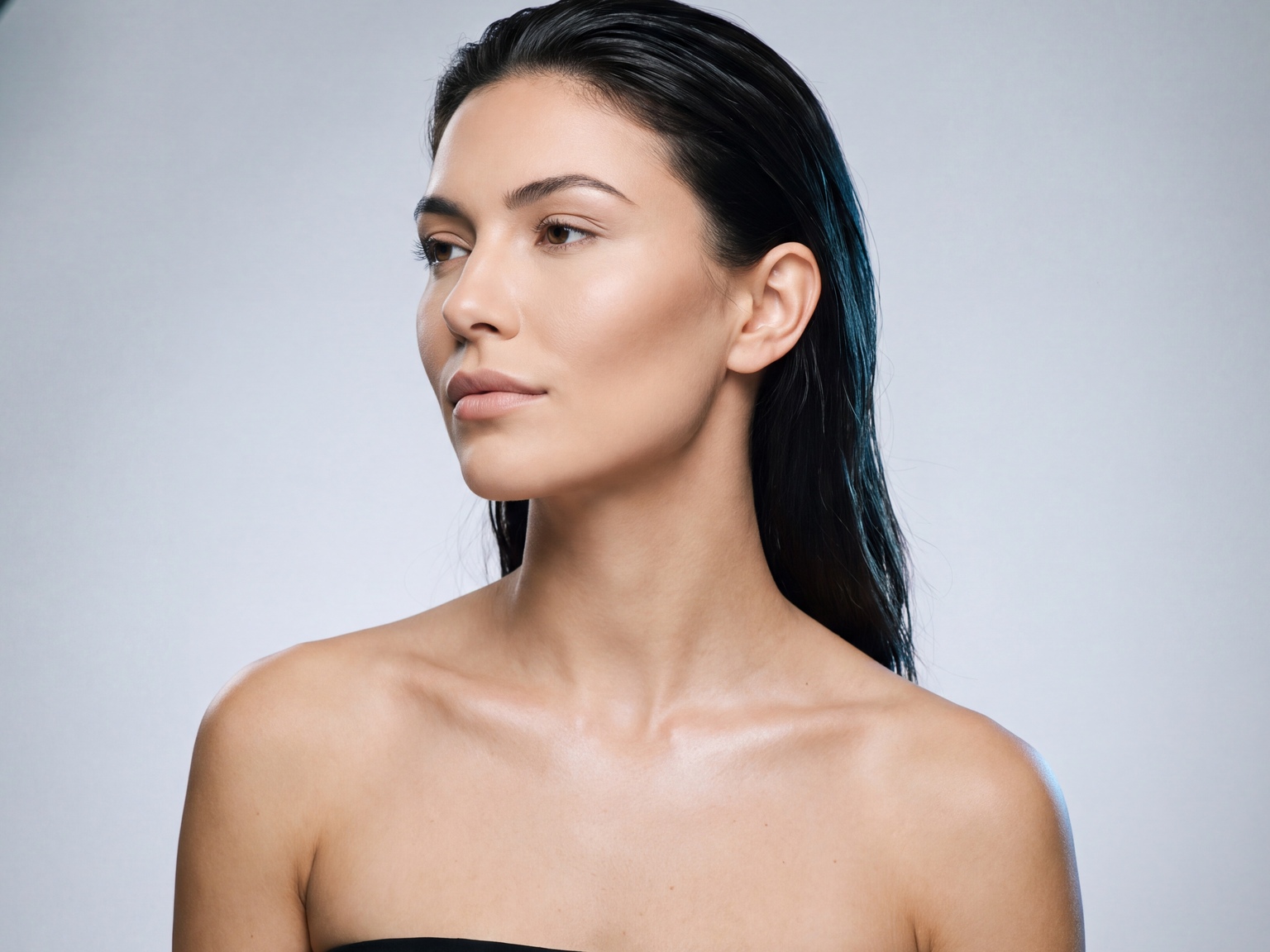
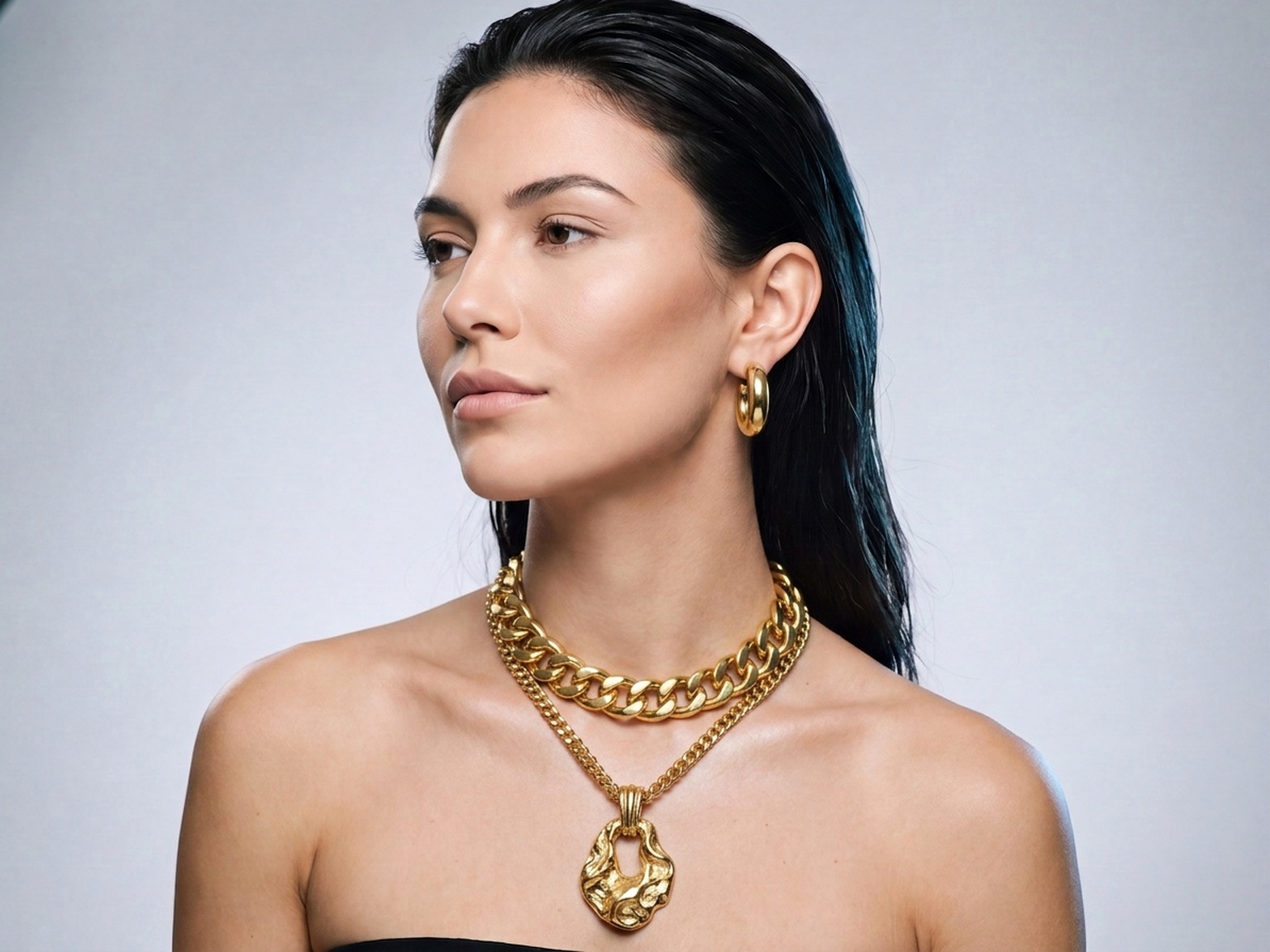
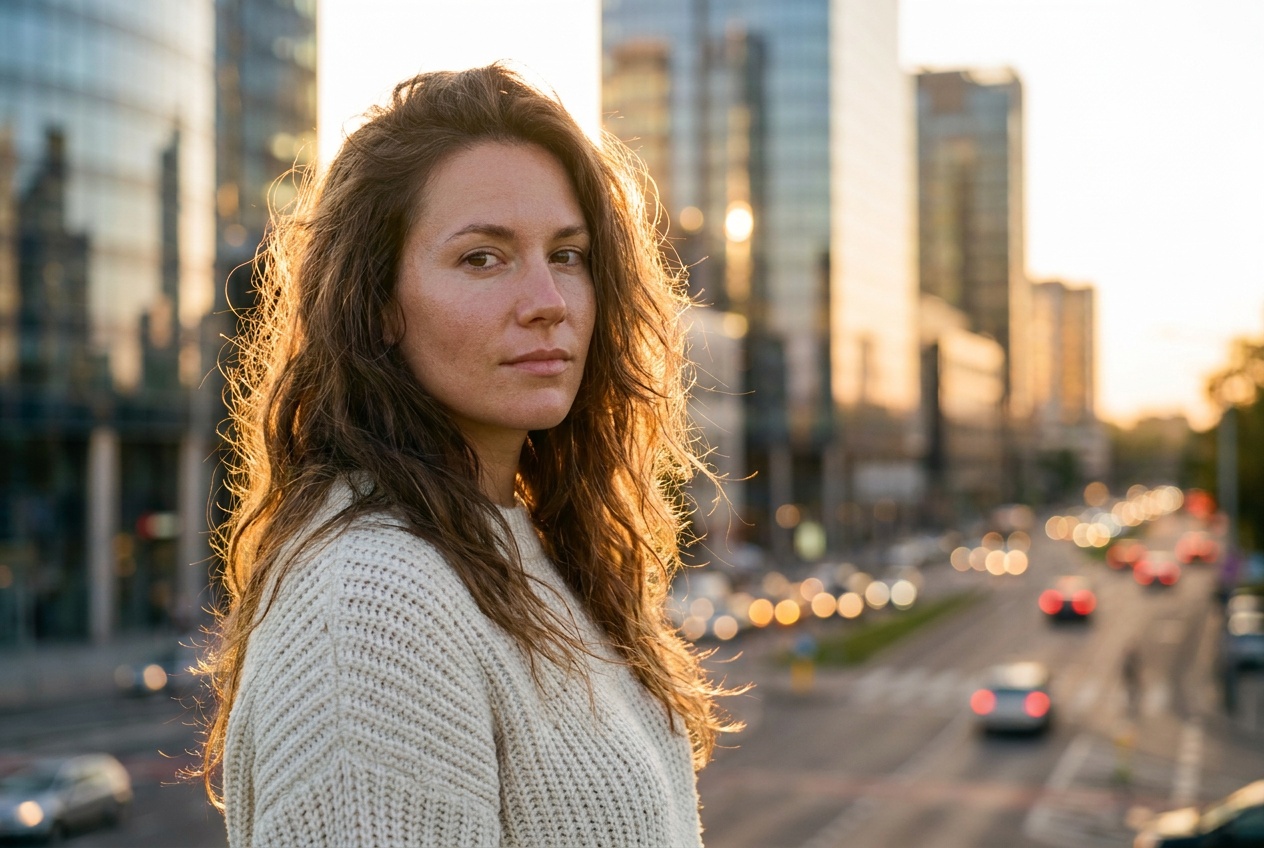
Your own photograph, wearing the thing you have not bought yet.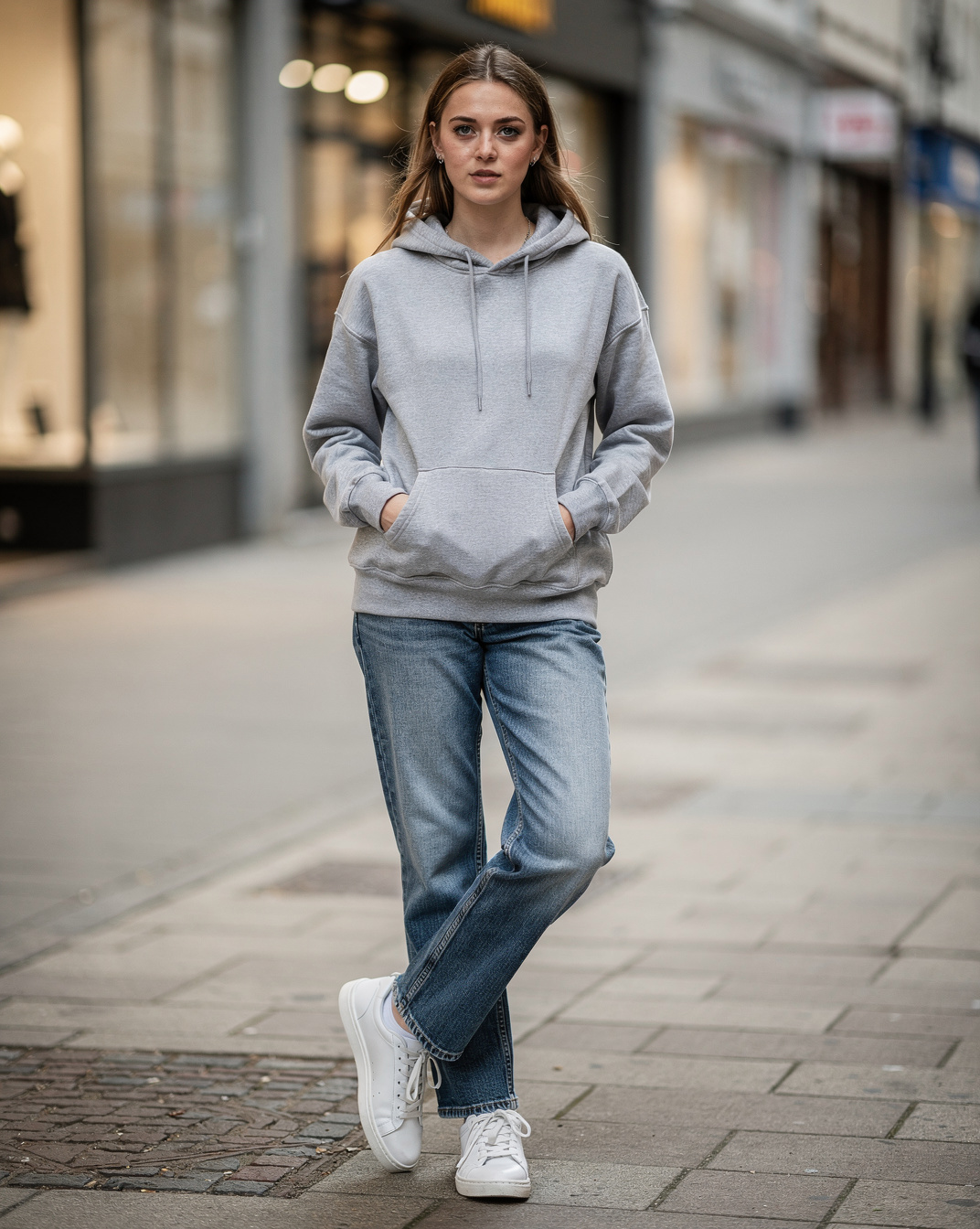
THE SPACE
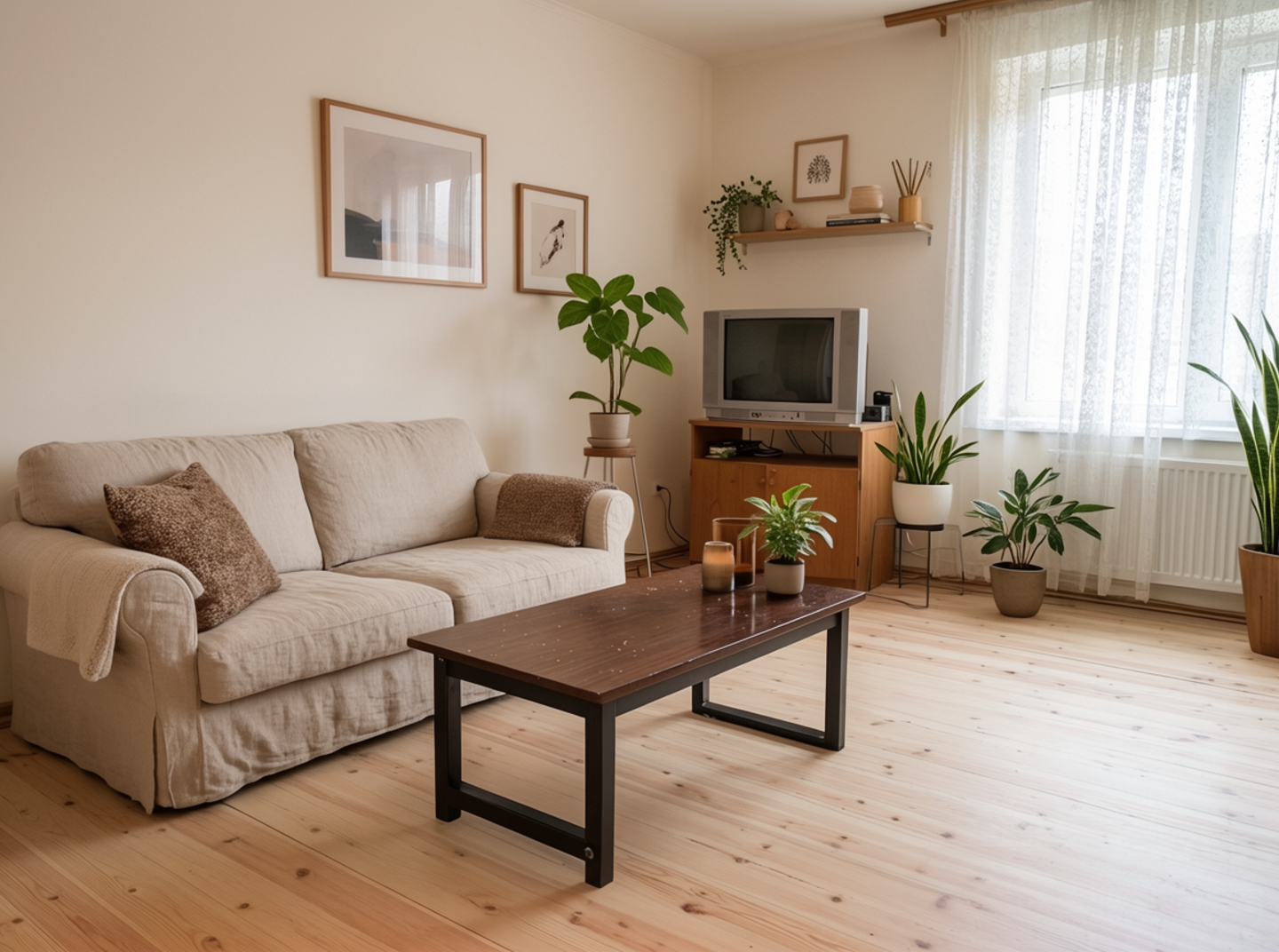
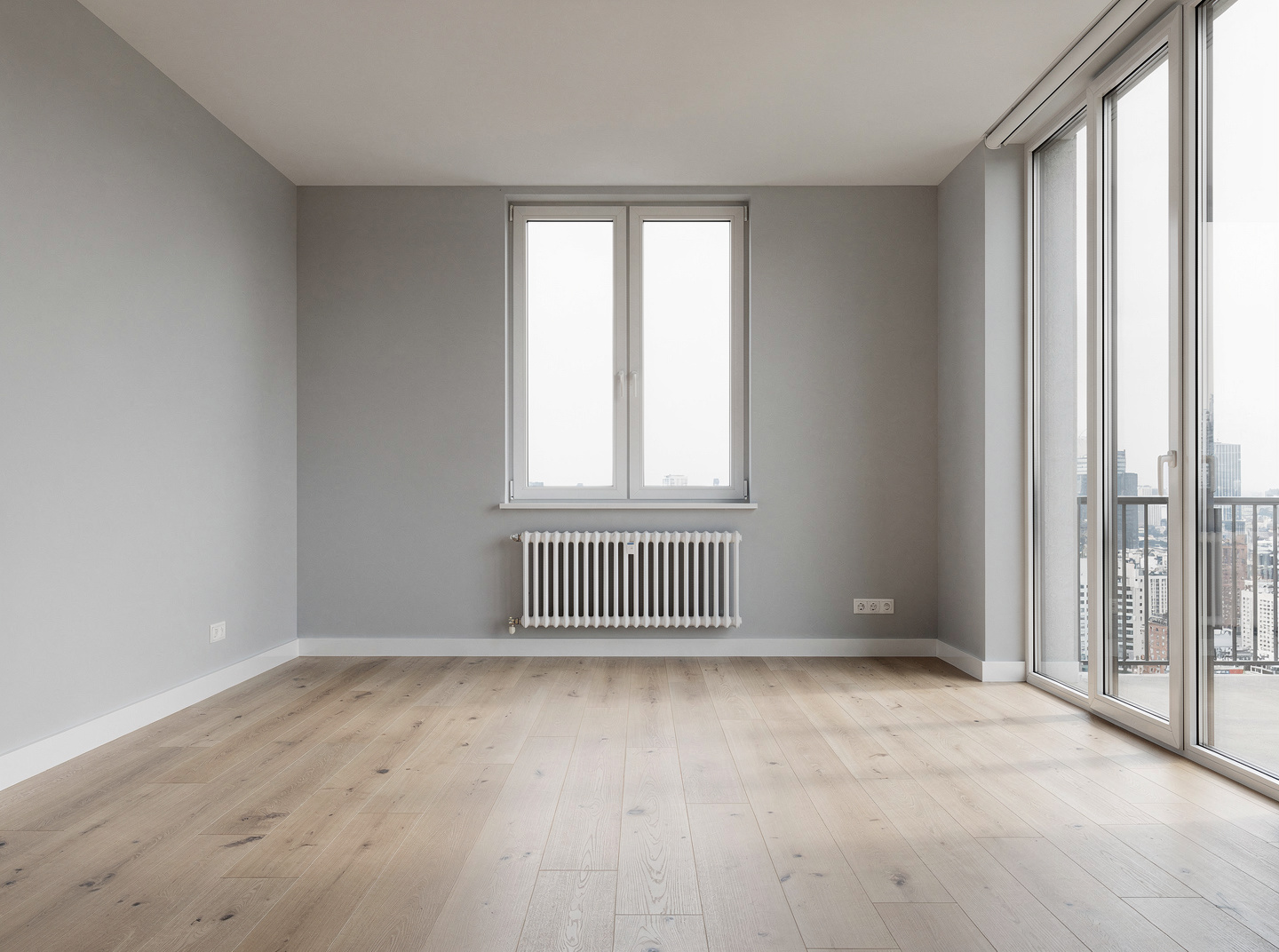
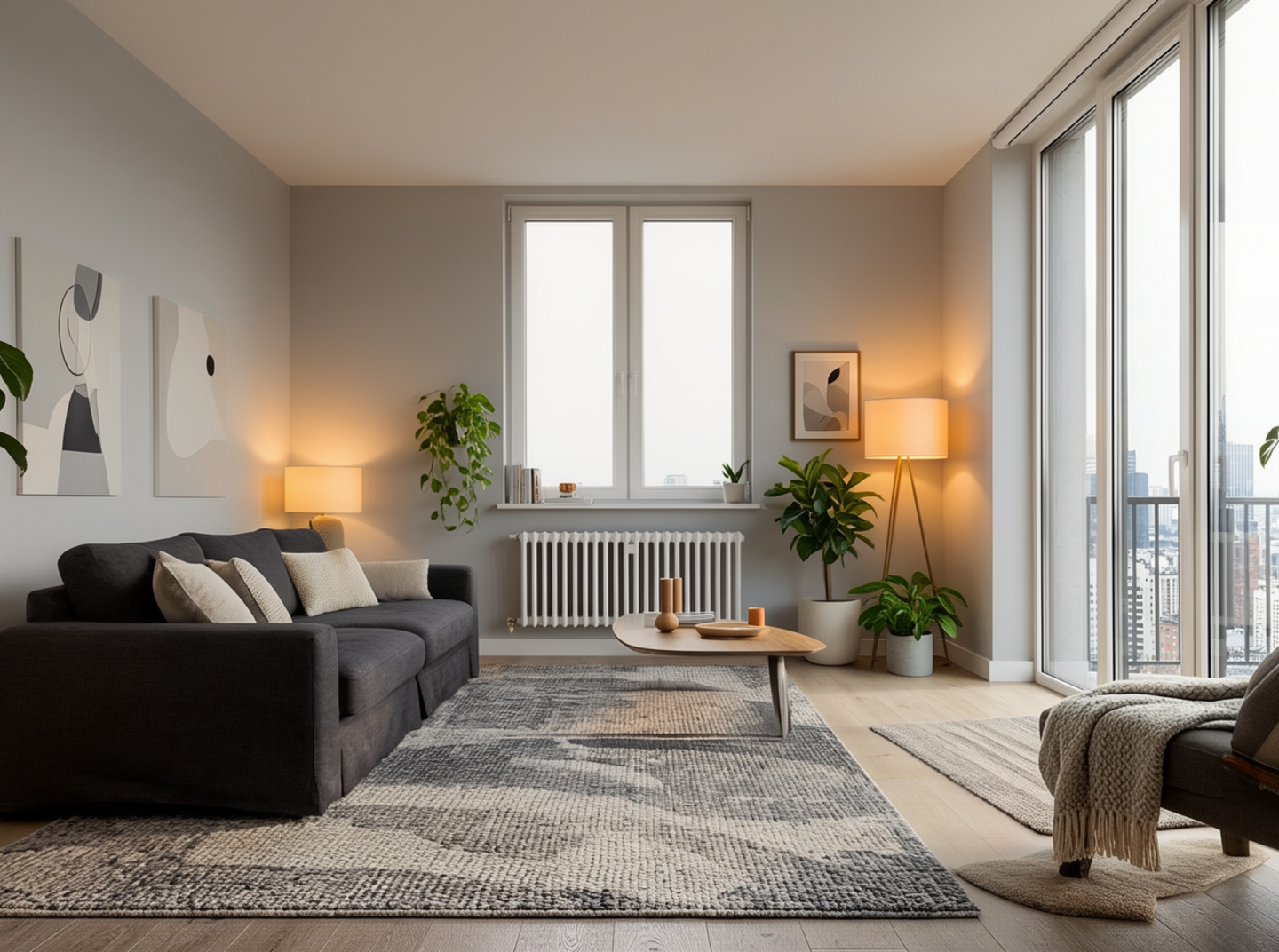
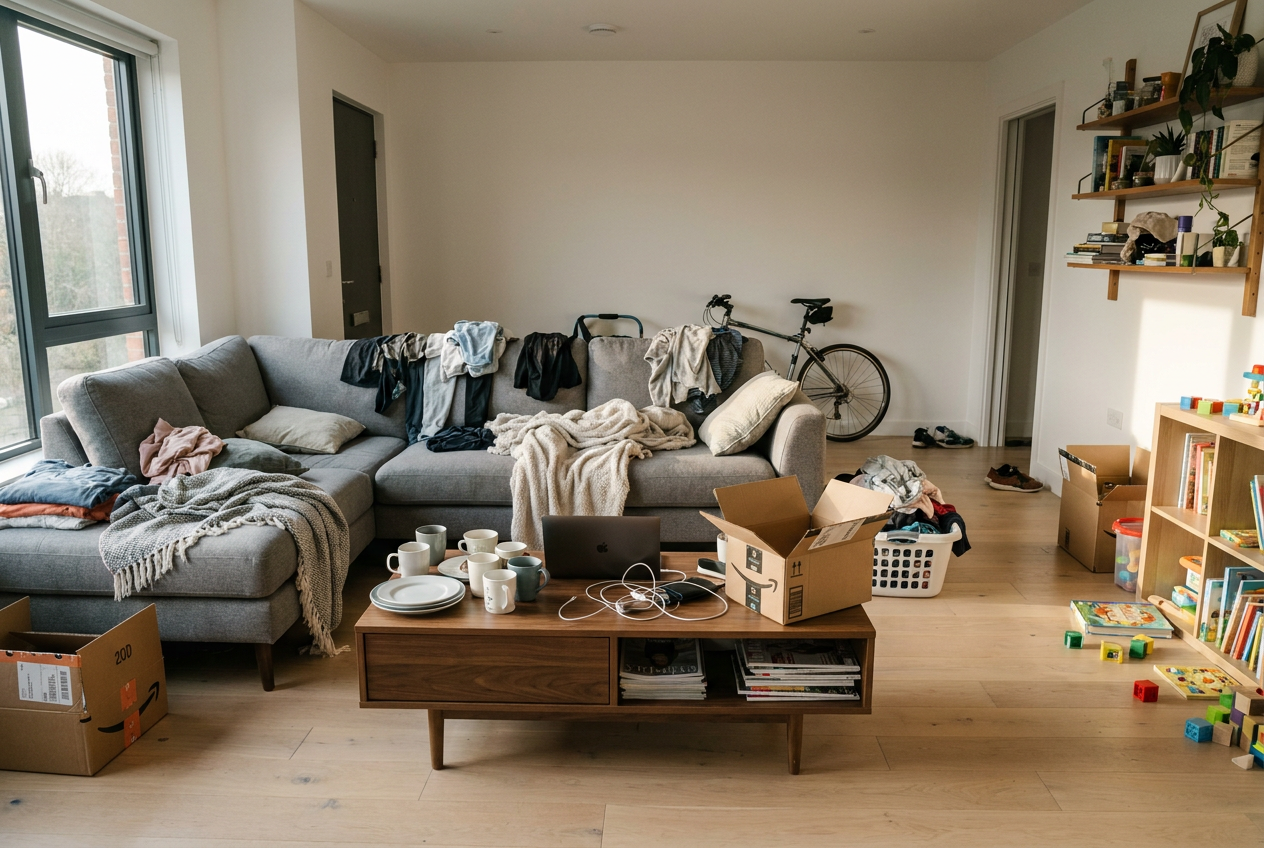
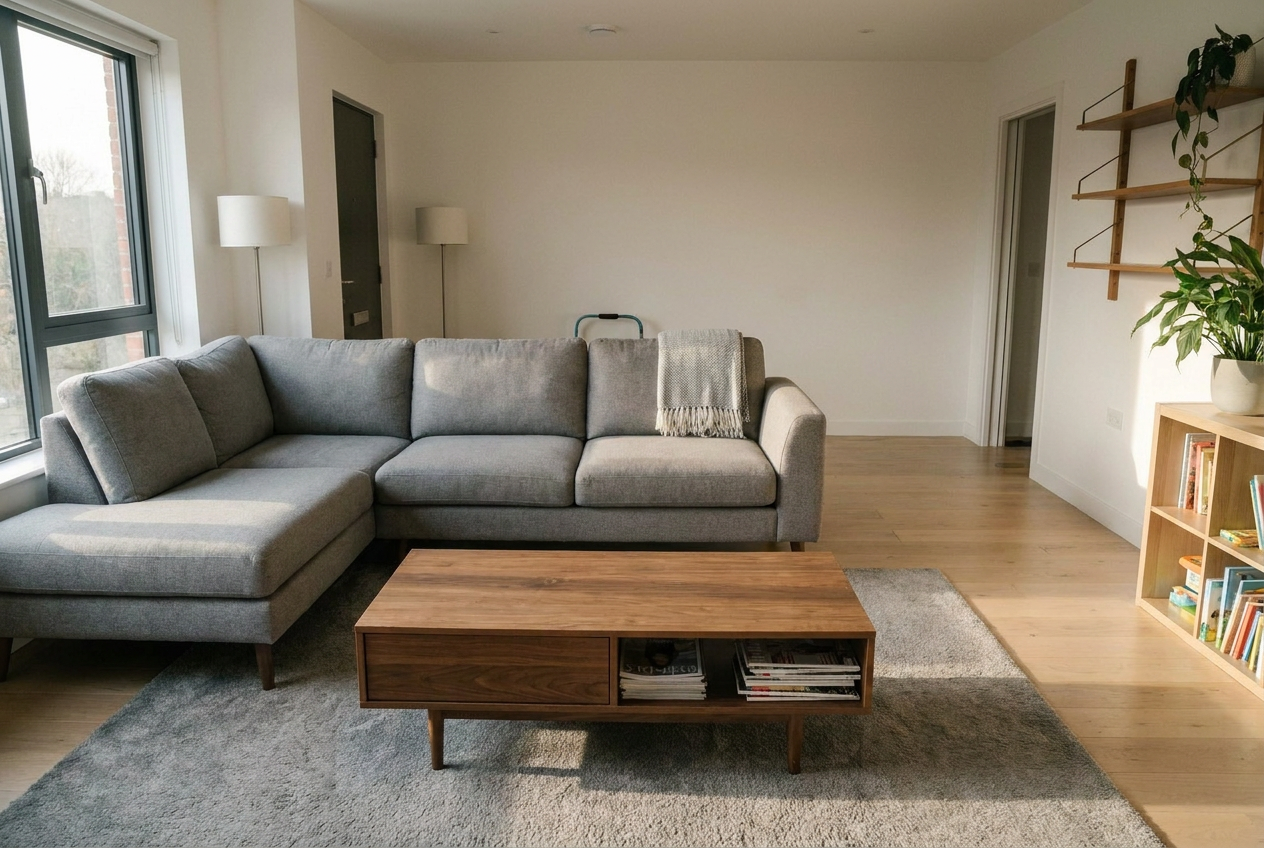
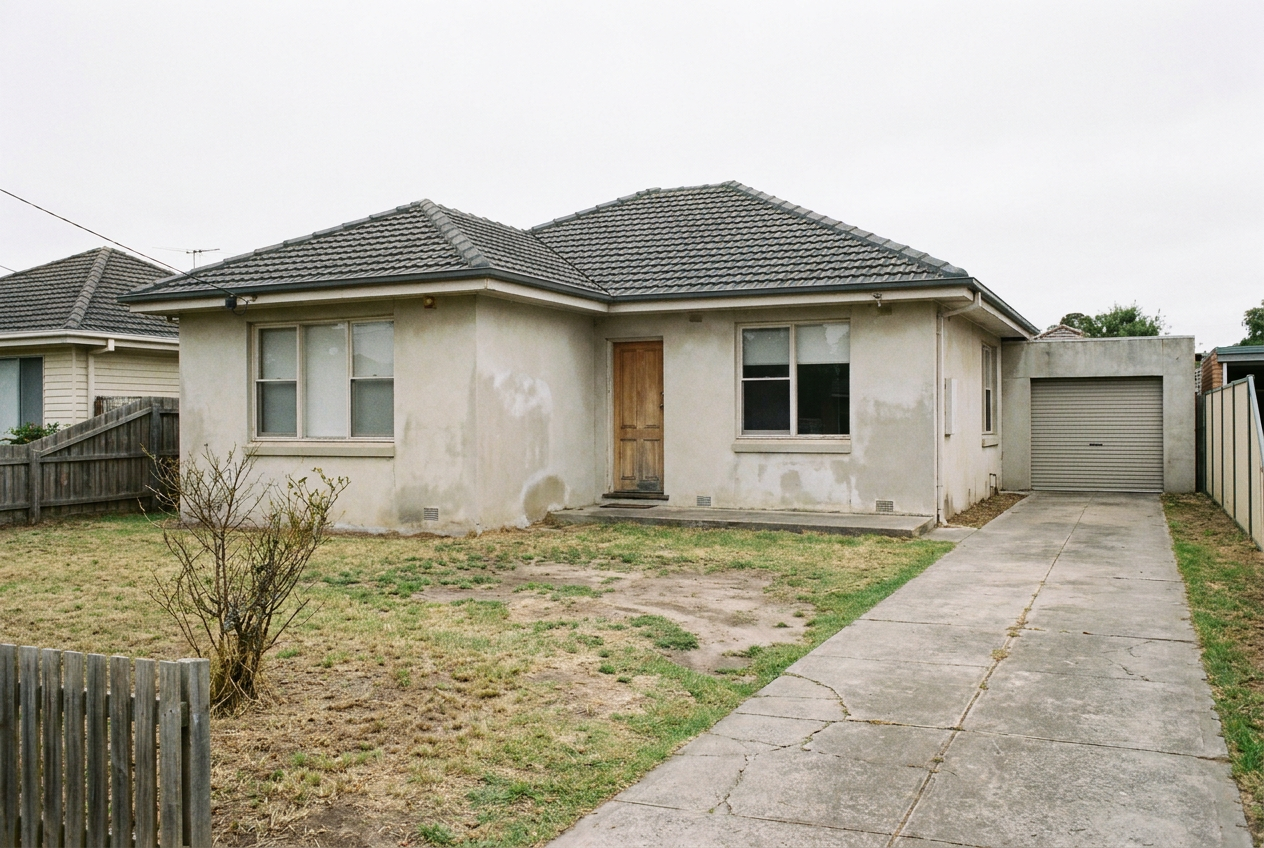
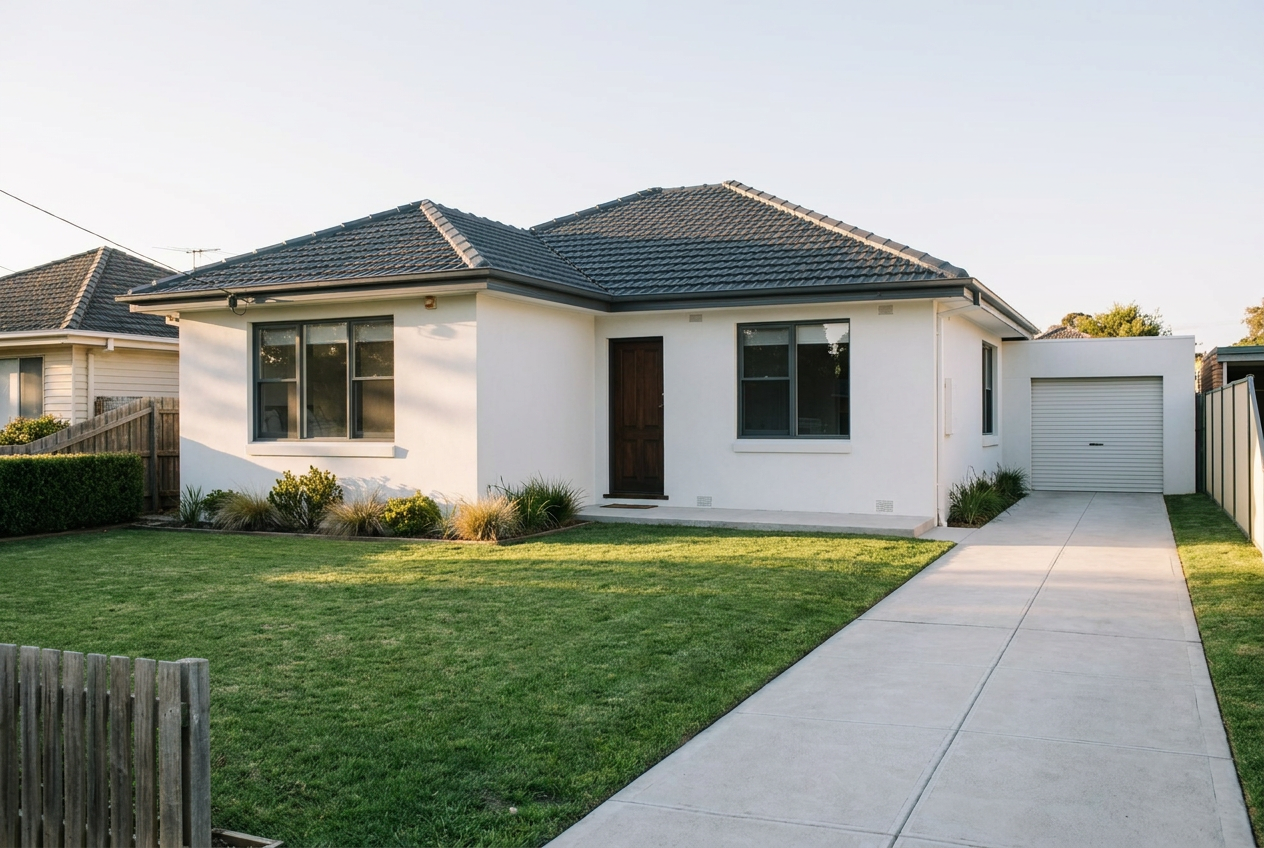
Empty, dated or cluttered, the room still has to sell.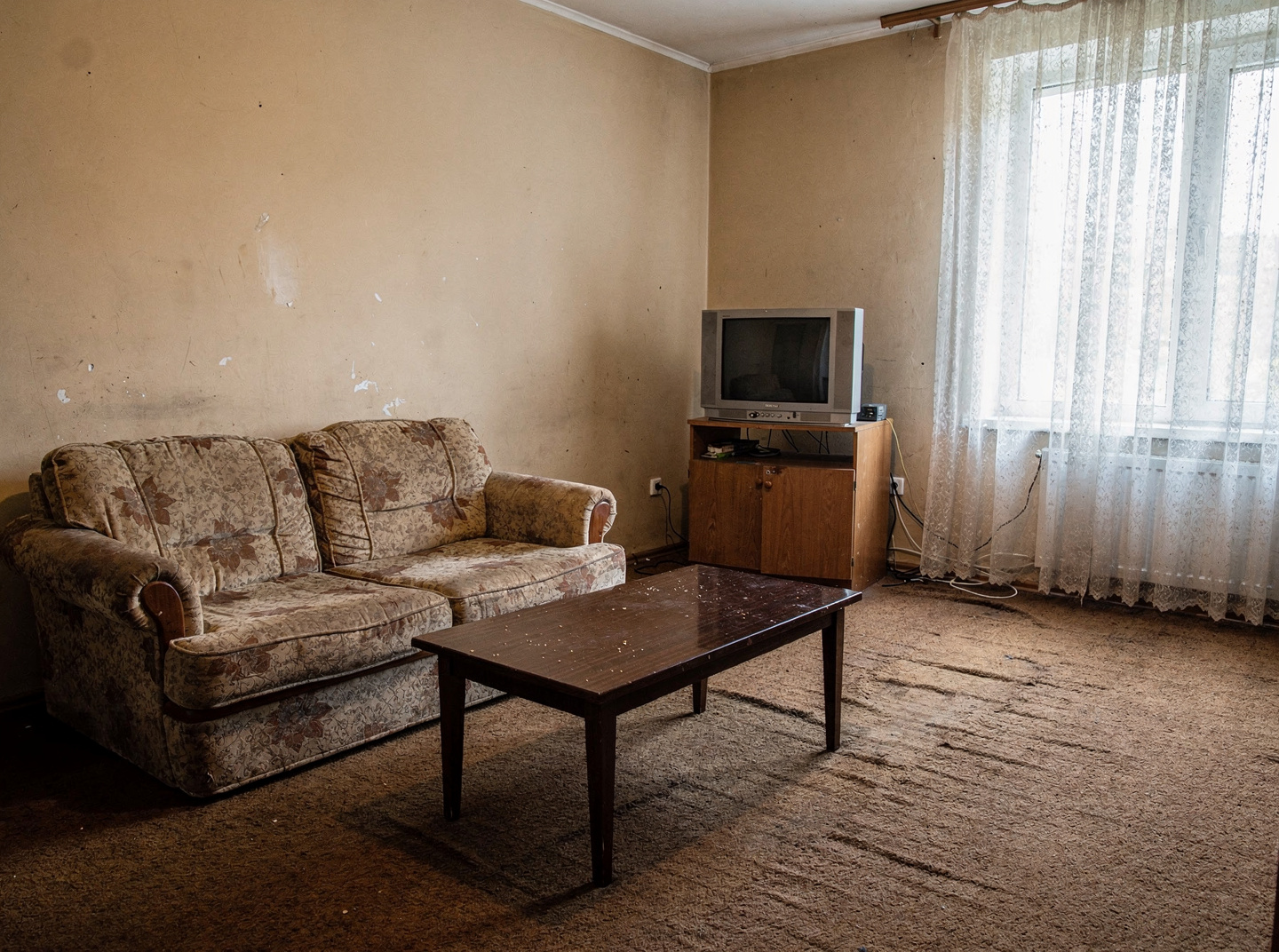
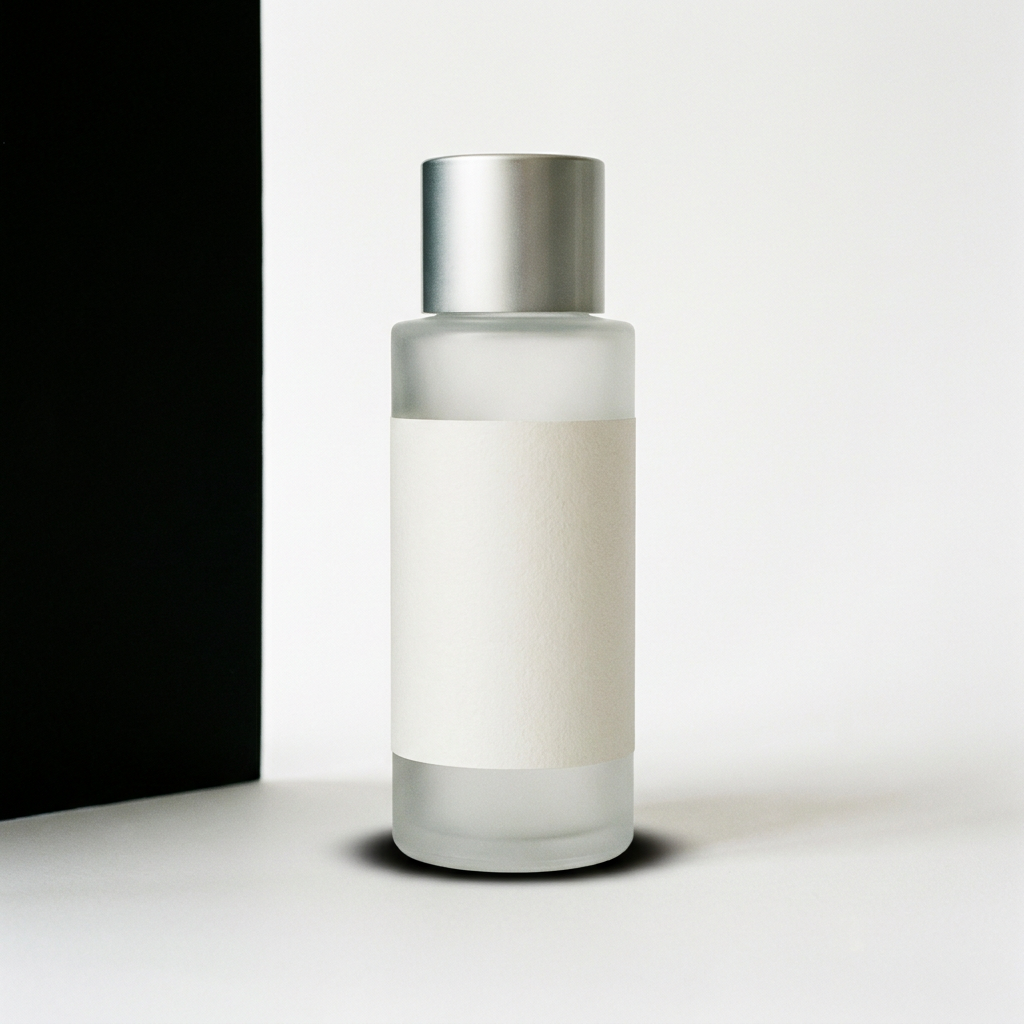
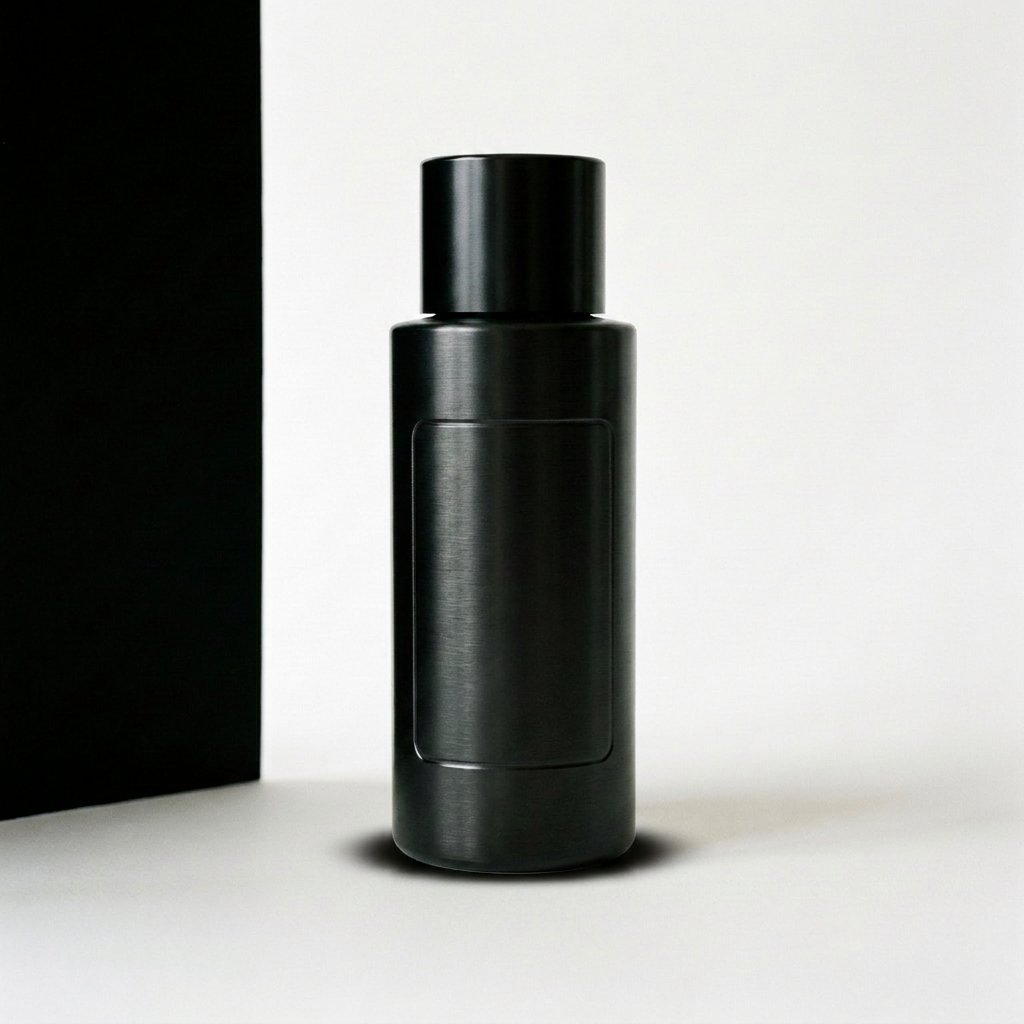
SELL THE PRODUCT
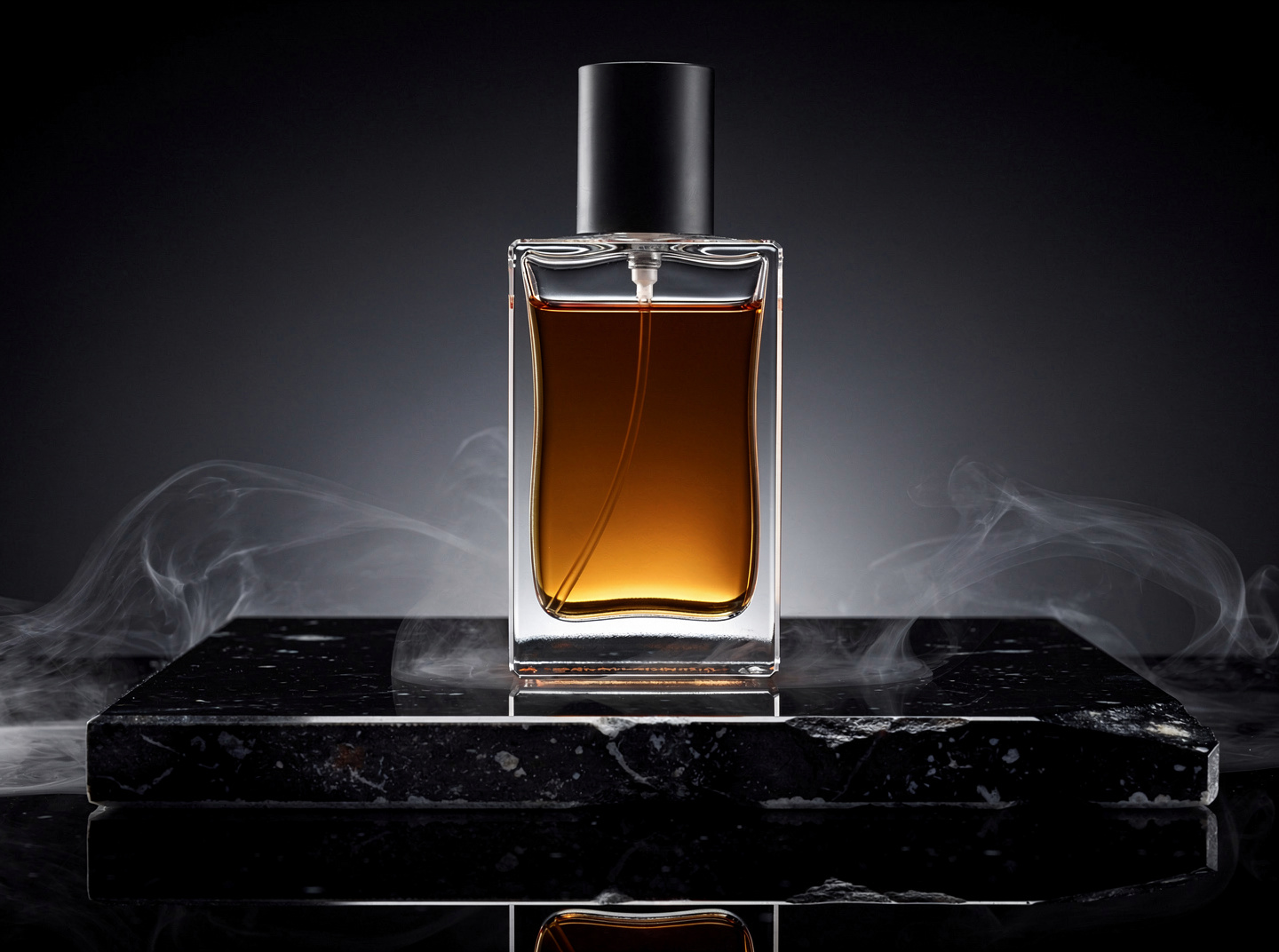
One phone photograph in, a full listing set out.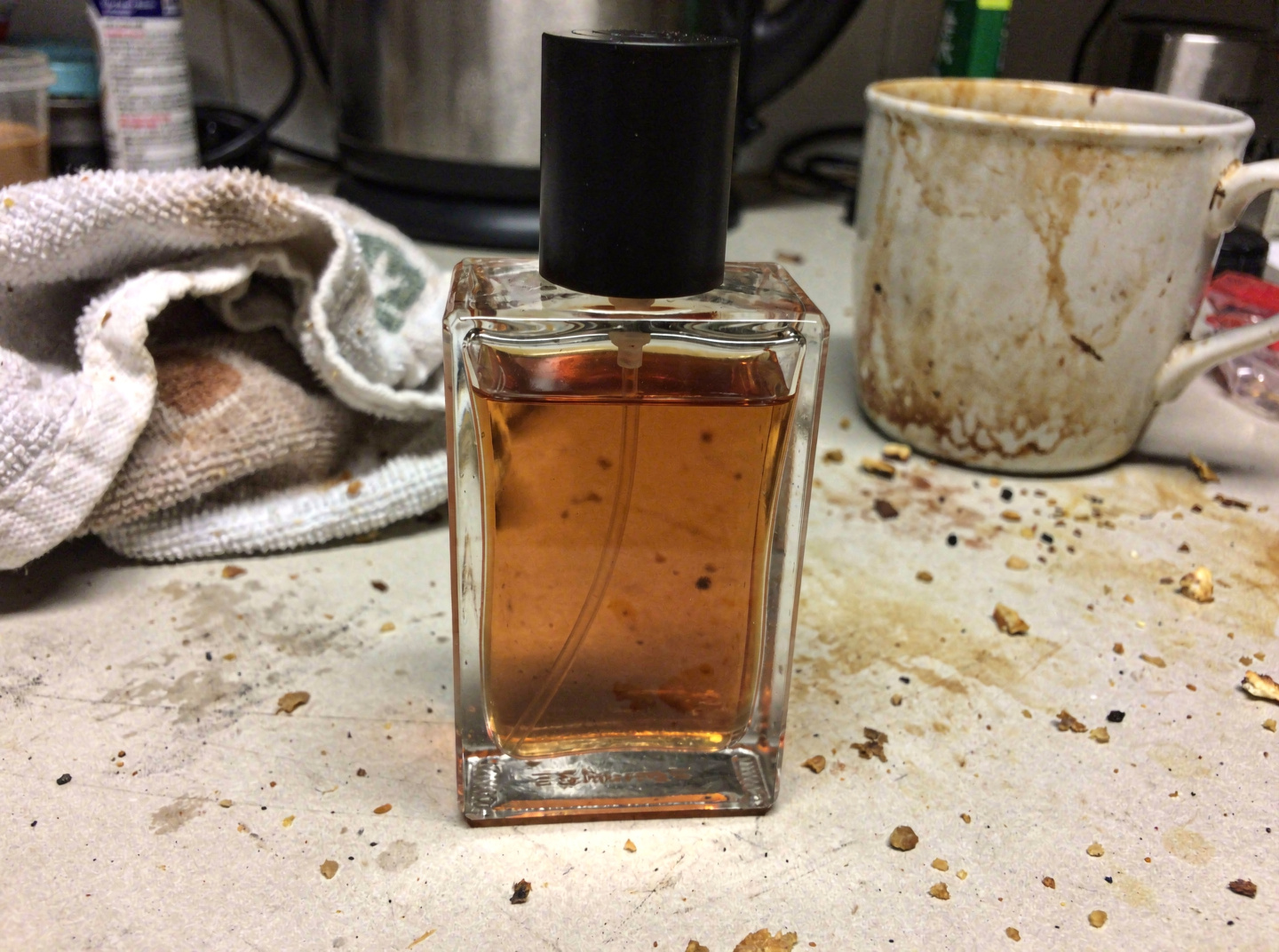

KEEP IT YOURS
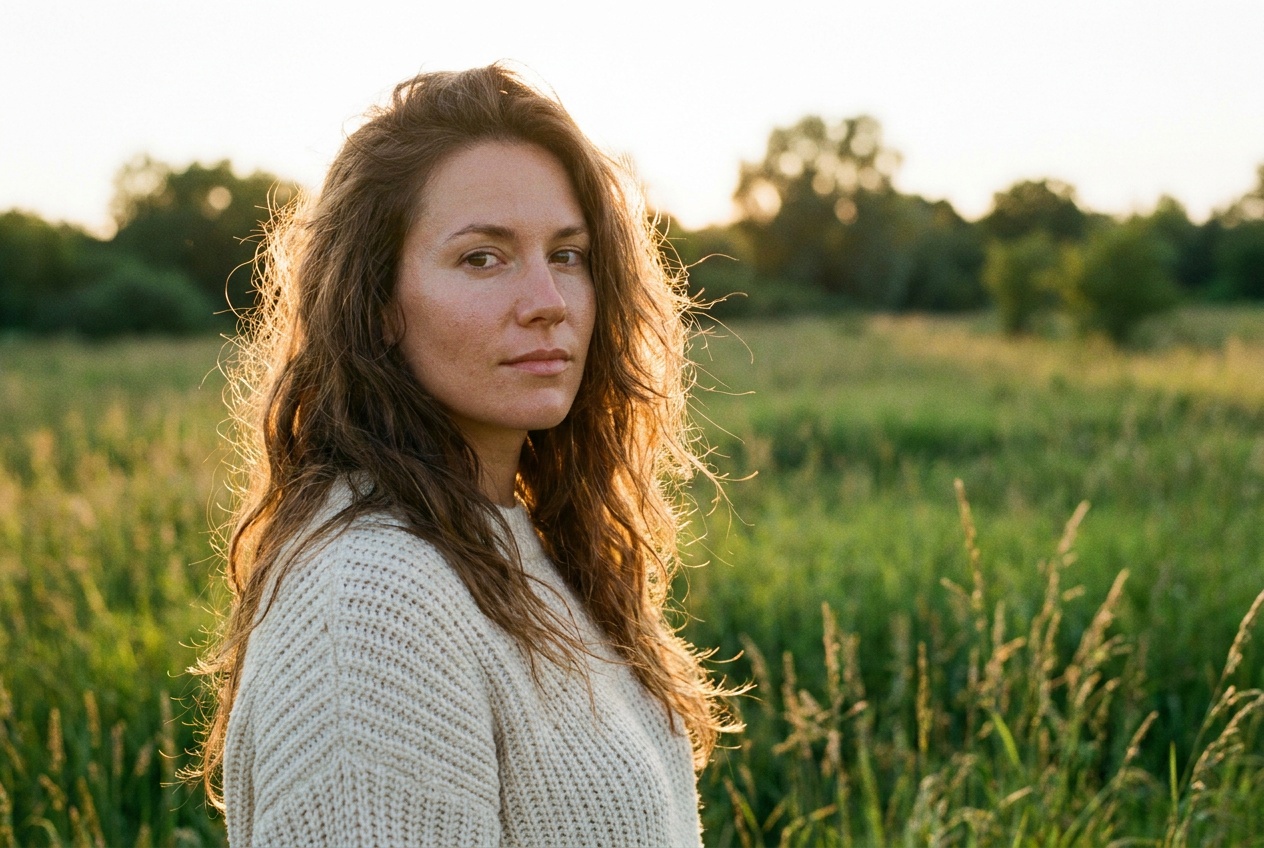
The same face, the same product and the same brand on every run.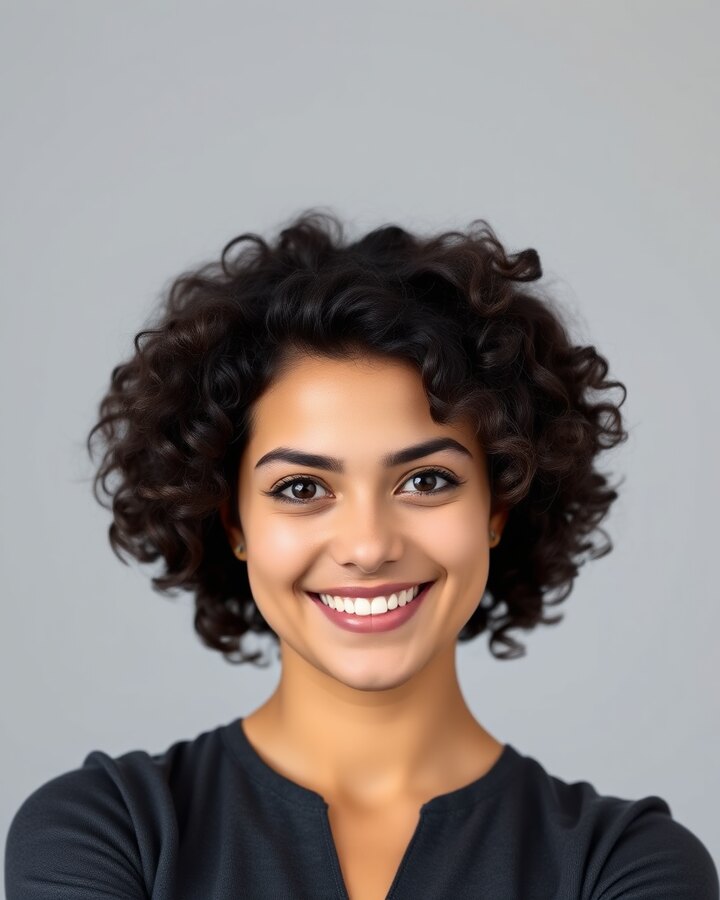

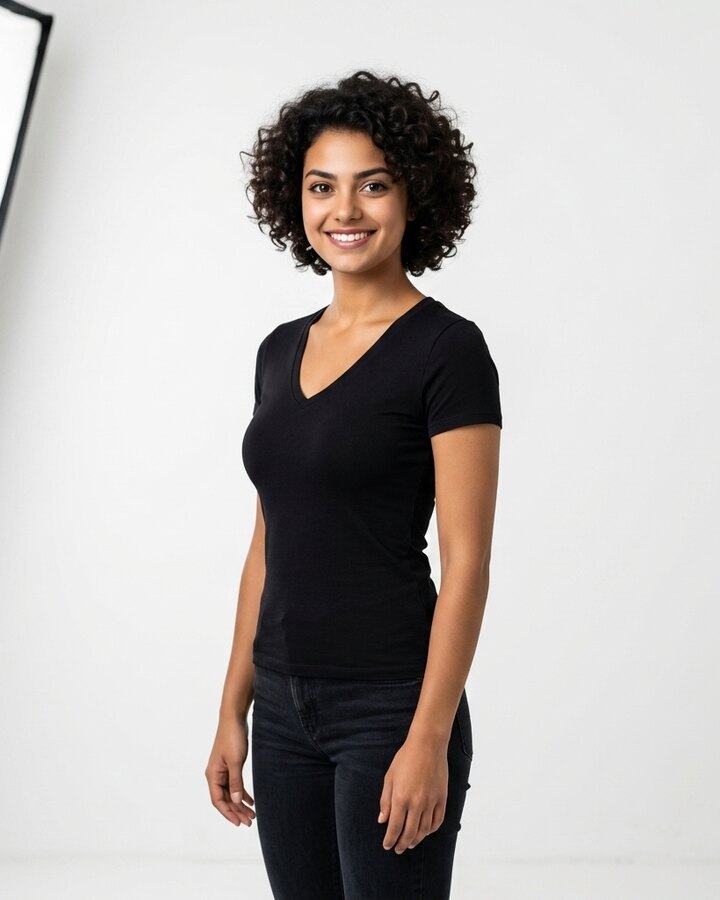

Consistent character
One reference photograph holds the face through every scene, wardrobe and light setup you ask for.
Lock a character →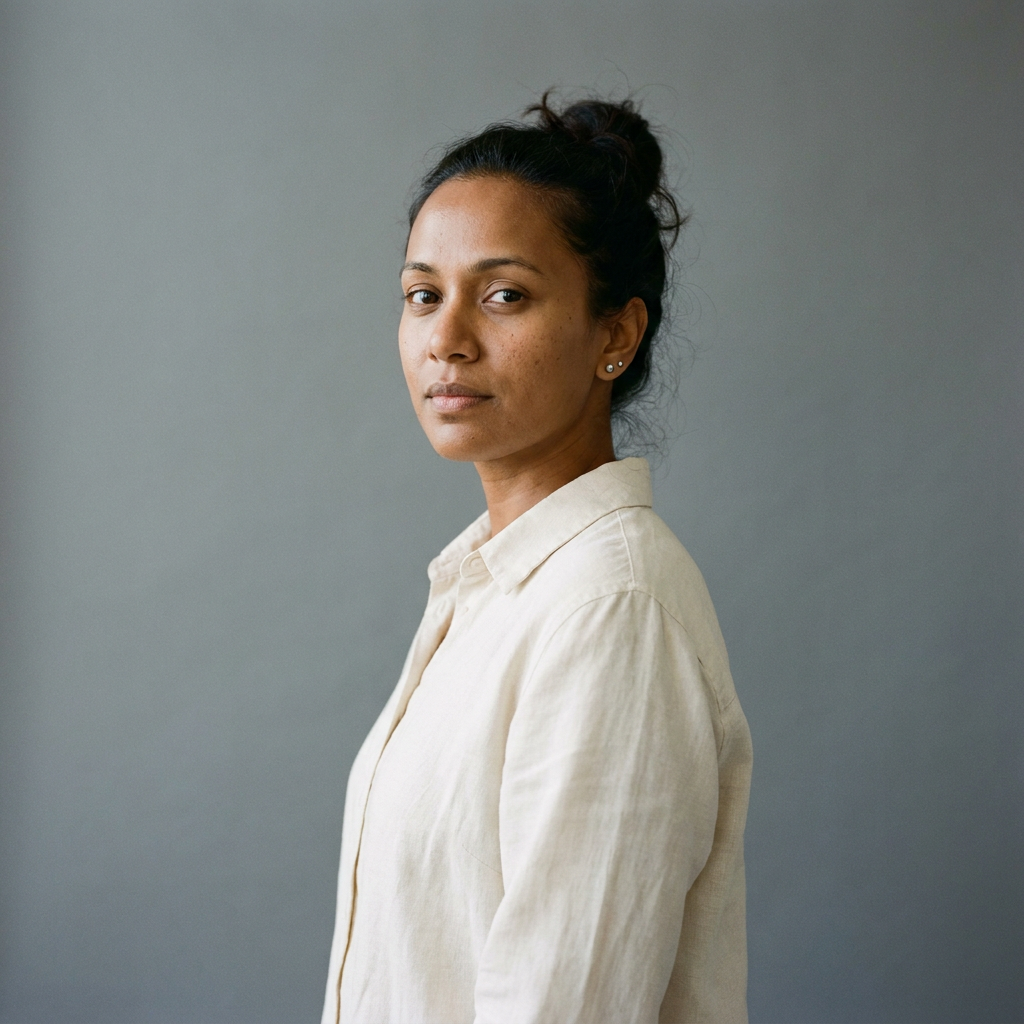
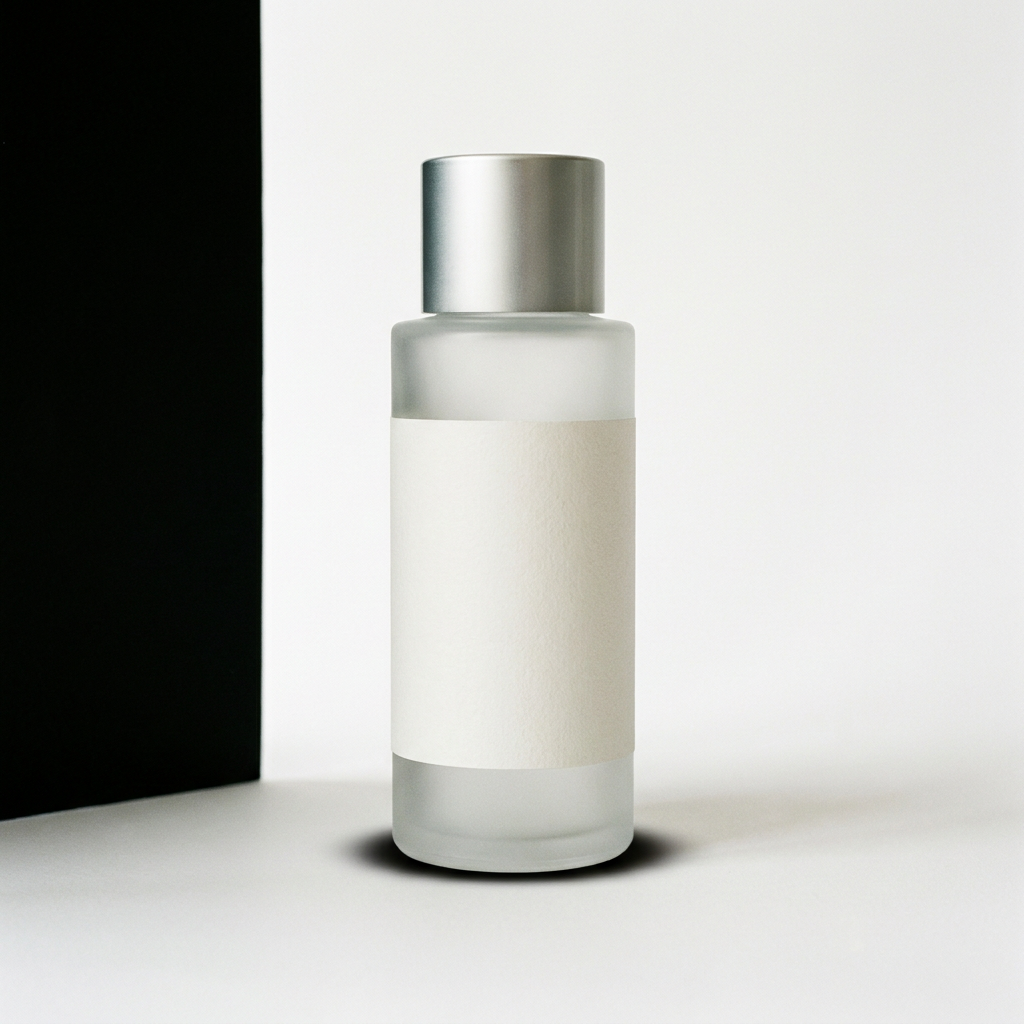
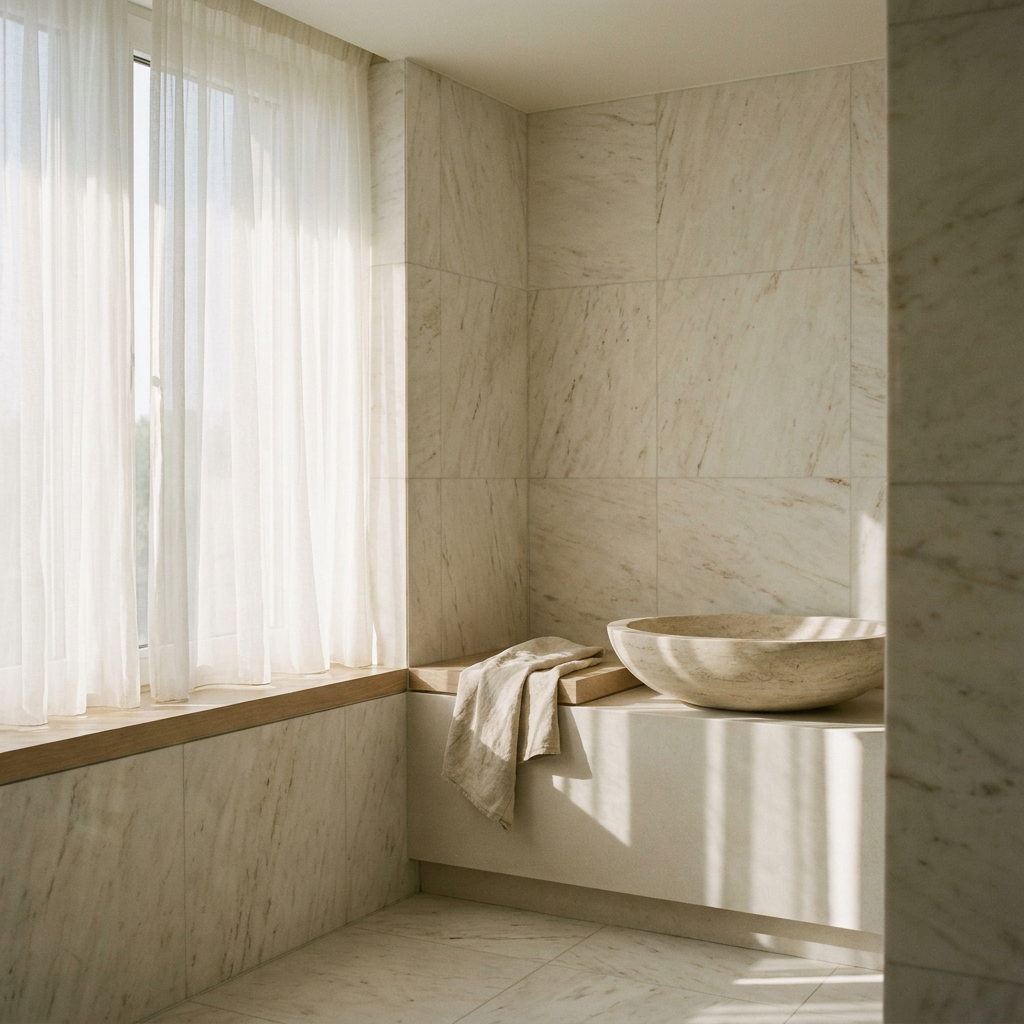
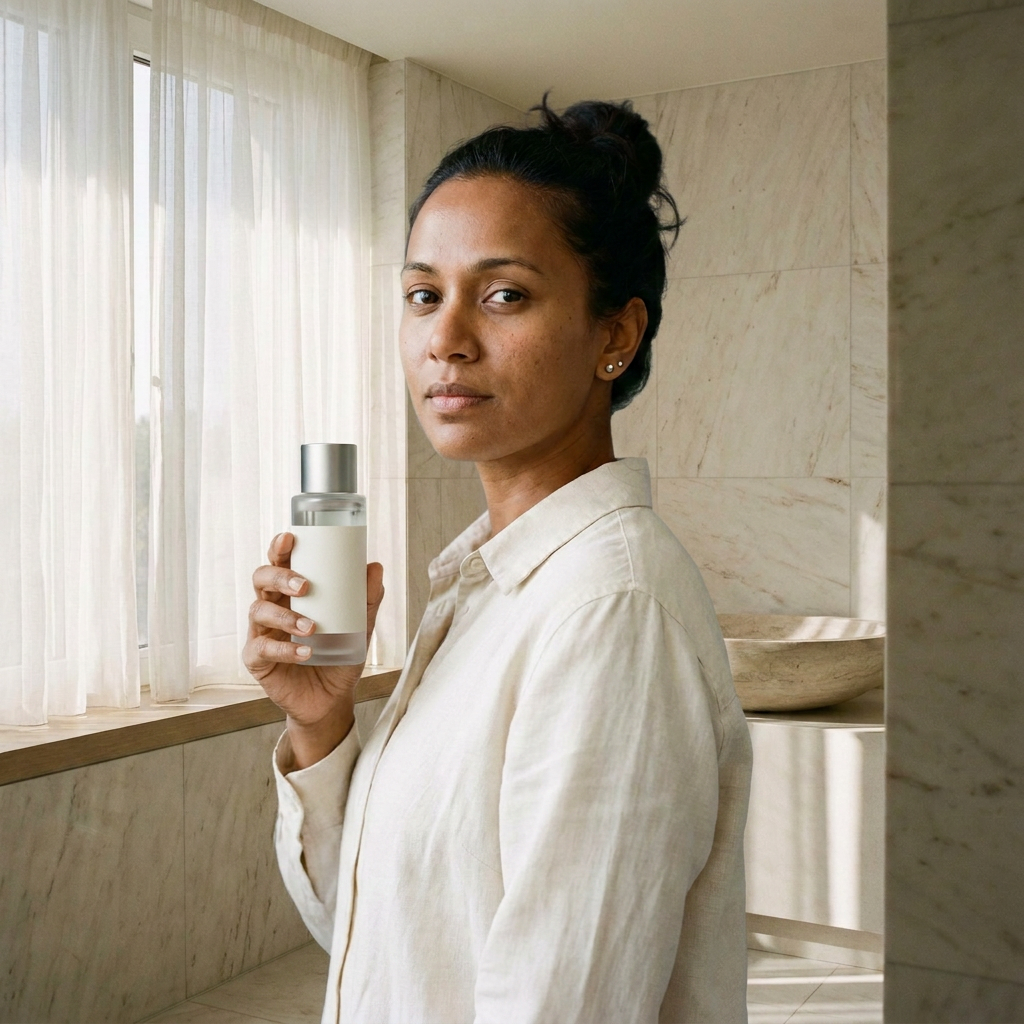
Multi reference
Feed the subject, the setting and the look at once, and the result carries all three instead of guessing.
Combine references →



Brand kit
Marks, palette and type saved once, then applied to every ad, thumbnail and product shot the board makes.
Open Brand Kit →RESTORE
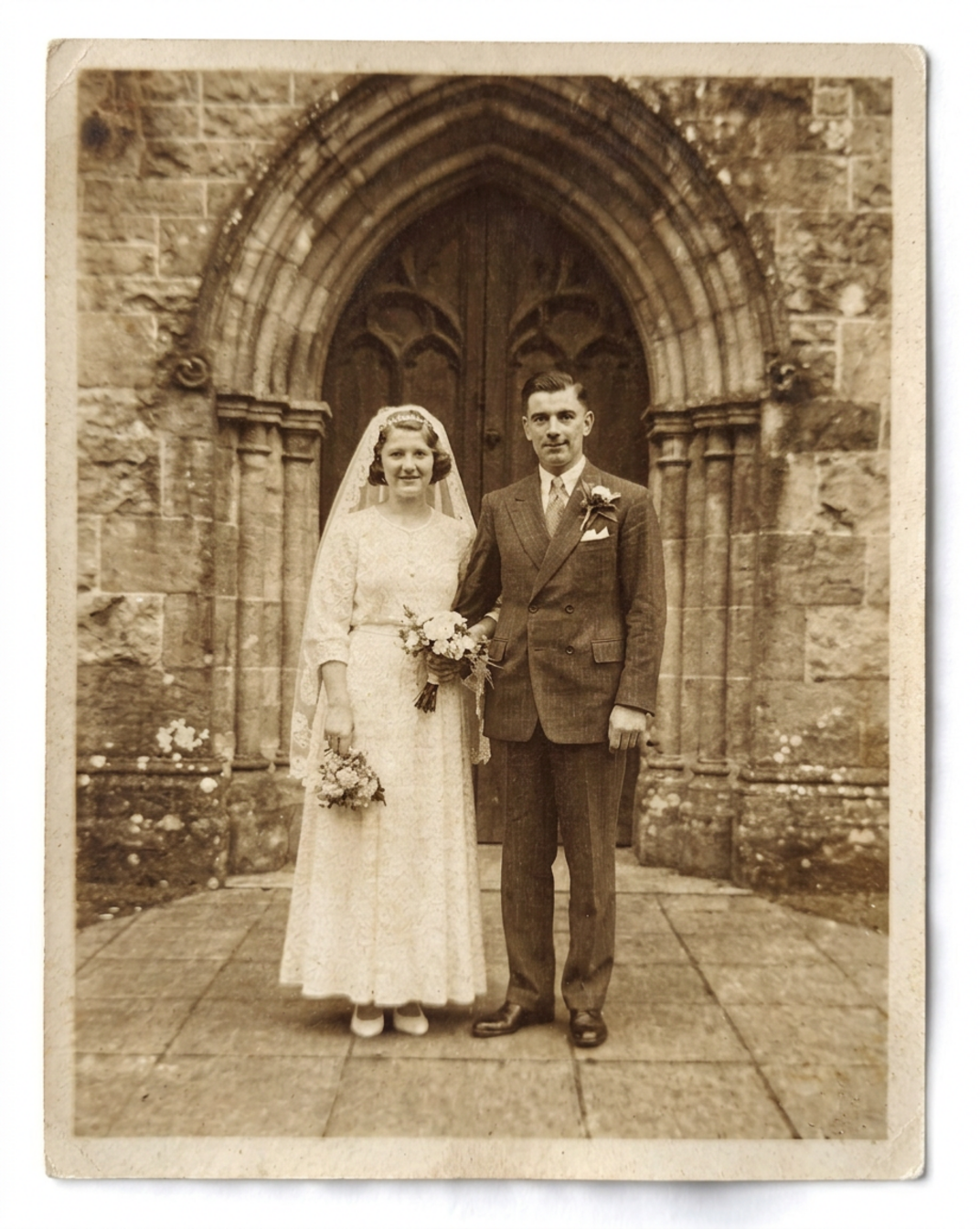
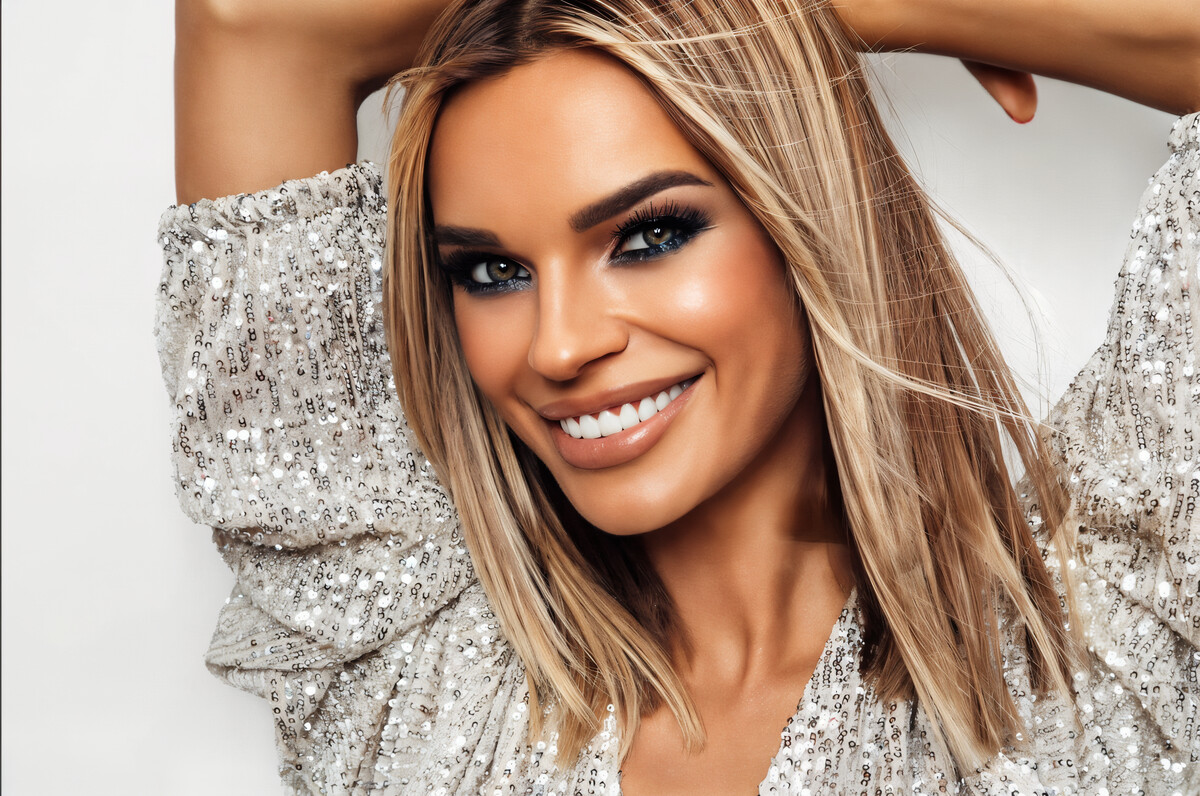
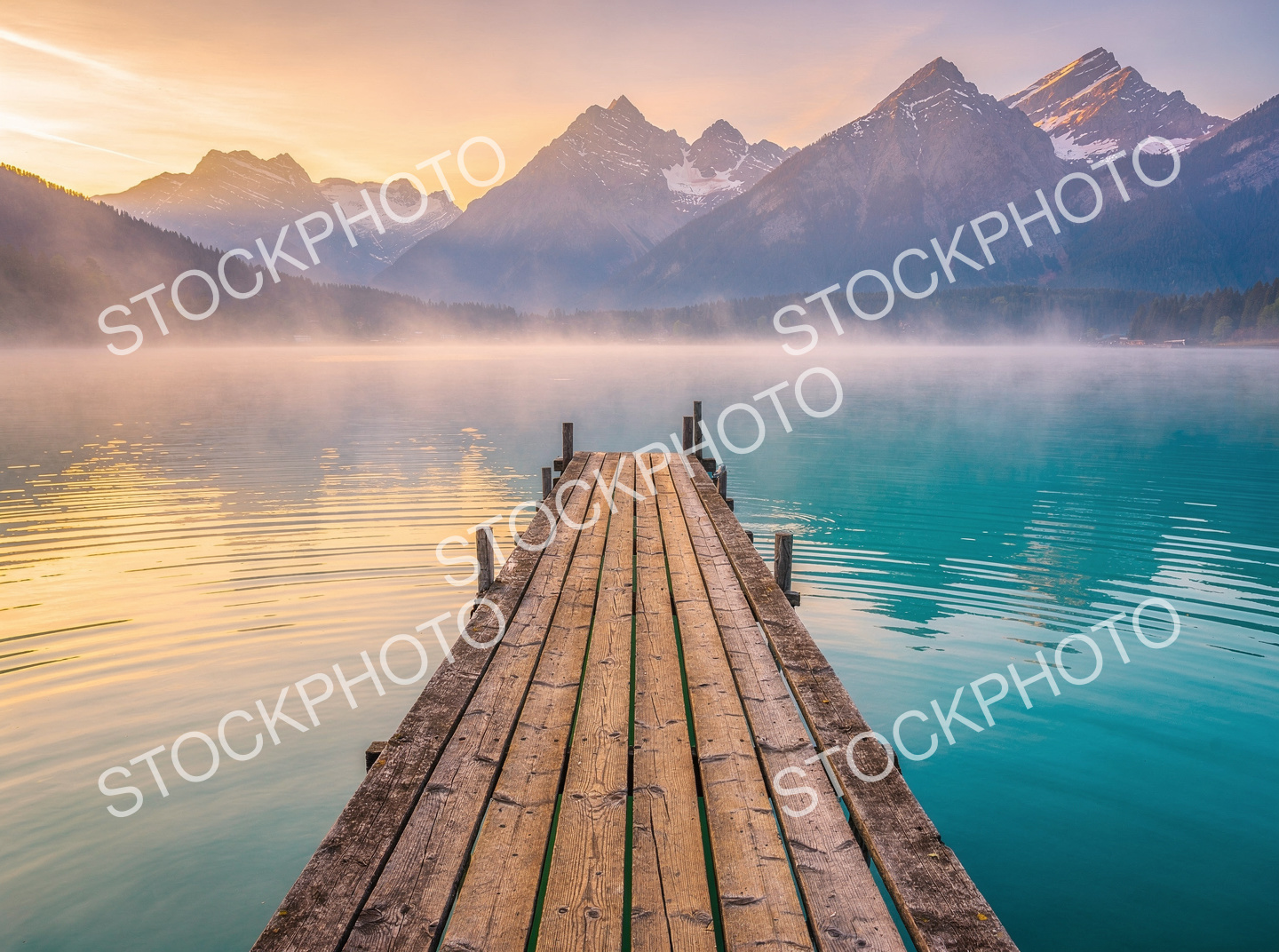
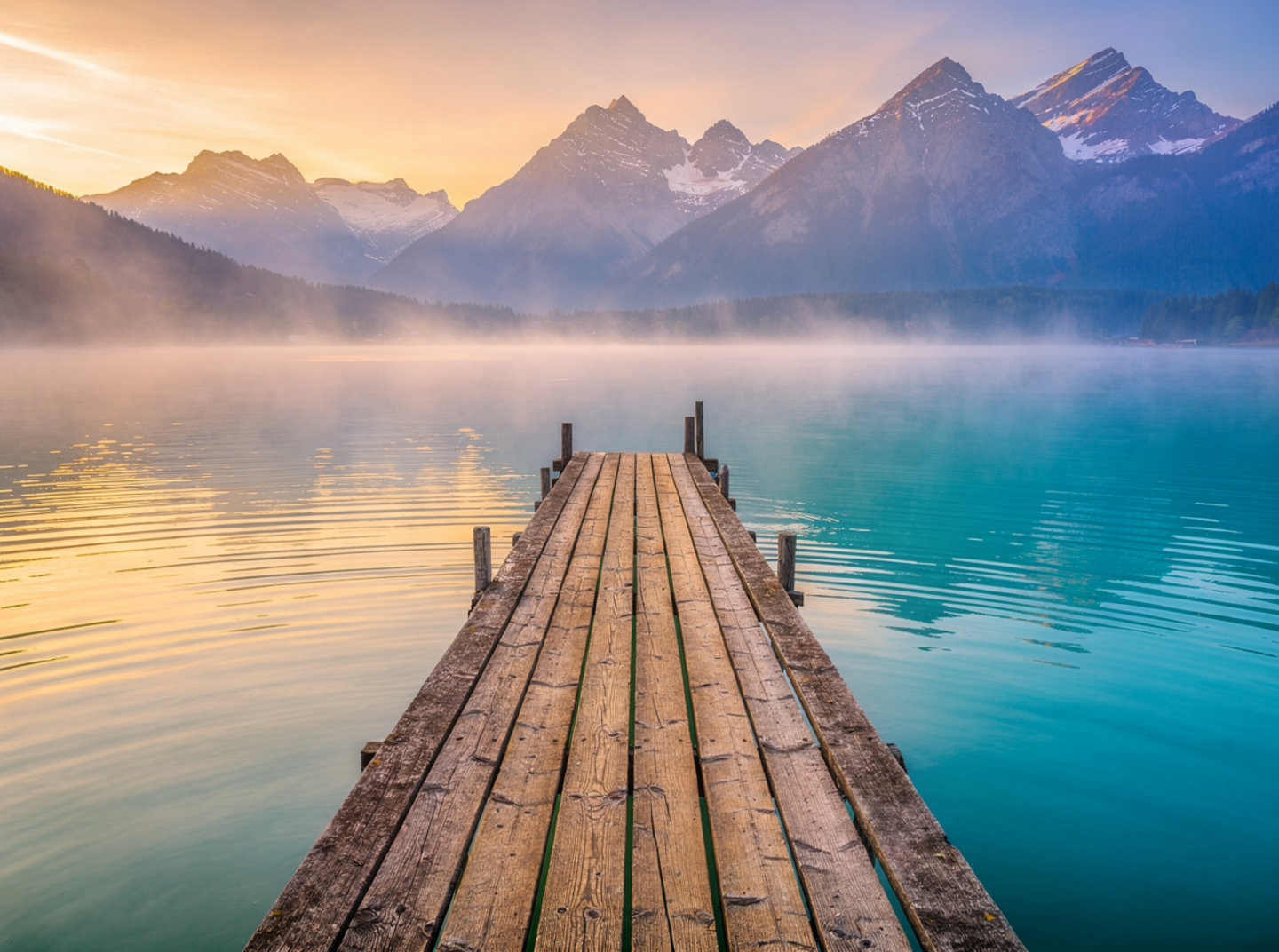
Old, soft or stamped. Drag the handle and watch the damage leave.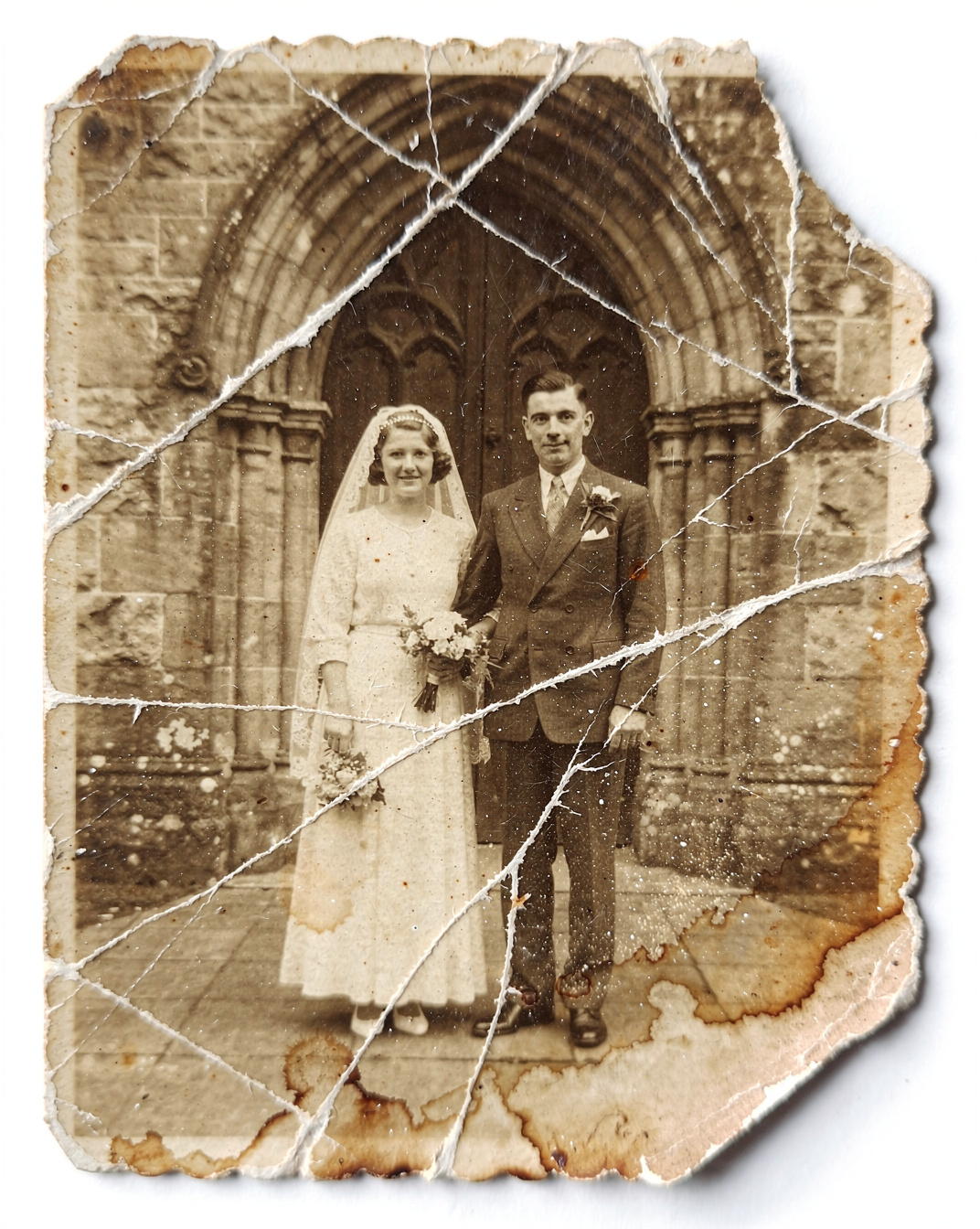
SCROLL THE WORLD
A camera that flies through your product while the visitor moves.Every position is one rendered frame, not a video seek, so the flight keeps pace with the hand and never stutters on a phone.
MADE ON LUXORET
Fresh public work from the community.


Start with one image or one line of text
No install, no seat licence. Open the board and run any tool on the page above.