Fill in what you want and hit Generate. Your results land here and in your projects.
Create Image
Start creating with Nano Banana Pro
Describe a scene, character, mood, or style, and watch it come to life
Make videos in one click
Pick a camera move or describe the motion yourself, every preset works on any picture.
Start creating with Kling O3 Standard
Rewrite any video with a sentence: same shot, new world. Upload a clip, type the change, the studio refilms it.
Start creating with Kling Lip Sync
Give any face a voice: upload a clip and a voice, the mouth follows every word.
Turn any product into a video ad
One product picture and one sentence become a full commercial: studio shot, action scene, reaction and soundtrack.
Turn one topic into a narrated explainer
The studio writes the script, paints every scene in one style and narrates it. Tap a scene to read its line.
One photograph goes in, every shot that comes out is the same person.
Drag the handle: on the left the picture that went in, on the right what came out.
BeforeAfter
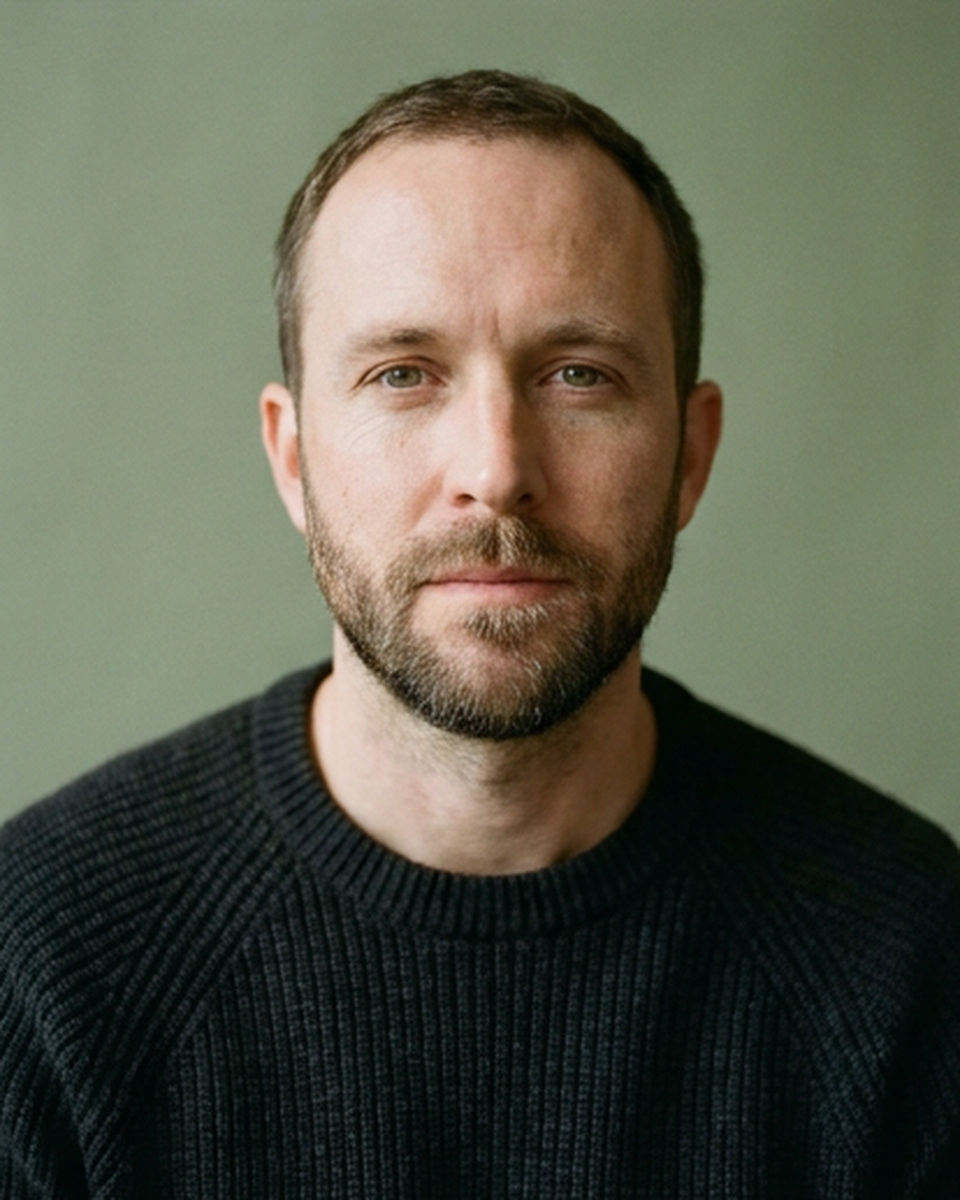
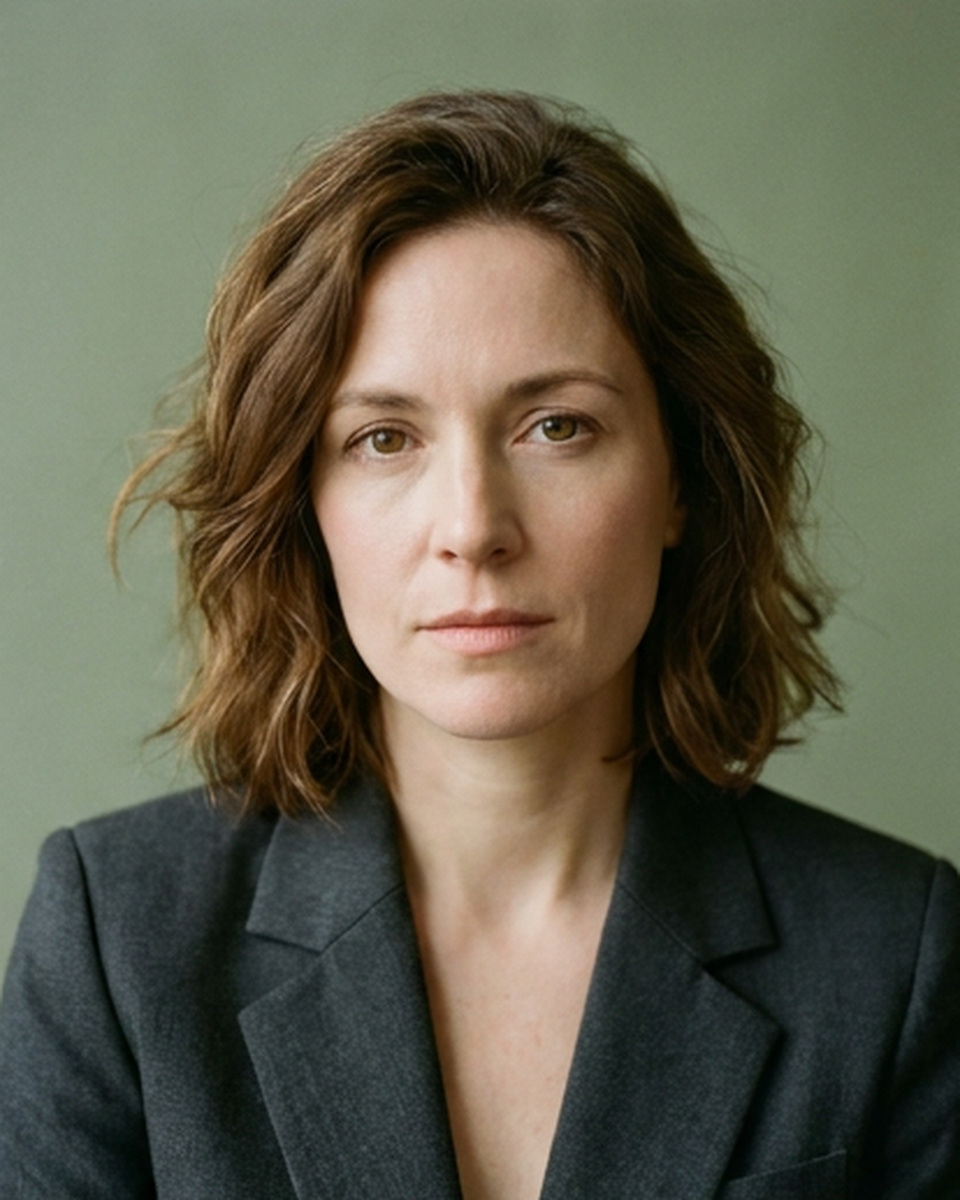
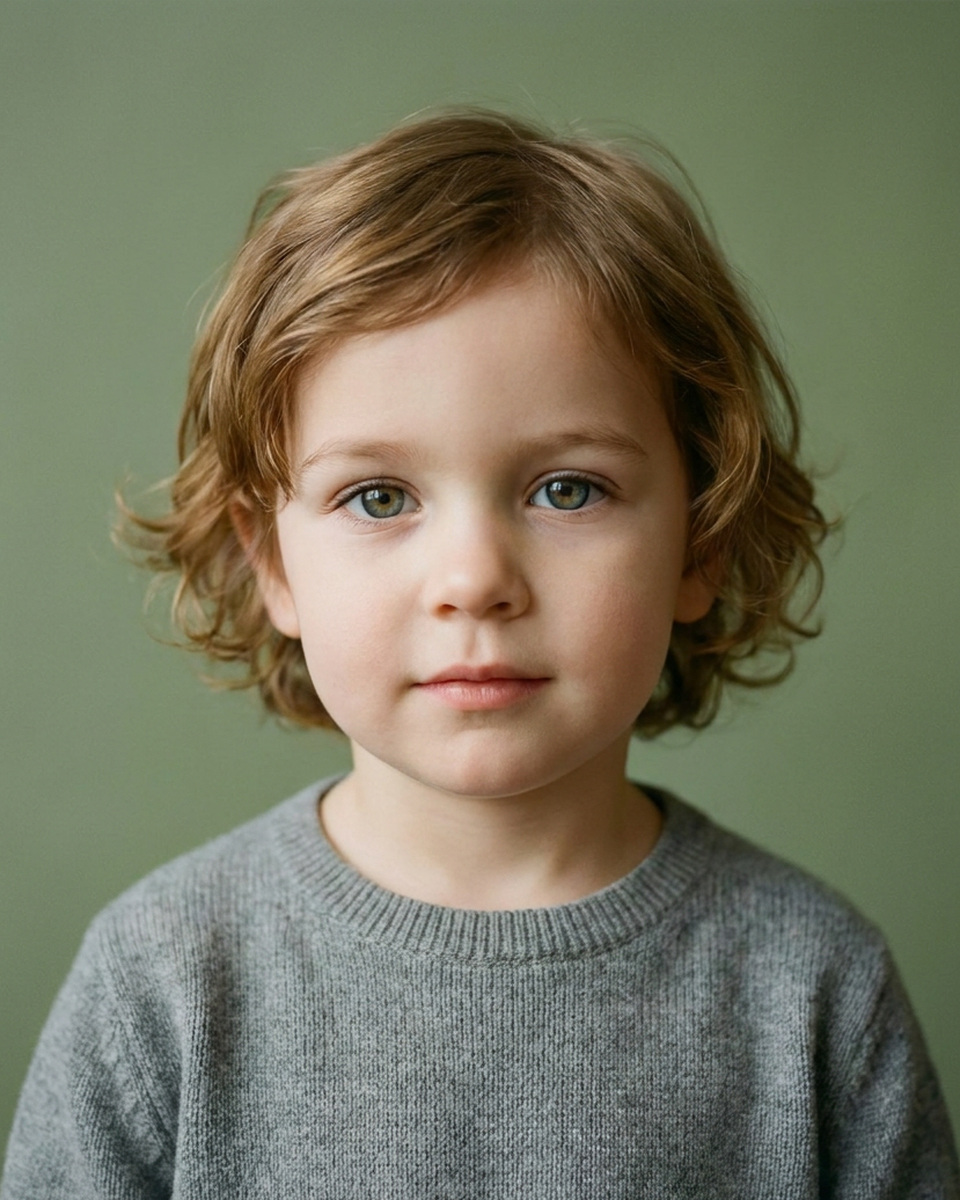
Two faces go in, the face of their child comes out.
=
Pick the language to translate into
Featured films
Start by copying motion from library
Generating...
Share to Community
Anyone can see shared work on the Community page. You can unshare it at any time.
Put this in a project
1/4
Face ID keeps the same person in every picture: click the + on the left, upload the face photo, then describe the new scene.
Upload your audio, pick the new voice below, hit Generate
1/4
Director panel
What are we making?
Say it in your own words. I pick the model, the format and the settings, then show you the card. Nothing is made and nothing is charged until you press the button on it.
How it goes
A vertical clip of a dancer in an empty concrete loft, daylight from the tall windows, slow camera
1. You write it in your own words. No model to pick, no settings to learn.
Dancer in a concrete loftKling 3 Pro, 9:16, 5sSlow vertical shot of a dancer moving in an empty concrete loft, tall industrial windows, soft daylight, handheld camera drifting closerMake it
2. The card comes back filled in. Nothing is made and nothing is charged until you press it.
3. One press and the clip lands right here in the thread, and in My Projects.
Press Enter to send. Nothing is made until you press the button on the card.
The studio writes the script, you make a picture and a voice for every scene, then Build joins them into one narrated video.