Concept Art Generator: Create Game & Film Visuals with AI
What Is Concept Art?
Concept art serves as the visual foundation for games, films, animations, and countless creative projects. It's the bridge between imagination and reality—transforming abstract ideas into tangible visuals that guide entire production teams. Traditionally, creating professional concept art required years of artistic training, expensive software, and countless hours of iteration. Now, artificial intelligence is revolutionizing this creative process.
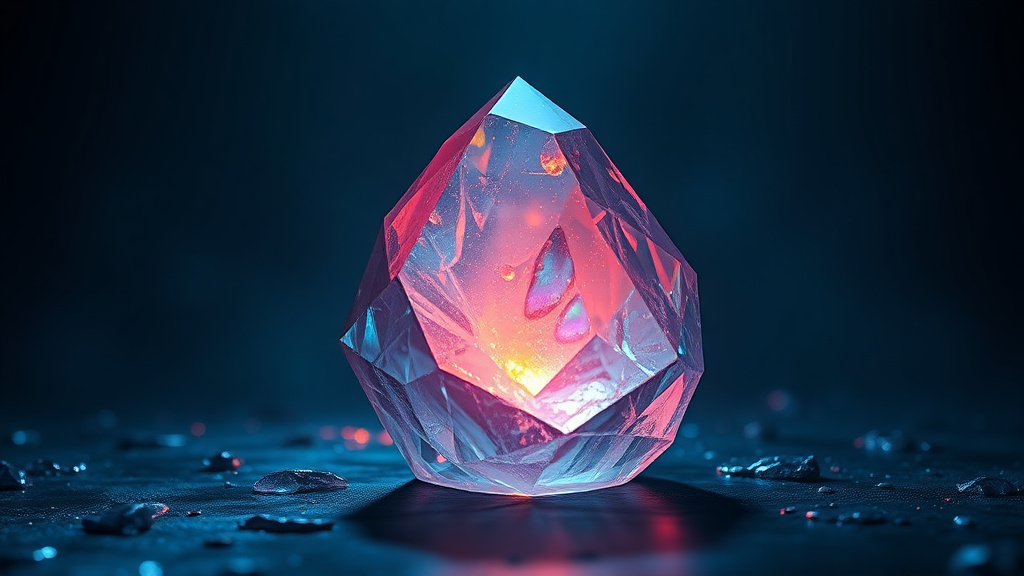
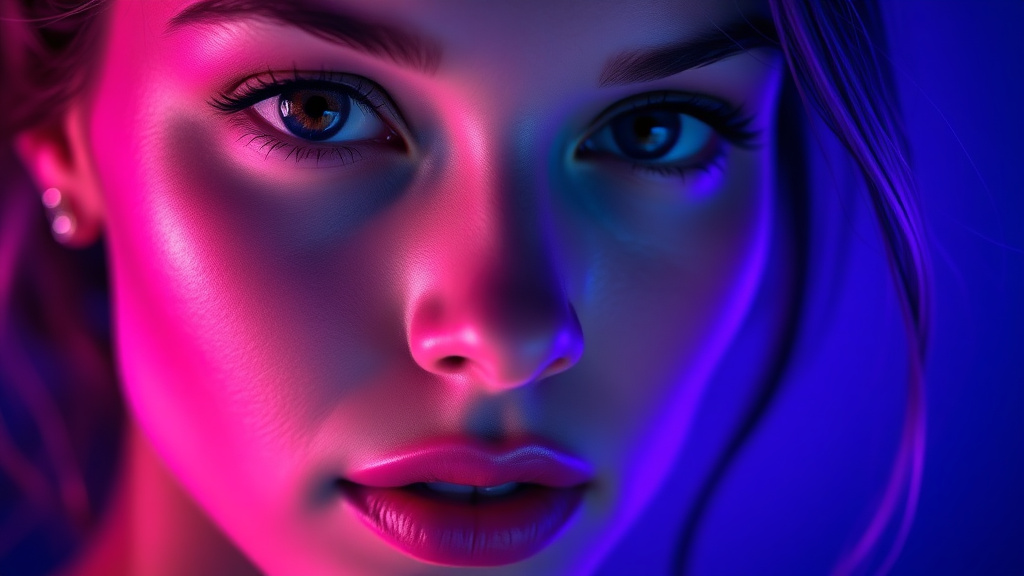
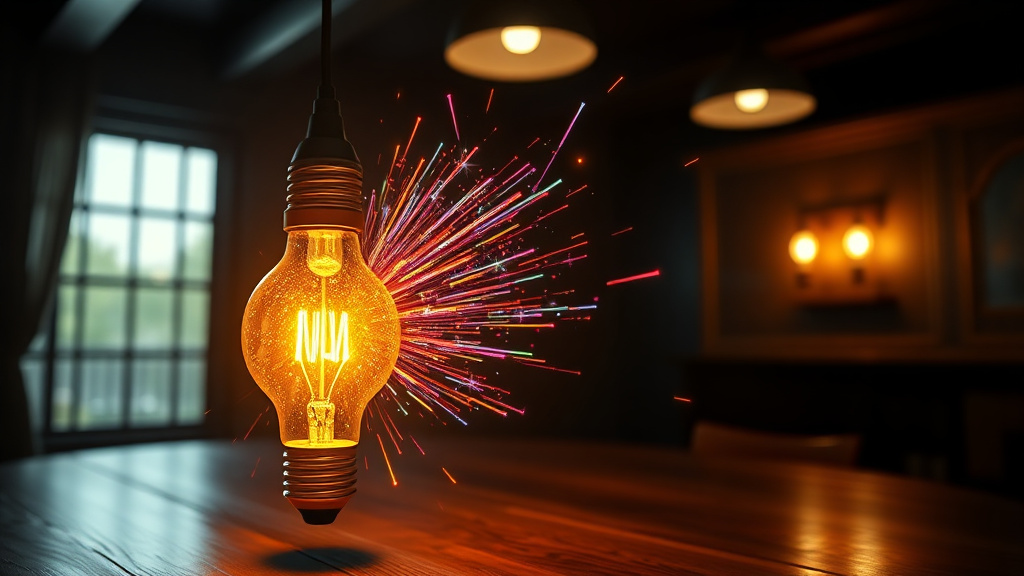
Luxoret's Concept Art tool empowers creators of all skill levels to generate professional-quality concept visuals in minutes. Whether you're a game developer sketching out a fantasy realm, a filmmaker visualizing a sci-fi cityscape, or a student building a portfolio, this AI-powered tool delivers detailed world-building visuals that bring your creative vision to life. The tool understands complex prompts and generates artwork that captures mood, atmosphere, and intricate details essential for pre-production work.
What makes this tool particularly valuable is its accessibility. You don't need expensive software subscriptions, advanced artistic skills, or technical expertise. Try Concept Art free on Luxoret and discover how AI can accelerate your creative workflow while maintaining the artistic quality that professional projects demand. From character designs to environmental landscapes, from vehicle concepts to architectural visualizations, this tool handles the full spectrum of concept art needs.
Key Features
- Advanced World-Building Capabilities: Generate expansive environments, intricate cityscapes, and detailed landscapes that establish the visual tone for entire fictional universes. The AI understands spatial relationships, atmospheric perspective, and environmental storytelling.
- Character and Creature Design: Create compelling character concepts with distinct visual identities, from humanoid heroes to fantastical creatures. The tool captures anatomical details, costume elements, and personality through visual design.
- Multiple Art Style Support: Switch seamlessly between realistic renders, stylized illustrations, painterly concepts, and technical blueprints. Match your concept art to your project's specific aesthetic requirements.
- Detailed Prop and Asset Visualization: Design weapons, vehicles, gadgets, and objects with the level of detail needed for production teams to understand form, function, and visual appeal.
- Mood and Atmosphere Control: Generate concepts that convey specific emotions and atmospheres—from dark and foreboding to bright and whimsical. The AI interprets lighting, color palette, and compositional choices that support your narrative intent.
- Iteration-Friendly Workflow: Quickly explore multiple visual directions for the same concept. Test different color schemes, compositions, and design variations without starting from scratch.
- Production-Ready Quality: Generate high-resolution visuals suitable for presentation to clients, inclusion in pitch decks, or use as reference material for production artists.
How to Use Concept Art: Step-by-Step
Best Use Cases
Independent Game Development: Solo developers and small indie teams often lack dedicated concept artists but need strong visual direction. Use the tool to visualize game environments, character designs, enemy creatures, and UI elements before committing to production. Create a cohesive visual style guide that keeps your entire project aesthetically consistent.
Film and Animation Pre-Production: Directors and producers can quickly visualize scenes, set designs, and key moments before expensive production begins. Generate concept art for location scouting alternatives, costume design explorations, or to communicate visual ideas to cinematographers and production designers. This accelerates the pre-visualization process and helps secure funding by showing compelling visuals.
Tabletop RPG and Worldbuilding: Dungeon masters, game designers, and worldbuilders can bring their fictional universes to life with visual representations of locations, NPCs, magical items, and creatures. Share these visuals with players to enhance immersion, or use them in published campaign materials and rulebooks.
Marketing and Pitch Presentations: Entrepreneurs and creative professionals pitching new IP, games, or entertainment properties need compelling visuals to sell their vision. Generate professional concept art that makes pitch decks more persuasive and helps investors or publishers visualize the final product's potential.
Student Projects and Portfolio Building: Art students, game design students, and aspiring filmmakers can use the tool to rapidly prototype ideas, explore different visual styles, and build diverse portfolios. It's particularly valuable for students who excel at ideation but are still developing technical artistic skills.
Content Creation and Social Media: YouTubers, streamers, and content creators developing fictional narratives, reviewing games, or creating storytelling content can generate custom visuals that make their content more engaging and unique. Use concept art as video thumbnails, channel art, or visual aids during storytelling segments.
Pro Tips for Better Results
Layer Your Descriptions: Structure your prompts in layers—start with the main subject, add environmental context, specify lighting and mood, then include style preferences. For example: "Cyberpunk street market (subject) in rain-soaked alley (environment), neon signs reflecting in puddles (lighting detail), gritty and atmospheric (mood), in the style of Blade Runner concept art (style reference)." This hierarchical approach helps the AI prioritize elements correctly.
Use Art Movement and Artist References: While you should avoid copying specific artists, referencing art movements or general styles can guide the aesthetic. Terms like "art nouveau architecture," "brutalist design," "impressionist color palette," or "baroque detailing" give the AI clear stylistic direction without requiring you to be an art history expert.
Specify Perspective and Composition: Control how your concept is framed by including compositional terms. "Wide establishing shot," "close-up detail view," "three-quarter perspective," "bird's eye view," or "dramatic low angle" all influence how the AI composes the image, giving you more control over the final result.
Experiment with Lighting Descriptors: Lighting dramatically affects mood and readability. Try terms like "golden hour warmth," "harsh overhead lighting," "rim lighting," "volumetric fog," "bioluminescent glow," or "dramatic chiaroscuro." Lighting language is particularly powerful for creating atmosphere in concept art.
Iterate with Variations: Once you get a result you like, create variations by changing just one or two elements in your prompt. This helps you explore the design space around a successful concept without starting over completely. You might keep the same environment but change the time of day, or maintain the character design but alter the color scheme.
Frequently Asked Questions
Is Concept Art free to use?
Yes! The Concept Art tool is available for free on Luxoret.com. You can generate professional-quality concept visuals without any subscription fees or hidden costs. Luxoret provides access to this and over 200 other AI-powered creative tools as part of its commitment to democratizing creative technology for everyone.
What file formats does it support?
The tool generates high-quality image files that you can download and use in your projects. The outputs are compatible with standard image formats that work seamlessly with professional creative software, presentation tools, and web platforms. You can easily import the generated concept art into Photoshop, game engines, video editing software, or presentation applications.
Do I need artistic skills to use this tool?
Absolutely not! That's the beauty of AI-powered concept art generation. You need creative vision and the ability to describe what you imagine, but you don't need drawing skills, knowledge of perspective, or technical artistic training. The tool handles the visual execution while you focus on creative direction and ideation.
Can I use the generated concept art commercially?
Yes, you can use the concept art generated through Luxoret for commercial projects, including games, films, marketing materials, and published content. The visuals you create can be incorporated into your professional work, pitch presentations, and commercial releases. Always check Luxoret's current terms of service for the most up-to-date usage guidelines.
How detailed can my prompts be?
The more detailed, the better! The AI is designed to handle complex, nuanced prompts with multiple layers of description. You can specify everything from broad concepts ("fantasy castle") to minute details ("weathered stone texture with moss growing in the mortar cracks"). Detailed prompts give the AI more information to work with, resulting in outputs that more closely match your vision.
What if the generated art doesn't match my vision exactly?
Concept art generation is an iterative process. If your first result isn't perfect, refine your prompt with more specific language, adjust the style descriptors, or add details about elements that weren't captured correctly. Think of it as a conversation with the AI—each generation teaches you how to communicate your vision more effectively. Most professional users generate several variations before landing on the perfect concept.
Can I create concept art for different genres?
Absolutely! The tool excels across all creative genres—fantasy, sci-fi, horror, historical, contemporary, post-apocalyptic, steampunk, cyberpunk, and more. The AI has been trained on diverse visual styles and can adapt to whatever aesthetic your project requires. Whether you're creating a whimsical children's game or a gritty dystopian film, the tool can match your genre's visual language.
Start Creating with Concept Art Today
Whether you're developing the next indie game hit, pitching a film concept, or building immersive worlds for your creative projects, professional concept art is no longer out of reach. Luxoret's AI-powered tool puts Hollywood-quality visualization capabilities in your hands—no artistic degree required. Try Concept Art now — it's free and transform your creative ideas into stunning visuals that inspire teams, impress stakeholders, and bring your imagination to life.